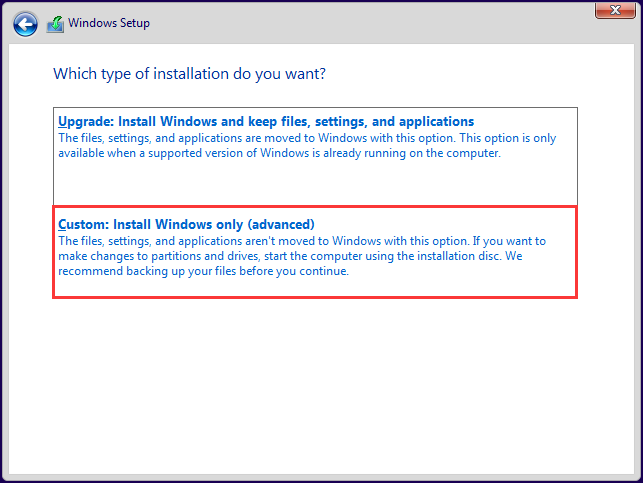
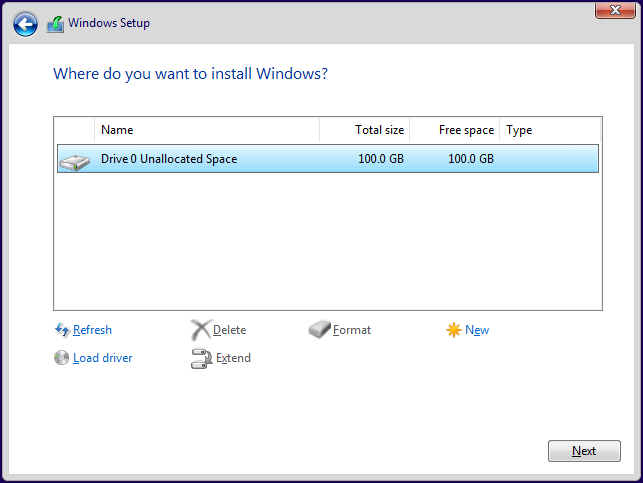
I am preparing usb like this rn uefi as you said:
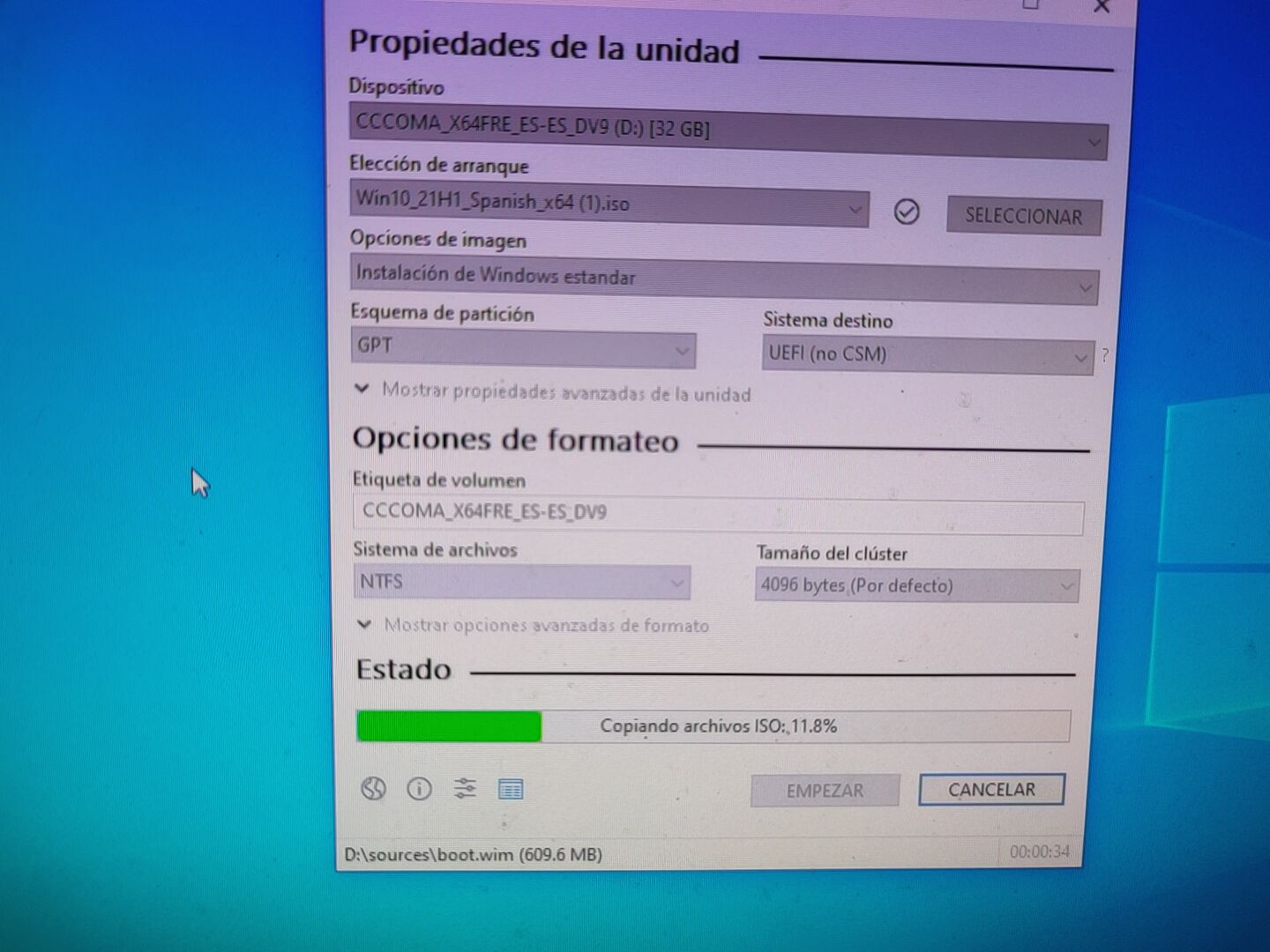
I am preparing usb like this rn uefi as you said:
Of course I already understand you,
Well then I already loaded the usb in uefi as I showed you in the image, now in bios I choose uefi not legacy only uefi, then in boot, I choose the Nmv(pat…)
After I save I exit and key f12 I go to the installation with usb and the nmve should appear
It’s right?
IF the mod is ok and flashed in the system, then YES it will show only 1 destination drive, the empty EVO.
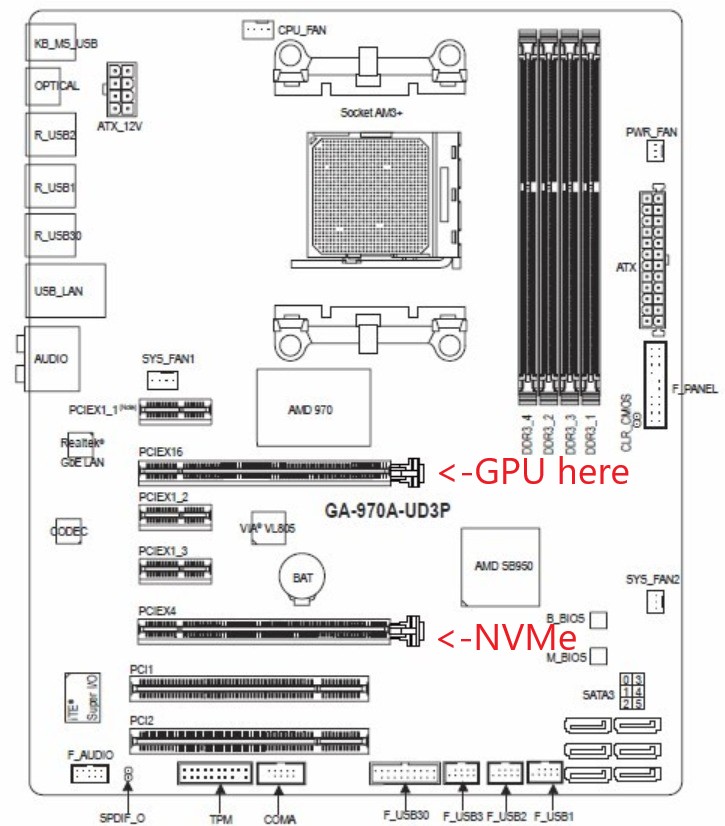
EDIT: Oh jesus…leave the damm graphics alone… it has nothing to do with NVMe. Install the damm Windows on the NVMe as UEFI, thats it.
Can u possible explain to me how do wanna run the system if u take out the GPU that is needed in ur current system? Does ur processor has iGPU? Im i dumbass here or wot?
Well I put everything as it should be, but one last thing in a photo that I saw of the bios configuration
You do not see the graphic card in the bios, so should I also remove the graphics card and only do it in the samsung evo adapter?
Because if I remove the graphics card, it won’t give video and I won’t be able to see anything or what can you tell me about this?
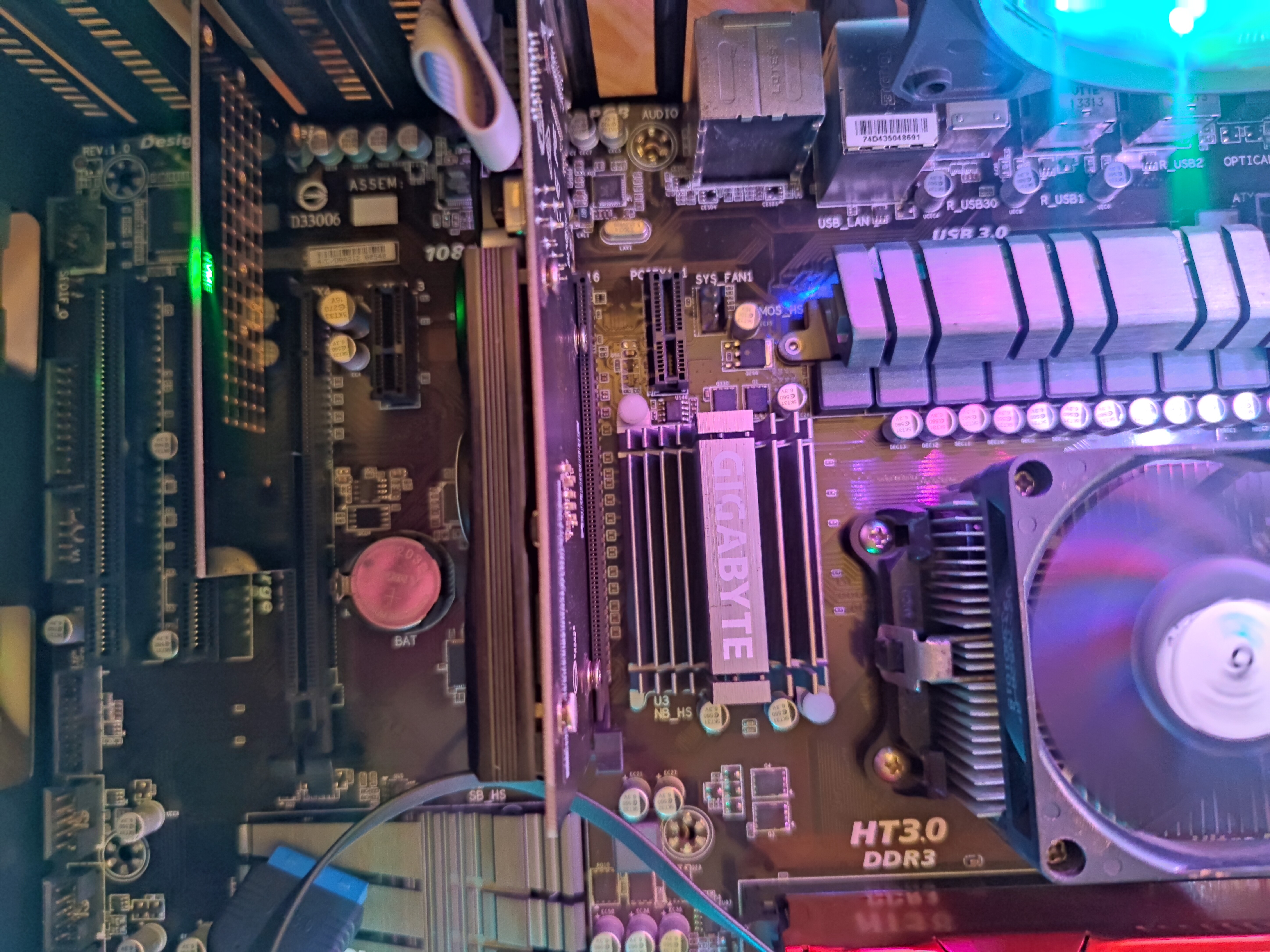
Then I show you the last photo where my graphic appears and tell me if I should remove it or not please
Only that is the last detail that I need to understand
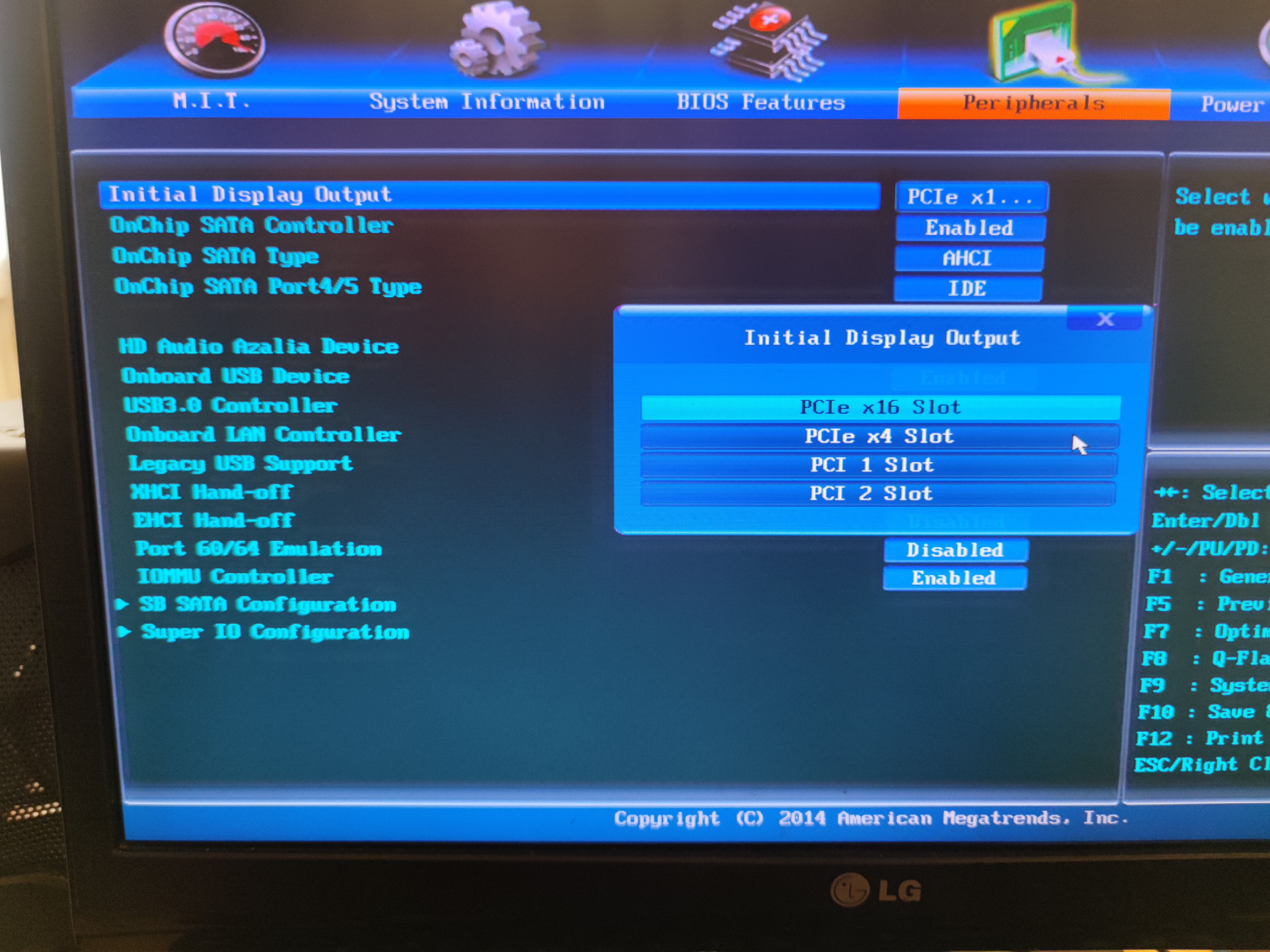
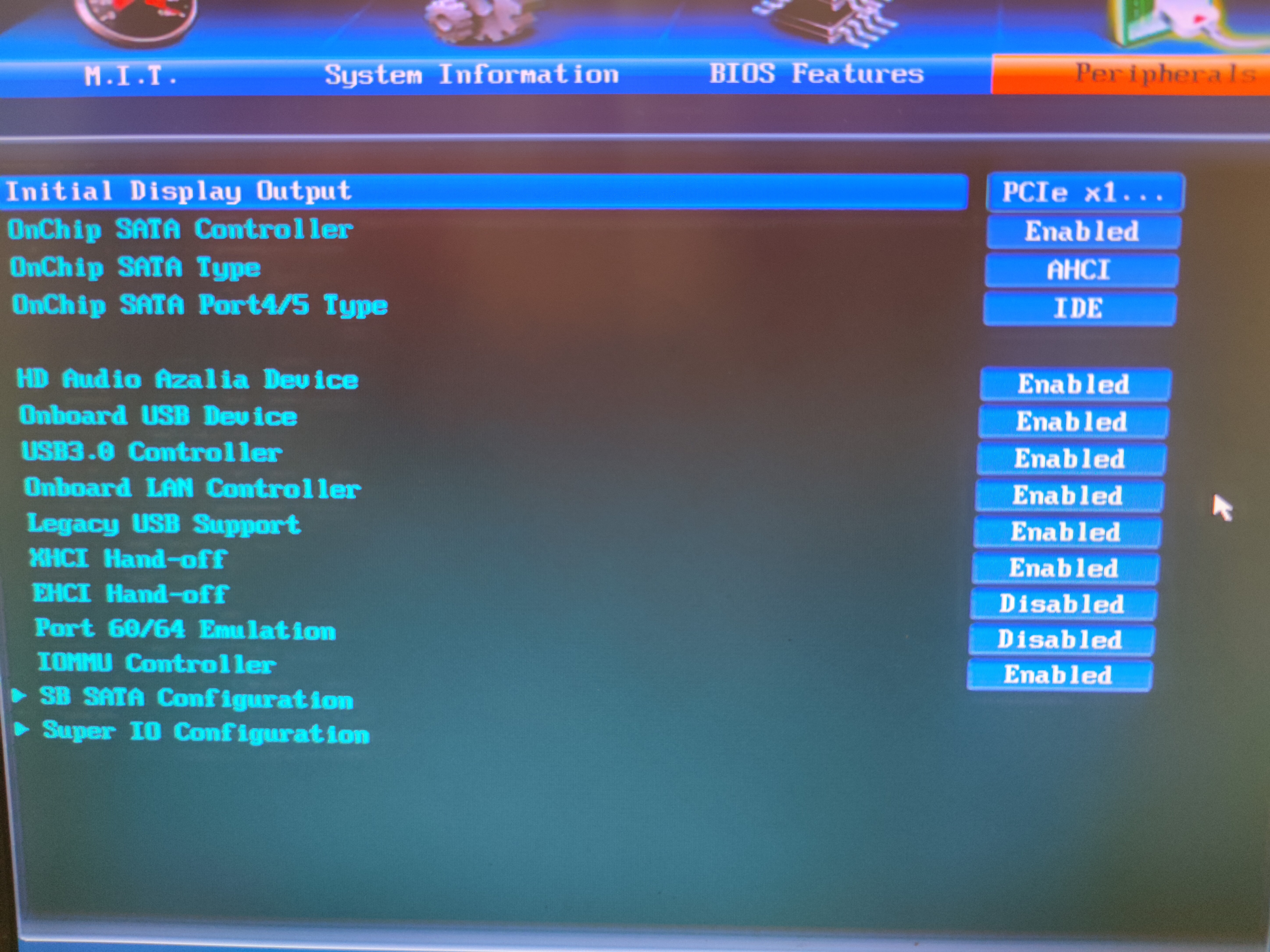
I did but i dont have video without disk hdd set its strange i set all,
I did that
Maybe it will be to change to this other update bios that I am showing because I used the first two and I did not get anything, I do not know if that is recommended
Maybe it is also that it does not appear because when I Opened desktop I choose MBR but do not assign any letter in management disk,
or I do not know what I could have done wrong
Well I retire I have noticed that the evo plus is not fully compatible recognizes it in management disk and other times it does not even appear so I think that the evo plus is not compatible, that I thought since yesterday according to lei because they do not mention this model but if the 970 evo and 970 pro the plus does not support it, and proof of this is my case, that a while I am seen in the pci in management disk and others not, gives proof of my theory, in the same way thank you very much for your help, good day
Thank you, finally this last time and last attempt to install in the samsung evo plus (m2) I wanted to ask you is that the adapter does not have cooling included for the m2, you will have problems
Already what days ago when I was still trying this notice that it heats up a lot, is not necessary some cooling? or I must buy an adapter with cooling included, in the same way I saw in the photos they left on their datators
I hope some answer thanks
up
Hi! Can you upload the modified 970A-UD3P rev 2.0 bios file somewhere, which is a mnve card? The installer, the Windows disk manager sees it, if I give it a letter I can do anything with it, but I can’t boot an operating system from it. I saw the file above, but it’s probably rev 1.0 version. Q-flash can’t use it on the motherboard. It likes the FC extension, but it doesn’t matter, just read it! Thank you very much!!
970a-ud3p_f2n-NVME-Settings-Mod.zip (2.8 MB)
It’s been 6 years since, back then, when we modded this BIOS… I got an email about this reply, and I’m uploading the latest file we’ve made back then in case it helps. Cheers!
PS: I no longer have this motherboard at hand to test anything. Just found the file I’m attaching. 
Thank you! I found a 970AUD3P_NVMEM.f2n file here on the forum, it was about 20 minutes earlier. It also said the same thing as the one you sent: BIOS ID check error. It doesn’t even let me install it, it throws this text at about 25% in the reading phase. I don’t know how to put something like that in. NVMe card, a current 1 TB Kingston NV3, and of course a converter that fits into PCI-E4.0 X1, X4, X8, X16 slots. The machine sees it, okay, but I can’t set it to boot. This motherboard is officially released up to version fc. I found versions fg and fn, but I don’t know if this is a modification of fc?
I see! So you’re saying it will work fine with Windows Boot Manager? That’s fine with me. There are a few things on my motherboard, for example, there’s no secure boot, I think there’s one less thing I need to disable. Now I won’t bother with it this evening. CMS would only appear for Win 8, but that didn’t make Pata appear, or anything under that name, but the machine can see it. I’ll go through the rest tomorrow, it’s too late today. Then I’ll have to go through the installer again, because the gpt partition was selected, but I didn’t set anything else under it. I didn’t look at the Advanced option, and exFAT would be there. Thanks for the description! To be honest, I didn’t read until the fourth point, I thought the first three had to be completed. I don’t care how you boot from the NVMe card, just start from that, because it’s faster. Especially since I put it in the x16 slot, so there might be some extra speed. Thanks!
There is a small problem though. When selecting a Win 11 25H2 disk image, it does not allow you to use the NTFS file system.
What’s this then??? %#%$#%$##%???

It won’t let me. I think it might work with less than 4 gigs, but the installer is around 7 gigs. So what’s the next step? There’s no working BIOS mod version, and exFAT32 can’t be set. Is there any other solution? Besides buying another computer…
Nonsense… a bit of ignorance on your part maybe.
You can also partition any USB drive but the ideal ones are 8/16Gb.
Bios mod files has nothing to with Win media preparation.
Guide for NVMe mod here. Start working on it.
I’ve run out of small pendrives, the smallest is around 128. But you also wanted to put it on 64 Gigabytes, and it was exFAT32. I’ll look around, I had a 16 Gigabyte one at home a while ago.