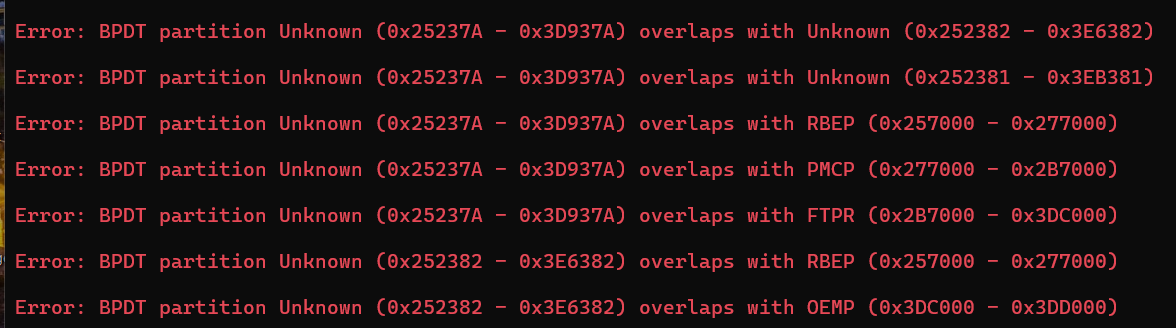
Recently, I got a broken laptop from a friend. The laptop cannot perform an EZ Flash update, and it looks like the BIOS is corrupted. Since the chipset cannot be identified, I would like to know what further steps I can take.
Here is the bios file.
Edit by Fernando: Thread moved into the “BIOS Problems” Category and title customized
Assuming no post, boot, display, led lights code…etc…
Open laptop, identify motherboard model, locate firmware ICs, identify the correct voltage to use on them, get a SPI programmer and dump contents, post it and wait further orientation.
Not an easy task for users without a minimum experience in such experience…
There are only two types of output. If no FAT32-formatted USB drive containing the BIOS file in its root directory is detected, a prompt appears instructing you to use the EZ Flash utility: download the BIOS file to a USB drive, power off the laptop, insert the drive, and boot.
However, when you follow this procedure, the system gets stuck on the ASUS logo. After a few minutes, it reboots and enters a boot loop.