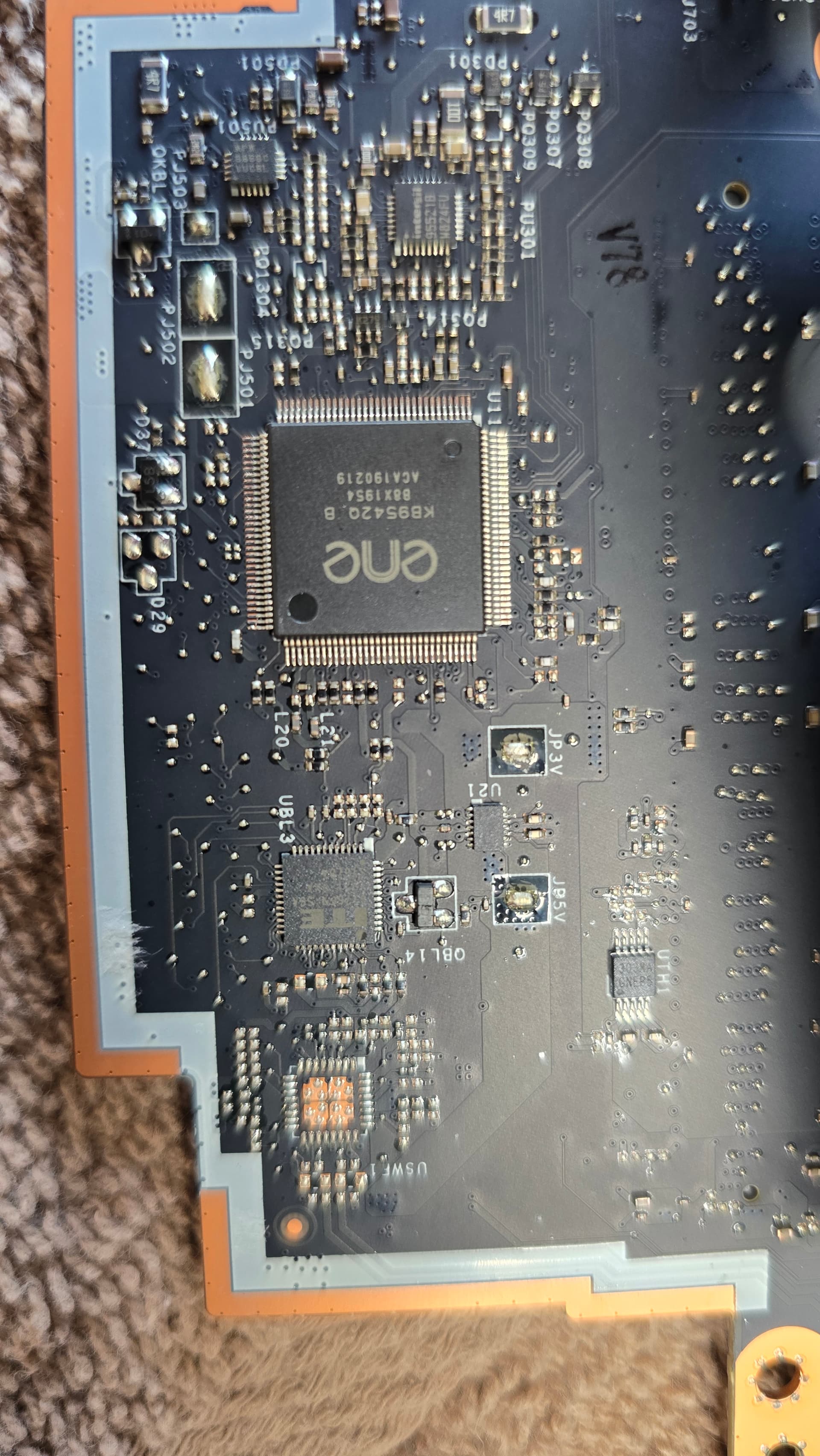
HI my model is y740 15irh legion 81uf. i used ch341a programmer with an online bios and it worked the first time after 30 min, and tpm was corrupted to 0.0.0.0 .
so to fix that i tried to flash my original and other bios and now the laptop does not power on but i see a ACpower adapter light and when the power button is pressed the ports lit up and disappeard in less than 5 sec.
not sure if this was hardware issue or i corrupted bios or EC.
So resuming…you tried to mod your own bios (Undervolted) and broke the system, then you got a bios from an unknow source and it worked, then you flashed the already original broken/undervolted bios mod that was on the system and kill it for good.
If so, it’s pretty obvious right? You returned to initial point…a bad mod and did it worst.
So, no original backup with SPI programmer BEFORE any mod attempts?
I can share a work bios…LA-G132P motherboard or NM-C371?
When laptop was working I made a undervolt in bios and the laptop got a blank screen , but it powers the keyboard light.
So I made a back up of this original bios using ch341a, but this has an undervolt which should atleast lit the keyboard light, with blank screen.
So online I found a bios for 15irhg, and I flashed it to fix the undervolt, it worked after 45 min and tpm got corrupted, when I verified in windows it says not tpm and in bios its displaying 0.0.0.0.
So to fix the tpm i tried a new bios again online downloading from official lenovo website and changing with hex and it did not work and I kept on trying different bios version that also did not work. And finally I tried my original bios which I attached with corrupted undervolt even that did not even lit the keyboard light . It basically lit the port light for few seconds and disappear.
I also took a backup of the working bios with corrupted tpm and I flashed it again and it does not work .
Currently I have the original bios flashed with incorrect undervolt values and the laptop does not power on just the port light lit and disappear, but initially for this bios atleast the keyboard light were coming.
So the current state is port light lit and disappear when the power button is clicked, so not sure if bios Is corrupted or the ec is corrupted or the chip is fried .
Was using ch341a which produces 5v. May be should have converted to 3.3v.
Machine details:
Machine Type Model (MTM)
81UF0000US
Full model name
Lenovo Legion Y740-15IRH
So, i was right you have done an irresponsible mod without first doing a proper full system Firmware backup and the original one is broken after the mod attempt, so as is said i can only share some working dumps, with the proper motherboard ID.
The initial CH341A device had indeed this issue, not the latest ones, Black or the 1.7 version.
@MeatWar finally good news, I was able to make it work just by shorting the bios. And it worked , I literally flashed like 20 times thinking the bios was corrupted or the mobo was shorted .
I am scared to do that again, but it’s inevitable as i need to do it again as the TMP was corrupted and in BIOS it says 0.0.0.0 .
I flashed one of the last working backup I saved .