Hi everyone,
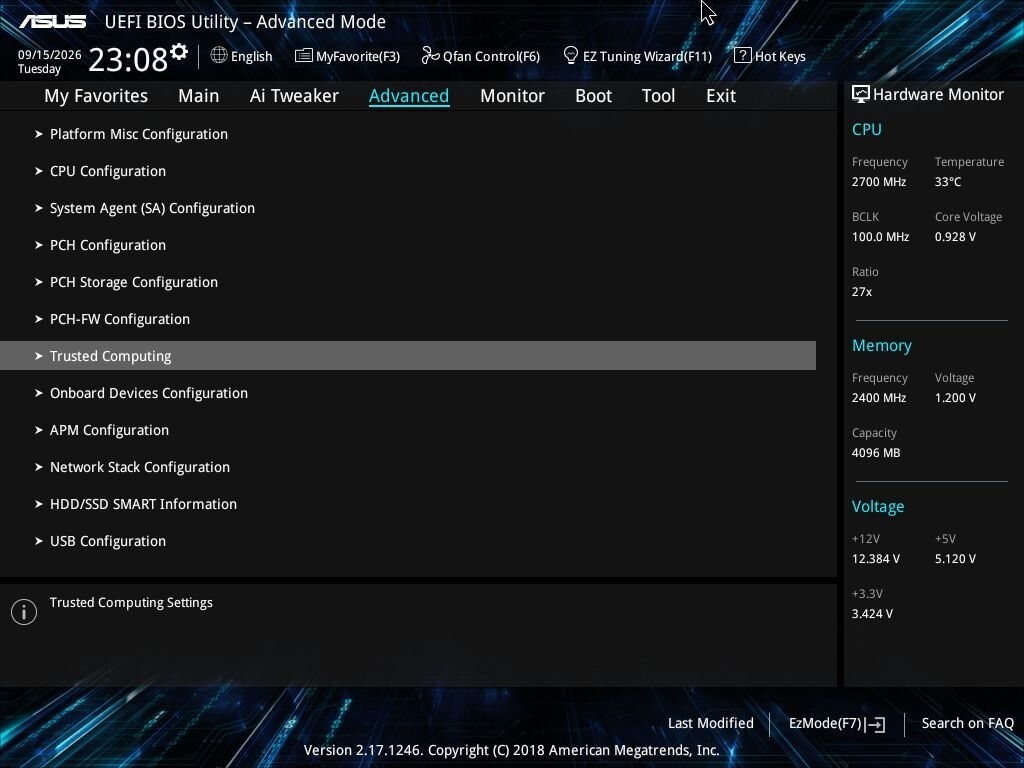
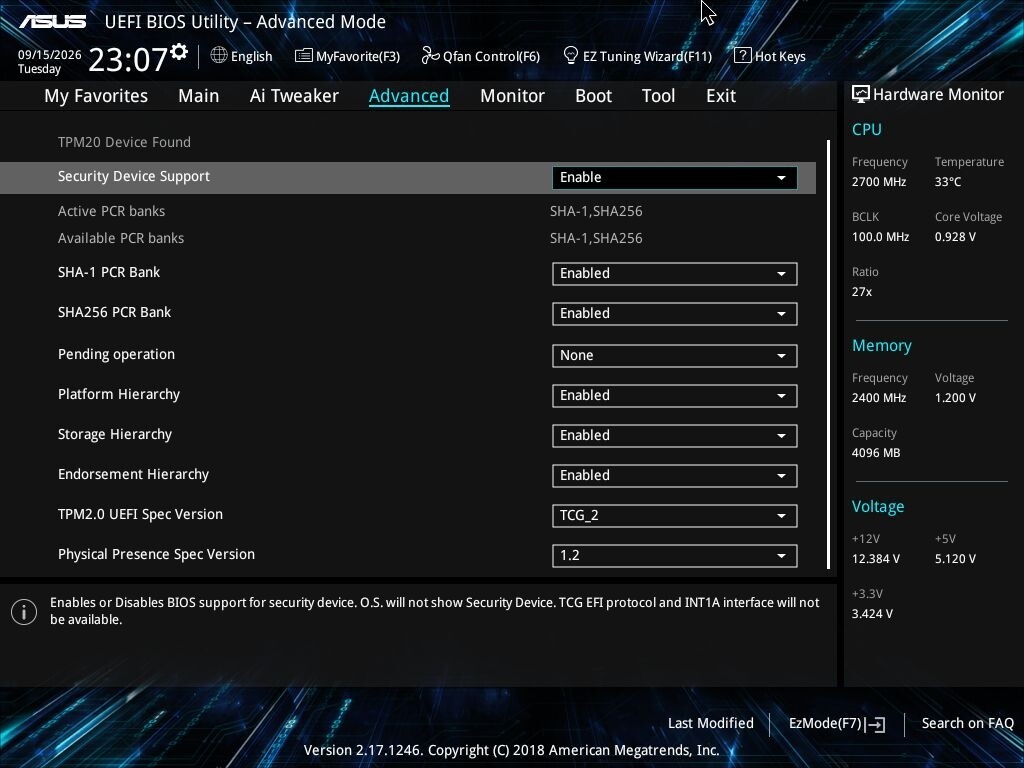
I have an ASUS Z170M-Plus that i’m trying to get PTT to work on. I’ve unhidden the PCH-FW menu, enabled PTT, but the Trusted Computing section doesnt show up and Windows doesnt recognise it. I’ve manually unhidden the Trusted Computing Section and it does show as Device Found, but Windows doesn’t recognise it.
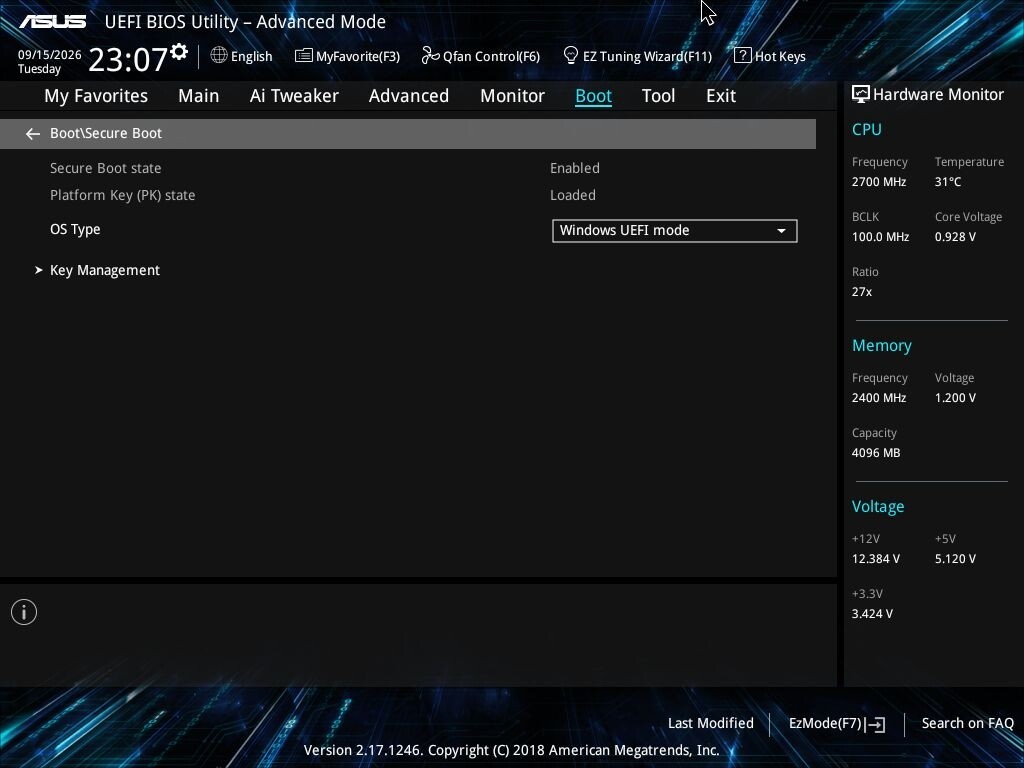
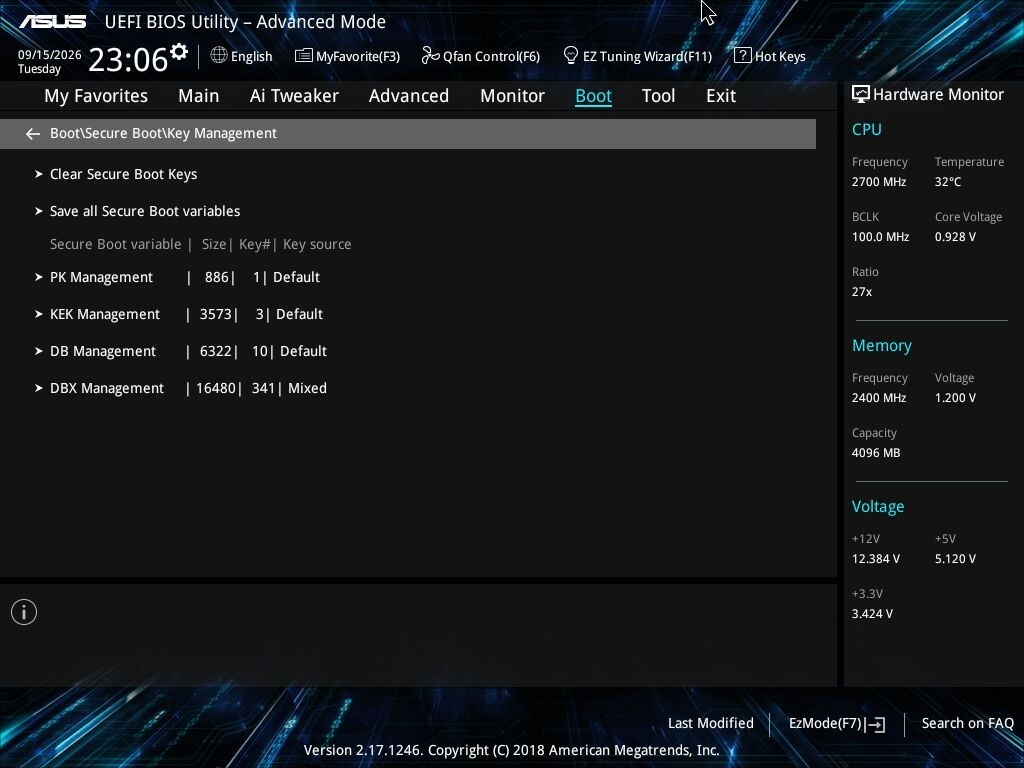
Usually with PTT enabled, the Trusted Computing module should usually show up on its own, however here forcing it to be visible still won’t get it working. Secure Boot is on and set to Windows UEFI mode, CSM is disabled. Can anyone help me here figure out why PTT isn’t working, while other boards i’ve tested always have it work?