@MeatWar thanks for your feedback.
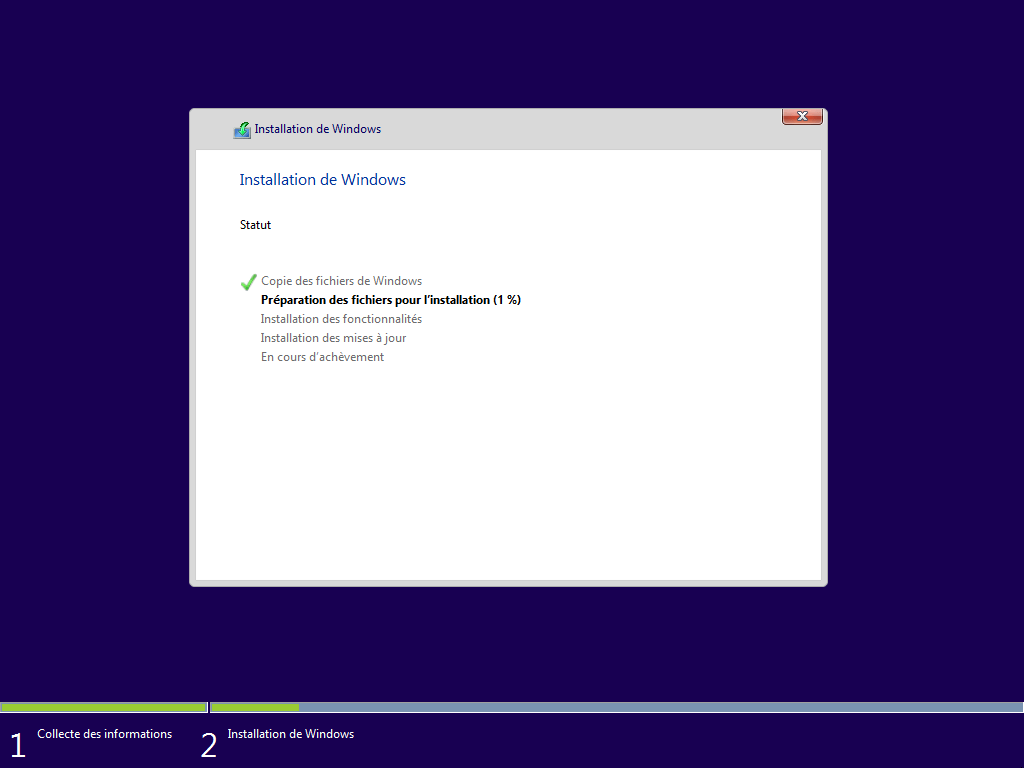
I tried to install W10 with Rufus. All other sata devices were removed. I was able to launch the W10 installation (the SSD NVME is visible) but when the installation is almost finished and the PC should reboot: it never reboots 
(i also tried the official tool to create USB with W10 iso => same issue)
CSM and secure boot are disabled
I will try to clone an HDD sata with W10 freshly installed.
As @loqki was finally able to boot on SSD 970evo with the same laptop as mine, is there any solution to contact him?
loqki was able to mod the bios with NvmExpressDxe_4.ffs whereas on my side, i was not due to "File size exceeds the Volume size". So i used NvmExpressDxe_Small.ffs (i read that there is no effective differences between both files)
i will try to remove some DxE drivers by following tips from BIOS Guru CodeRush and use NvmExpressDxe_4.ffs or NvmExpressDxe_5.ffs
Other question, what is new with NvmExpressDxe_5.ffs vs NvmExpressDxe_4.ffs?
Thanks again for your help.