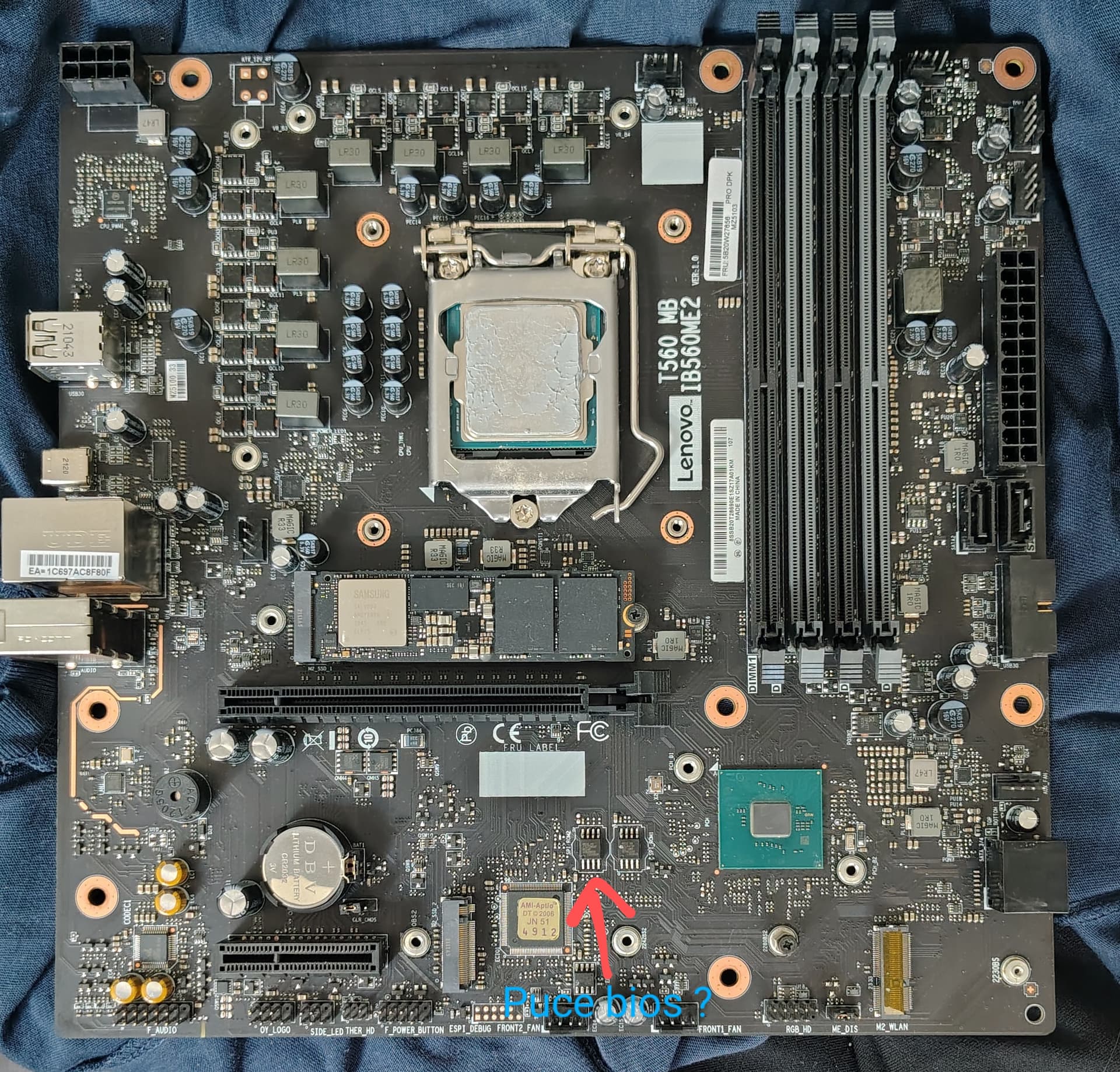
I would like to reset the BIOS on my motherboard using a CH341A programmer, but I’m not sure of the exact location of the BIOS chip on the board.
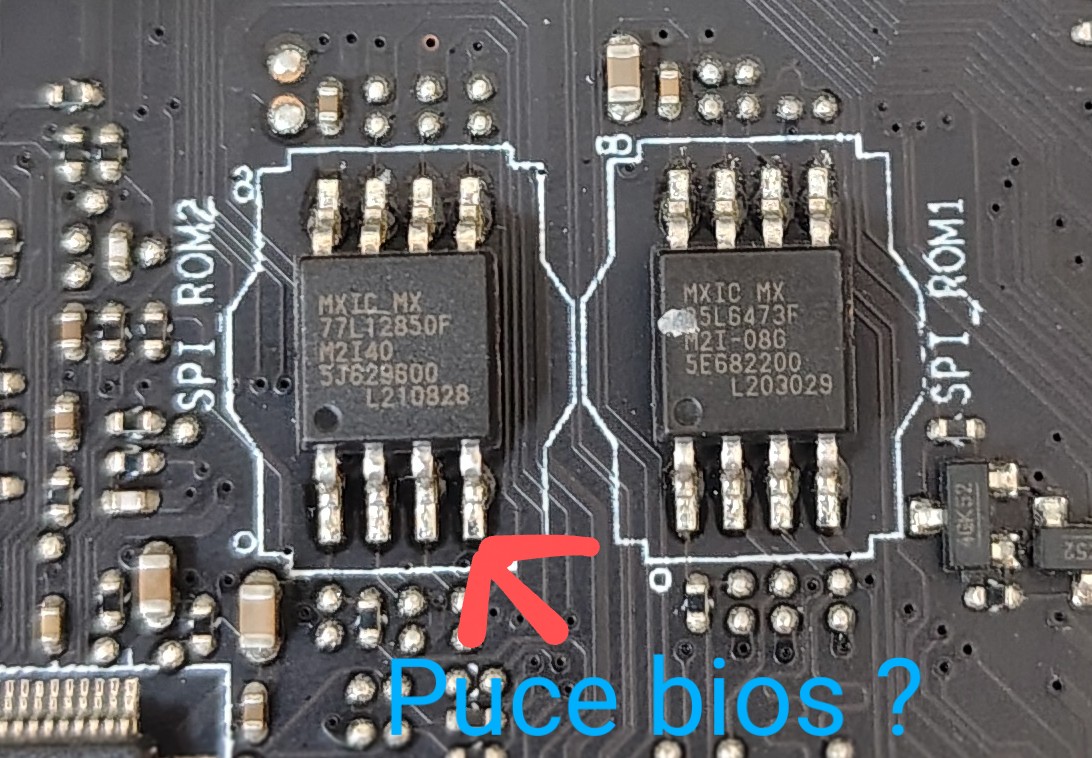
I’ve taken a photo of the chip that I think is the right one, but I’d like your opinion before I do anything. Can you tell me if this is the BIOS chip? I’d like to be sure before I start manipulating the CH341A. I’d also like to know if this is the right chip, and how to locate the first pin so that I can plug in the SOIC8 clamp?
The dot on the chip is the first pin
ROM1:25L6473F(8MB size),Store intel ME
ROM2:77L12850F(16MB size),Store the main BIOS
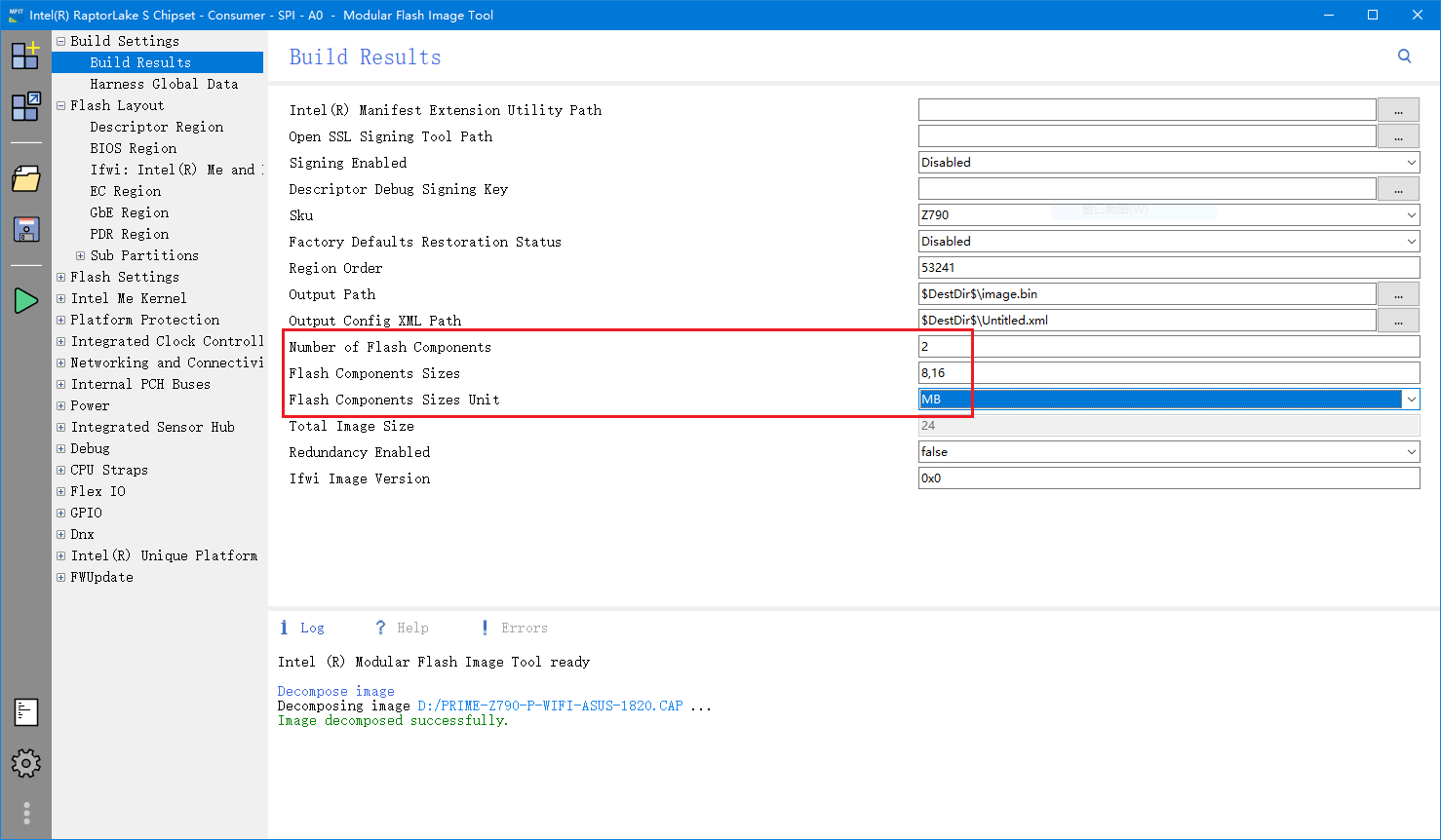
So,The full BIOS size is:ROM1+ROM2=24MB
Let’s take a look at how it is defined in Intel’s BIOS build tool
I connected everything correctly and tried to use NeoProgrammer.
When it came to selecting the BIOS chip model, I wasn’t sure which one to choose, so I picked MX25L12850F, as it matched the specs of the chip labeled MX77L12850F.
However, every time I try to read the BIOS, I get this error message:
MX25L12850F [3.3V] IC not responding / Disconnected
I also tried with the other BIOS chip, but I get the same error message.
Those clips are very sensitive and not easy for new users that have never used them… the yellow or error is short/bad connection… common issue for newcomers, some cases the IC must be soldered off board.
A tip… you can damage port/ch341a or IC itself device when attempting grip, the device has 3.3 to 5v power… “ring a bell”???
Every time you need to reposition the clip it should be disconnected from USB port…
Does the little yellow LED really mean an error or a short circuit? Because, only when it’s on can I choose a chip model in Neoprogrammer, and the chip is then detected. If it’s off, I get an error message saying the chip isn’t responding. I checked that the clip was in place! And yes, sorry for the mistake I made by removing the clip without unplugging the programmer. I realized that after the video…
and also I said that I chose the MX25L12850F model for the MX77L12850F chip but is it the right choice? because there is no MX77L12850F model in NeoProgrammer or any other software for that matter…
error message even though everything is connected correctly the correct chip model is chosen in asprogrammer as well as the correct device which is ch341a in the hardware part of asprogrammer (mine is a ch341 I don’t know if that’s where the error comes from)…
Me neither… cheap CH341A already/previously shipped broken???
Test on another system board or as i stated it may be need to take out the IC from the system board and program outside.
Nothing more to add to your issue, its works or do not simple as that, until you figure it out, bad device or outside programing, there’s nothing more to discuss, good luck.
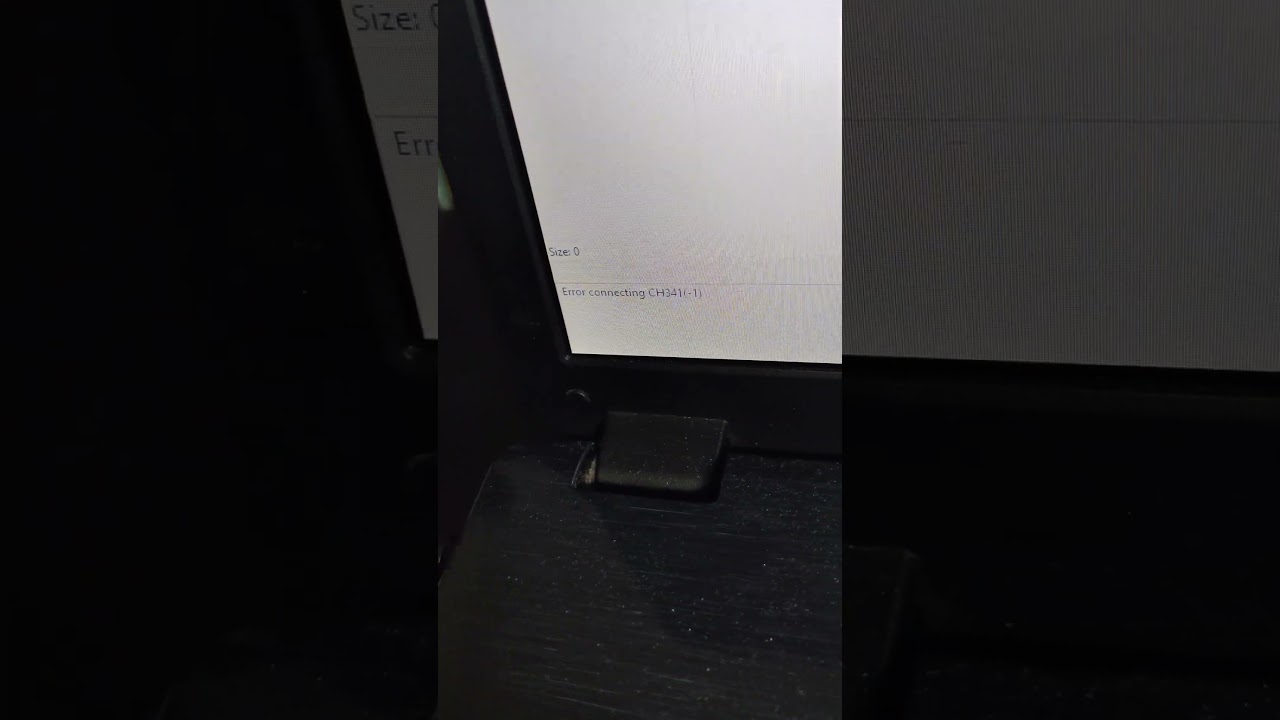
I will return the one I have because I did a test under Linux by typing the lsusb command and the CH341 programmer and detected when it is plugged into USB without the clamp being connected to the chip but once the clamp is connected to the chip and the programmer is connected via USB the programmer is no longer recognized if we retype the lsusb command.
Do you have a link where I could buy a reliable and functional CH341A?
No i don’t and they are all the same “CHEAP” device class… You pay for what you get, simple as that, just be sure not to handle it around… while still powered or you’ll get another one damaged.