Since I do not have an ASRock LGA 1151 motherboard on hand, I was unable to perform any experiments or tests.
However, I have prepared some BIOS files and would like you to try them one by one.
Afterward, I might be able to get an idea of what the problem is.
I should also point out:
I do not believe this is related to the Xeon BIOS Mod.
These files have not been tested. Full responsibility lies with the user who downloads and uses them.
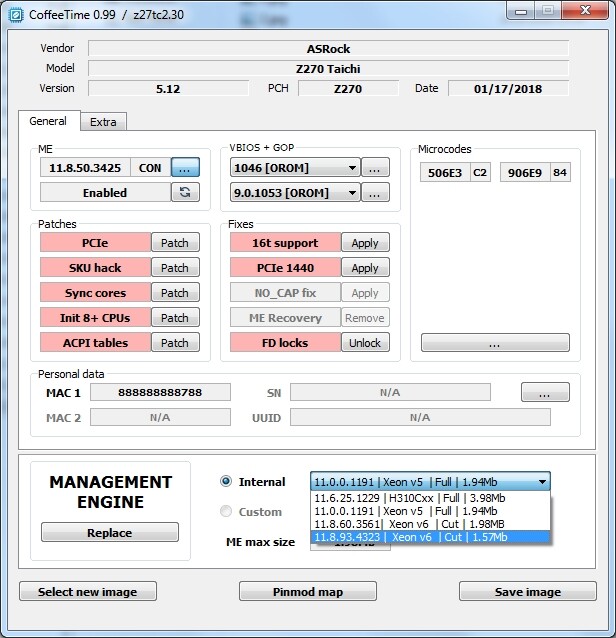
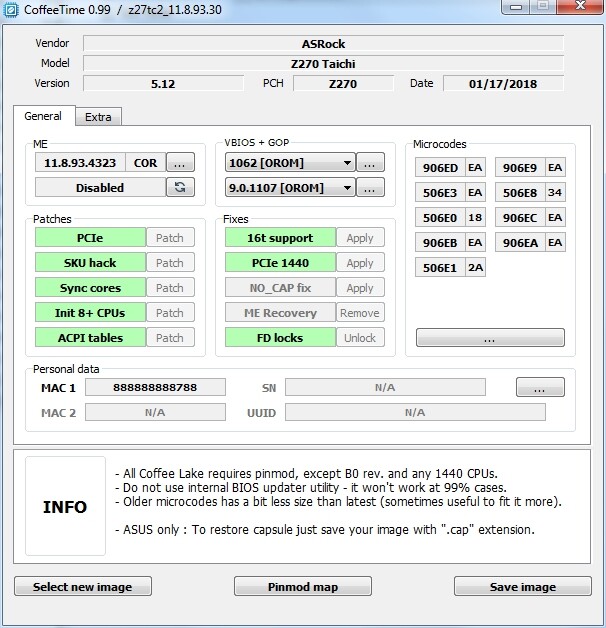
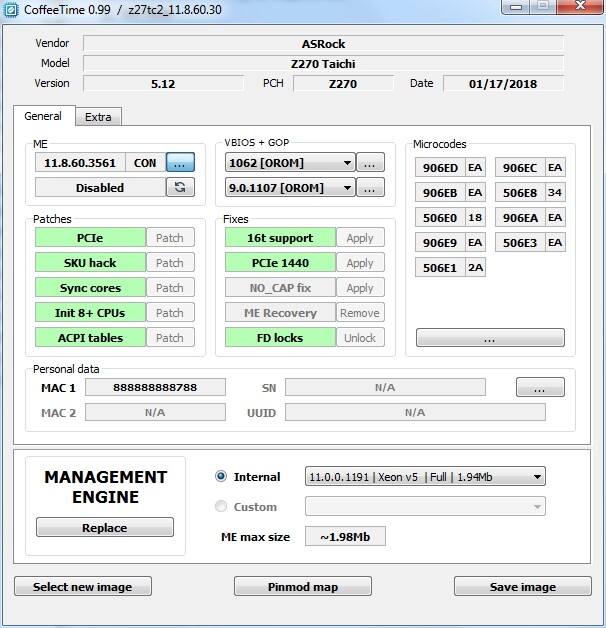
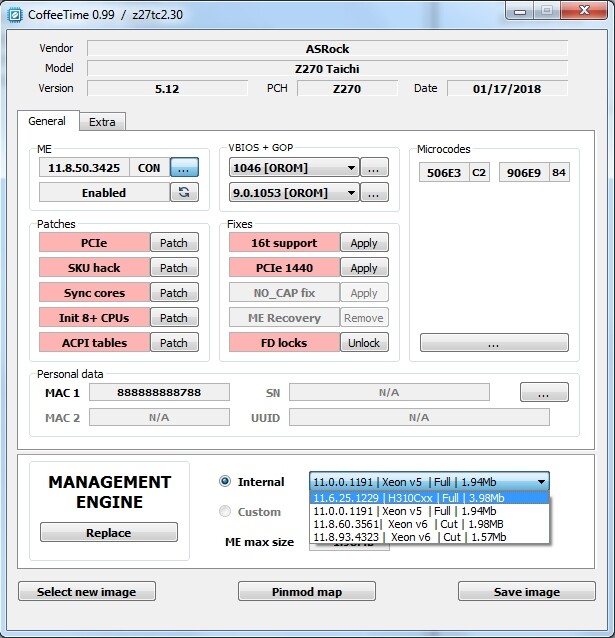
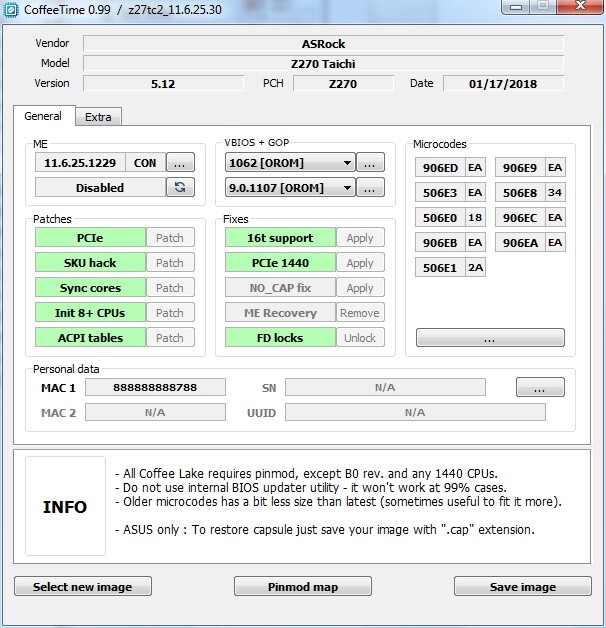
ASRock Z270 Taichi Xeon BIOS MOD
Rar Pass:ismailTPC_Hastanesi
File 1:
Oh, thank you very much! I also assumed that my problem wasn’t related to the mod itself, but to the hardware (or to the flashing process). I took the board and the separately flashed microchips — the ones flashed using your version from the thread — to a workshop so that the guys could replace the original microchips with new ones. Now I’m waiting for information from them. I’ll definitely report the results here.
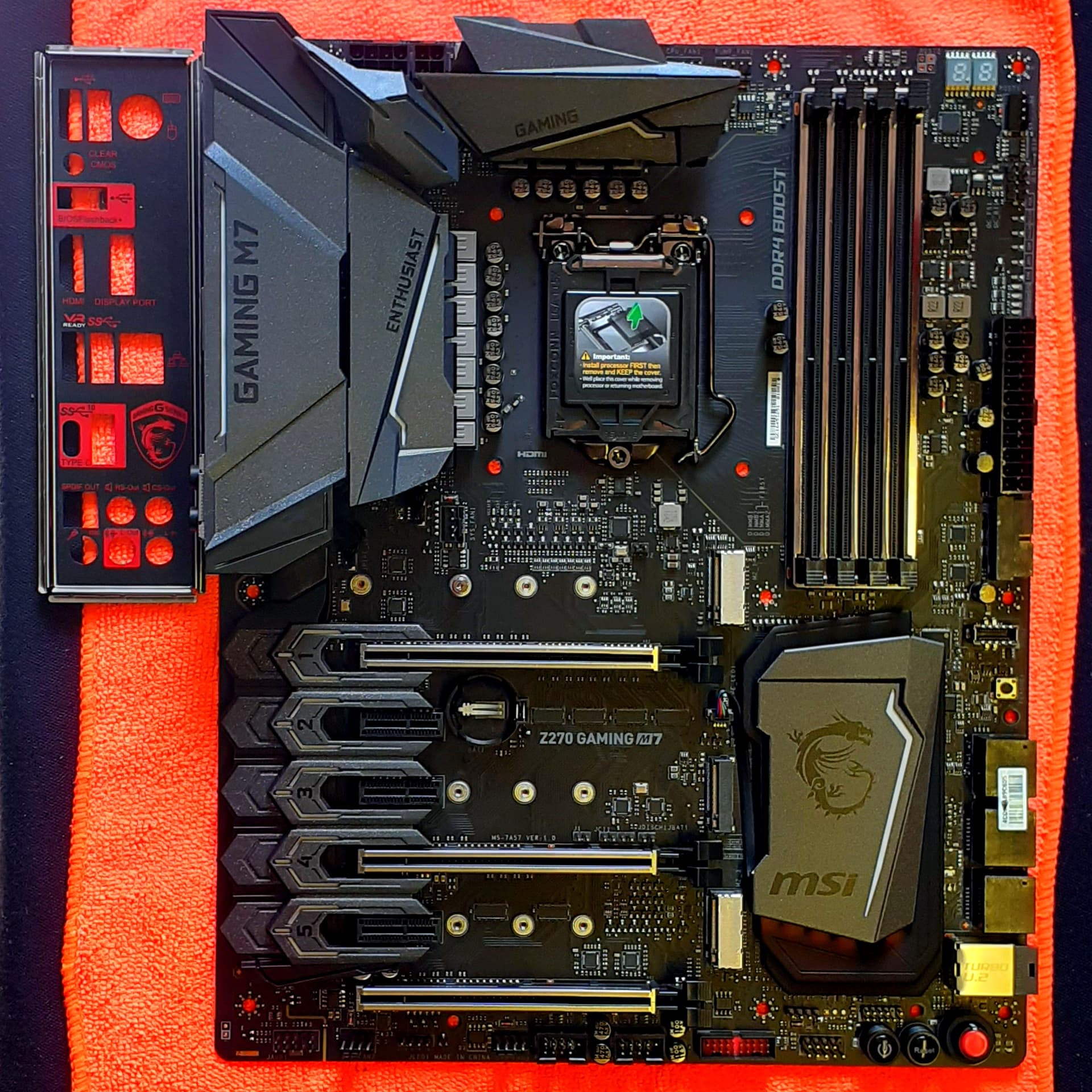
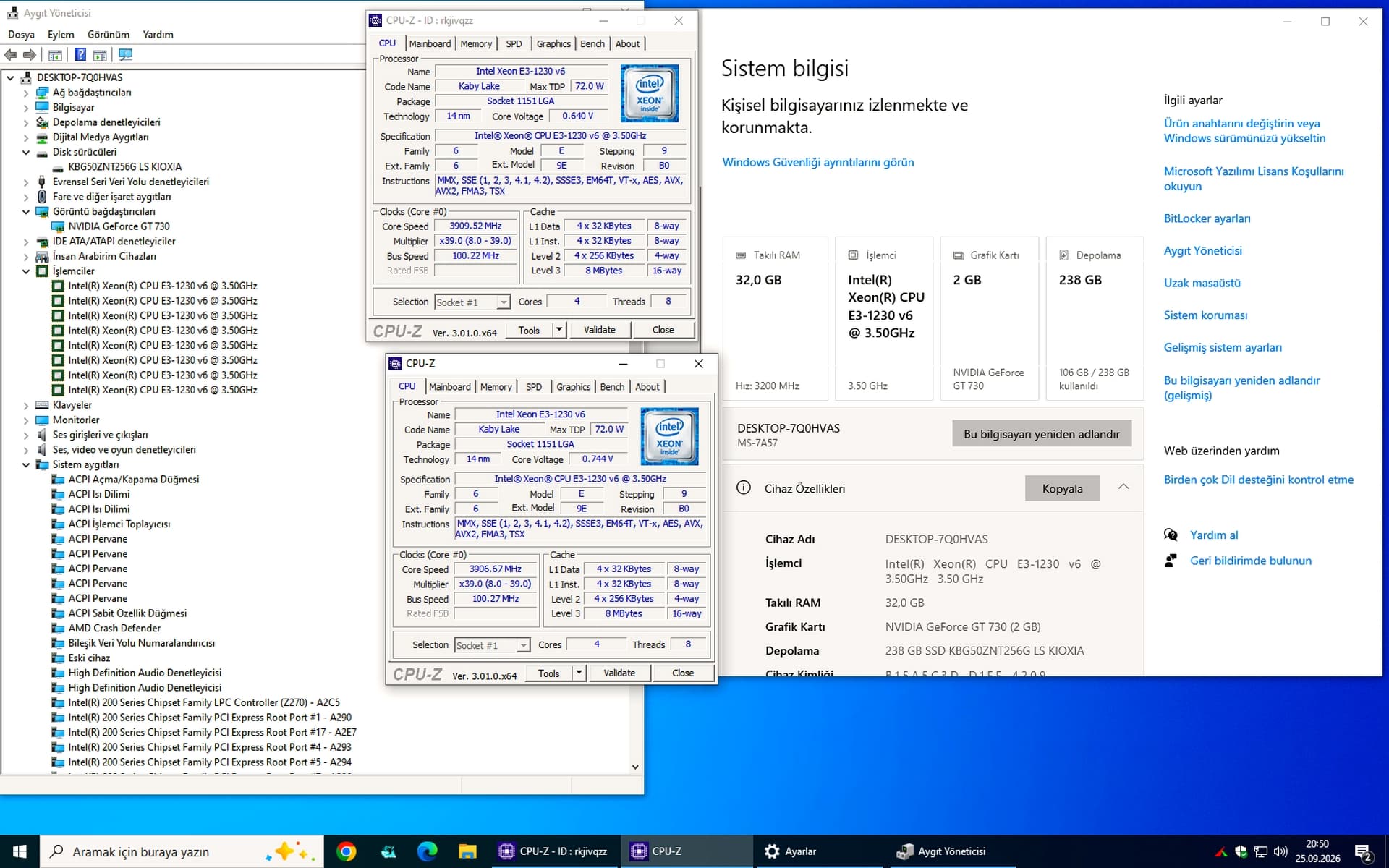
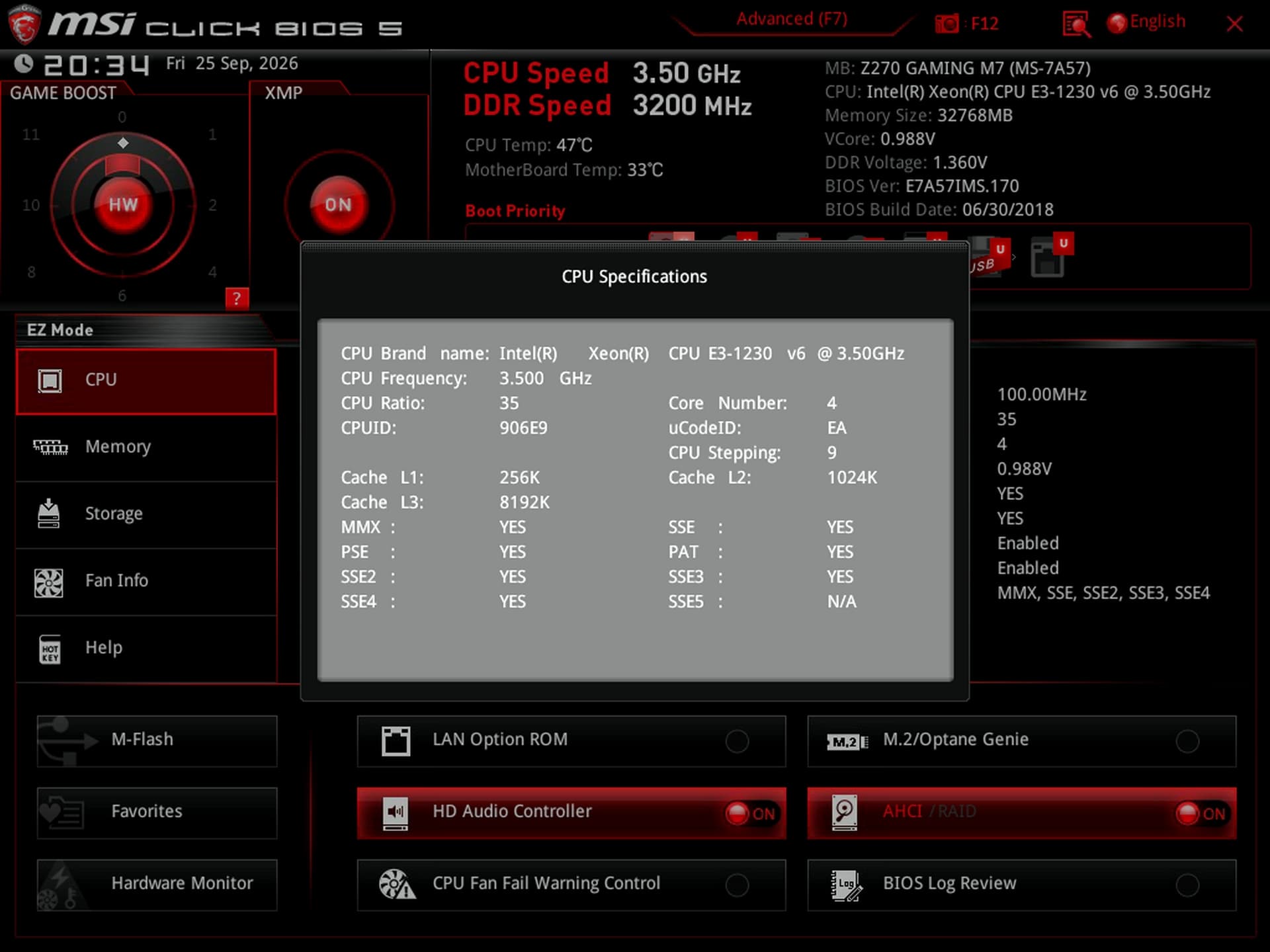
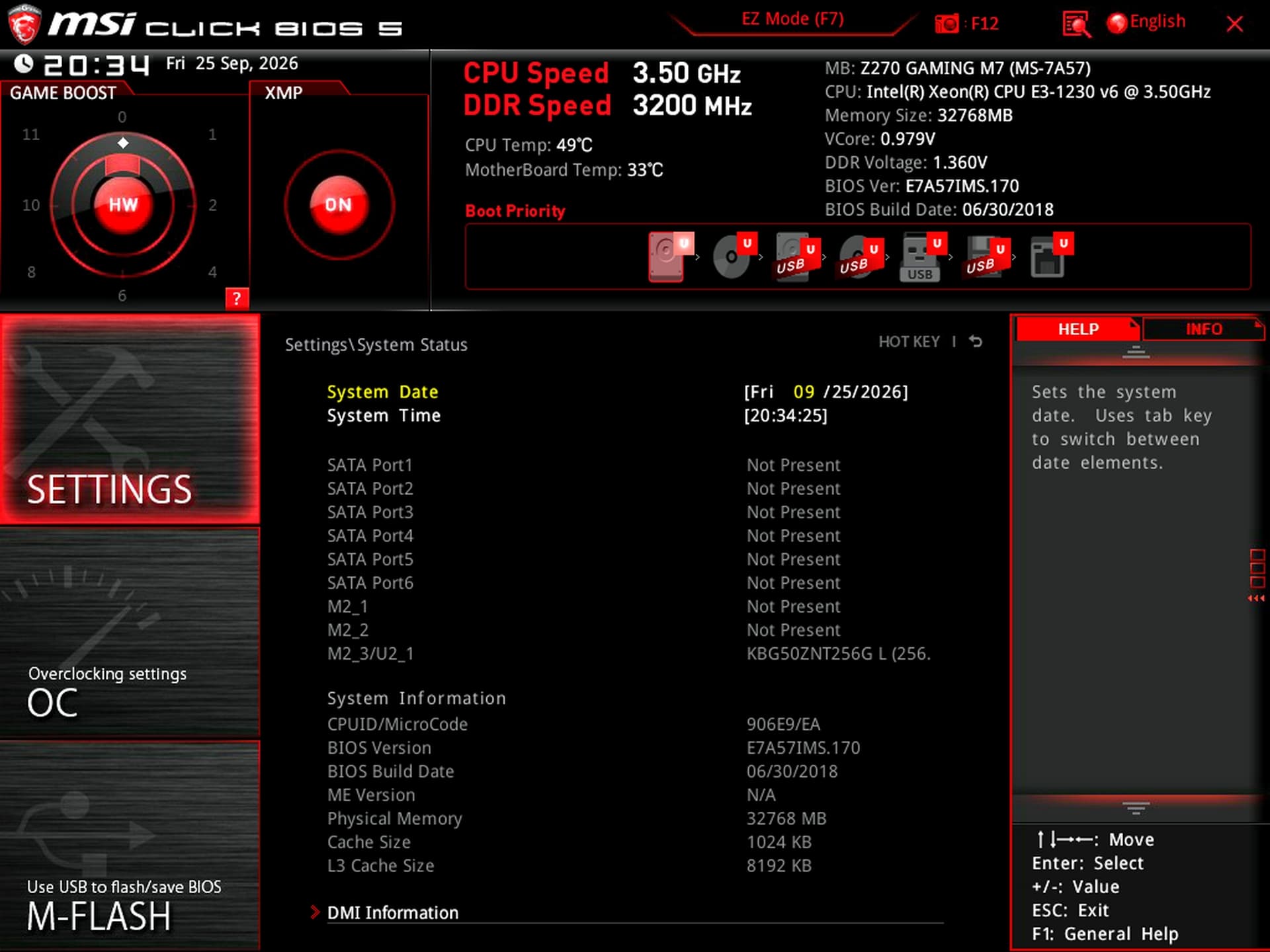
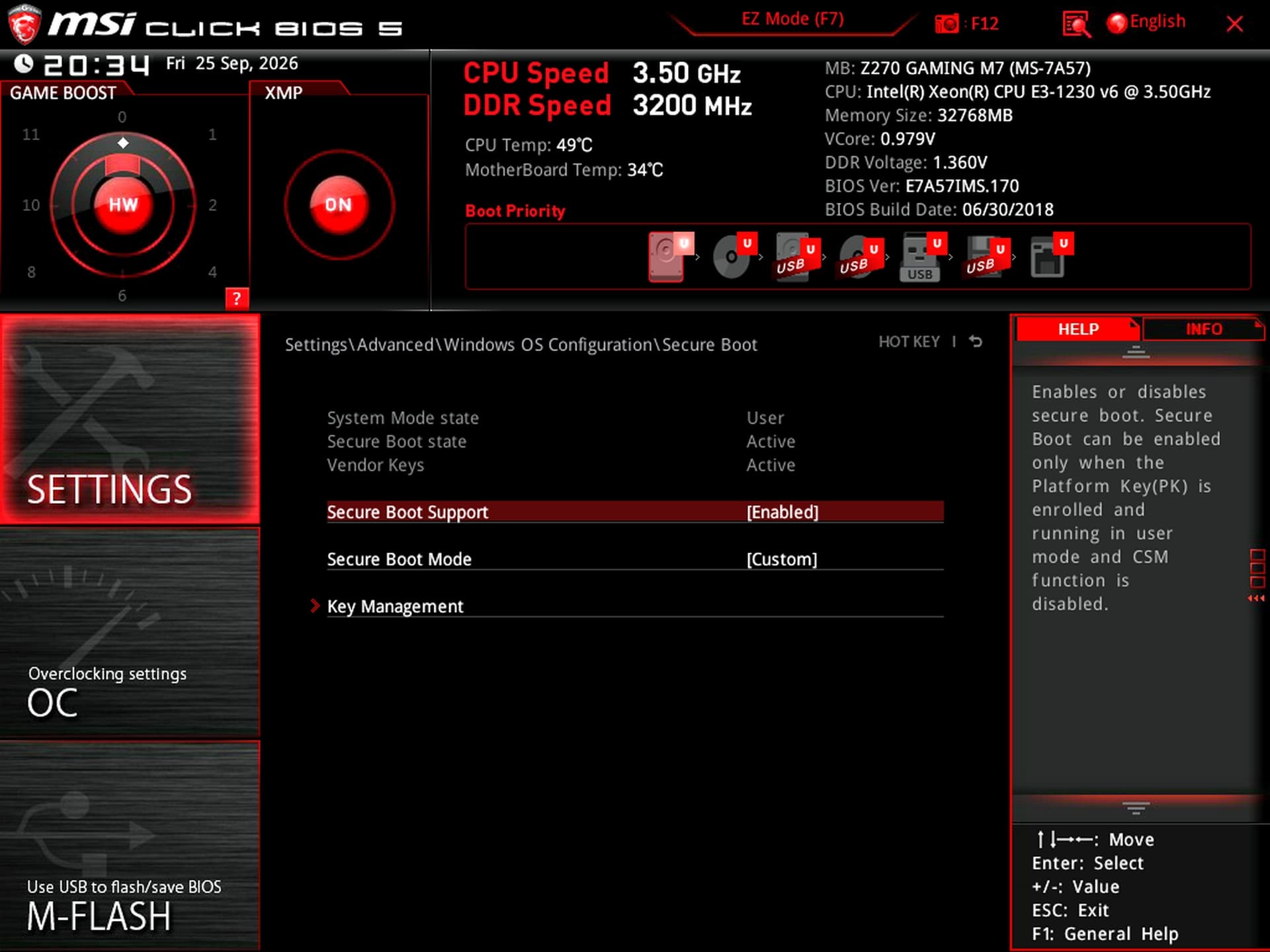
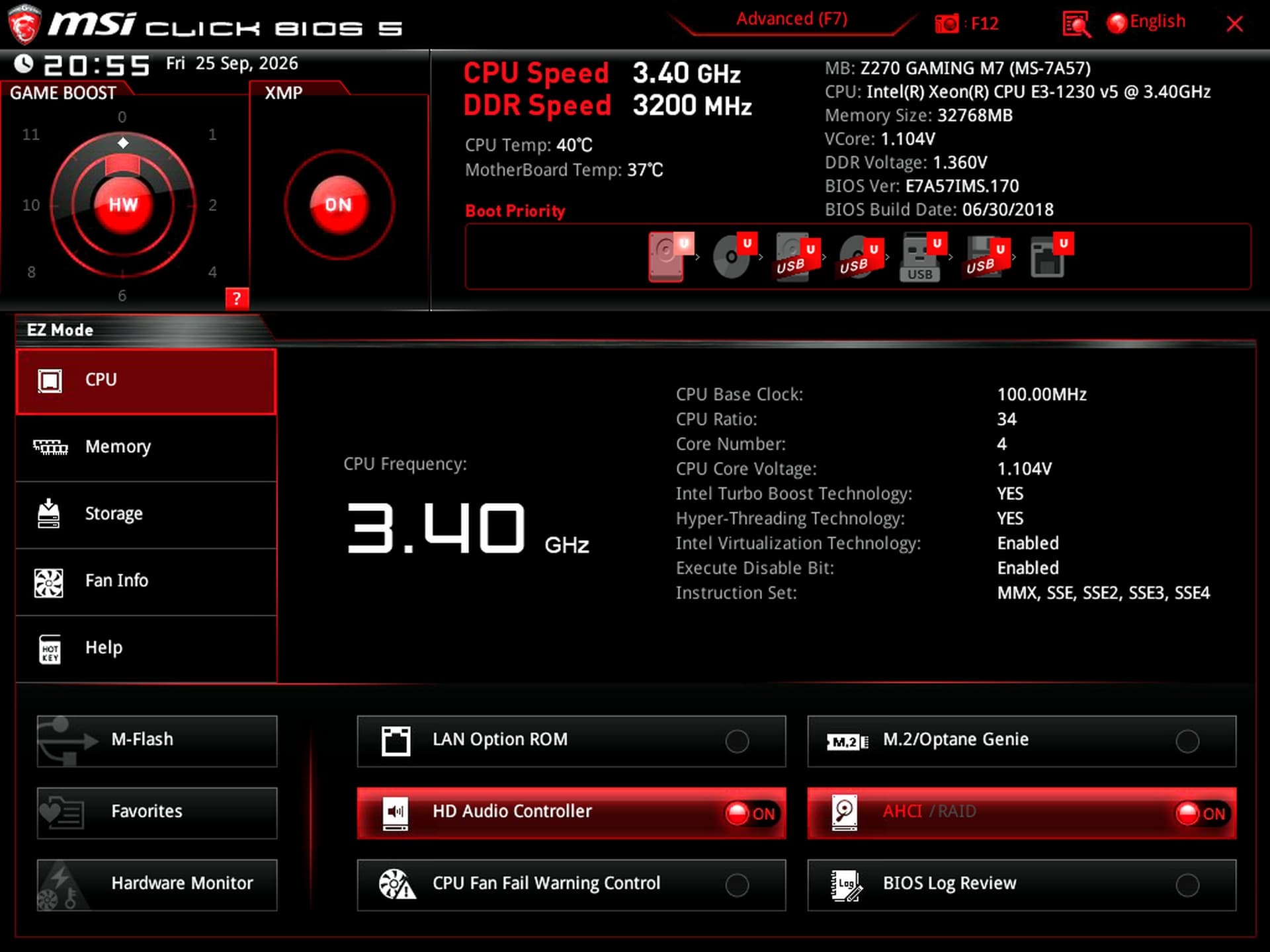
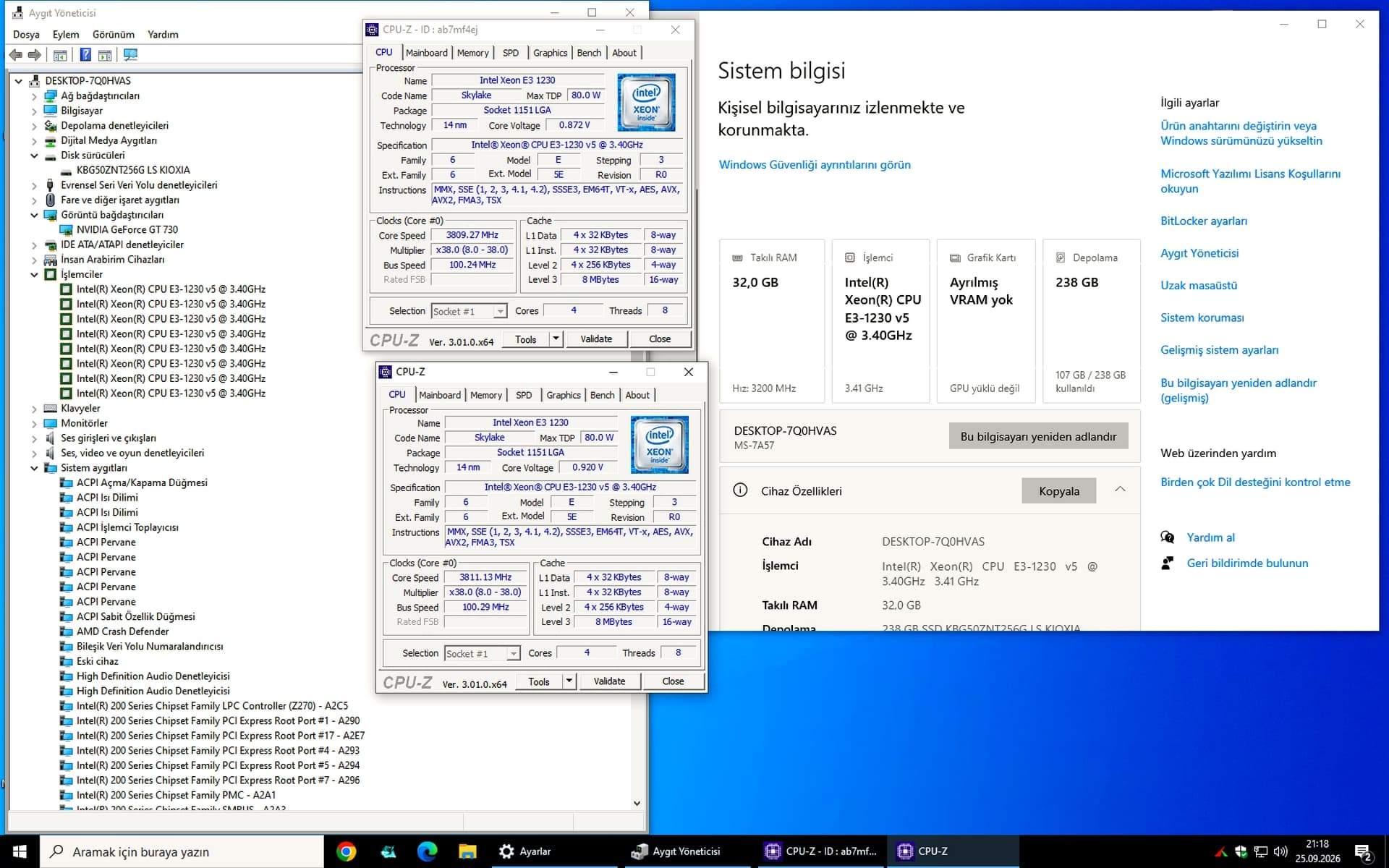
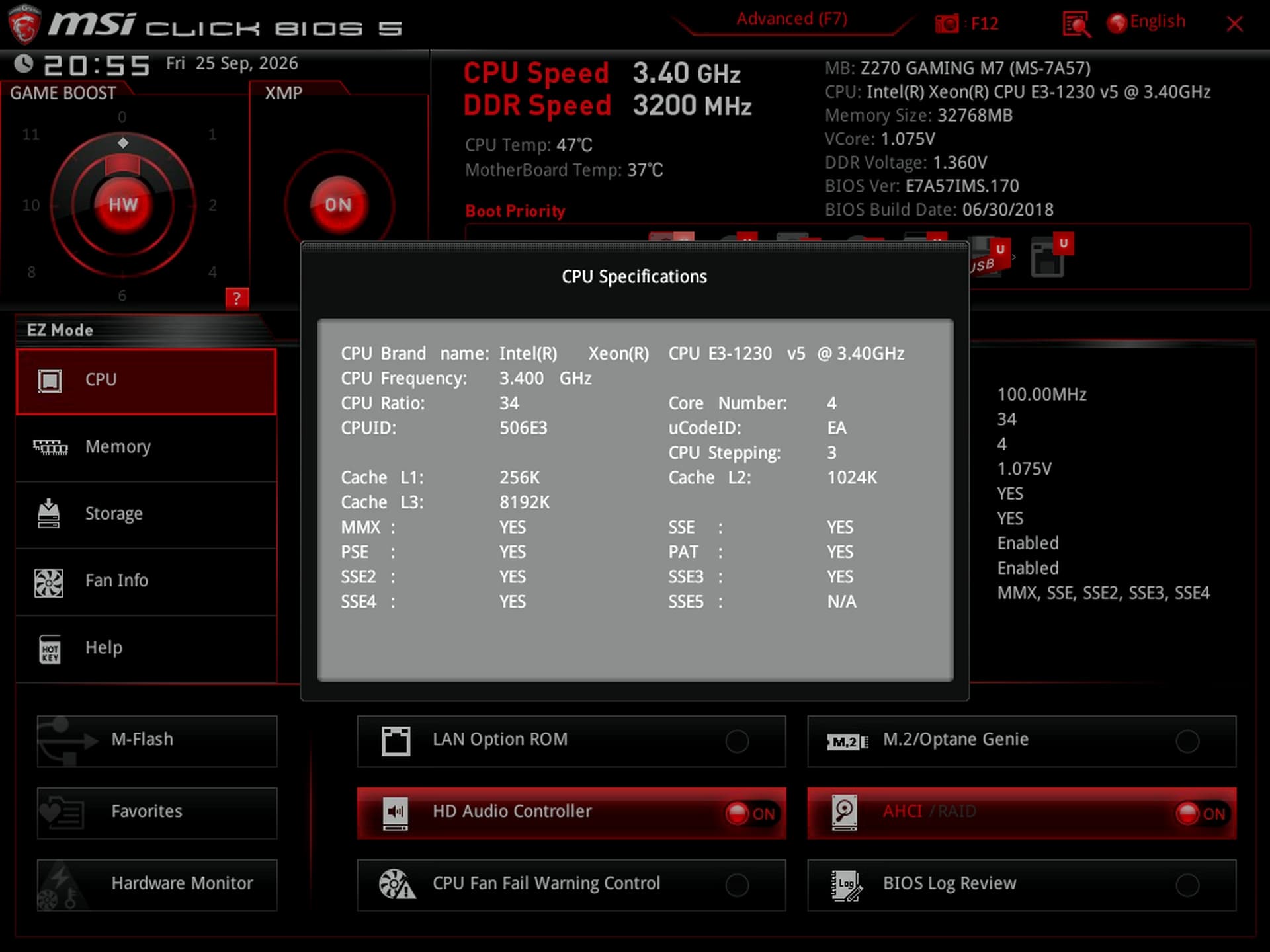
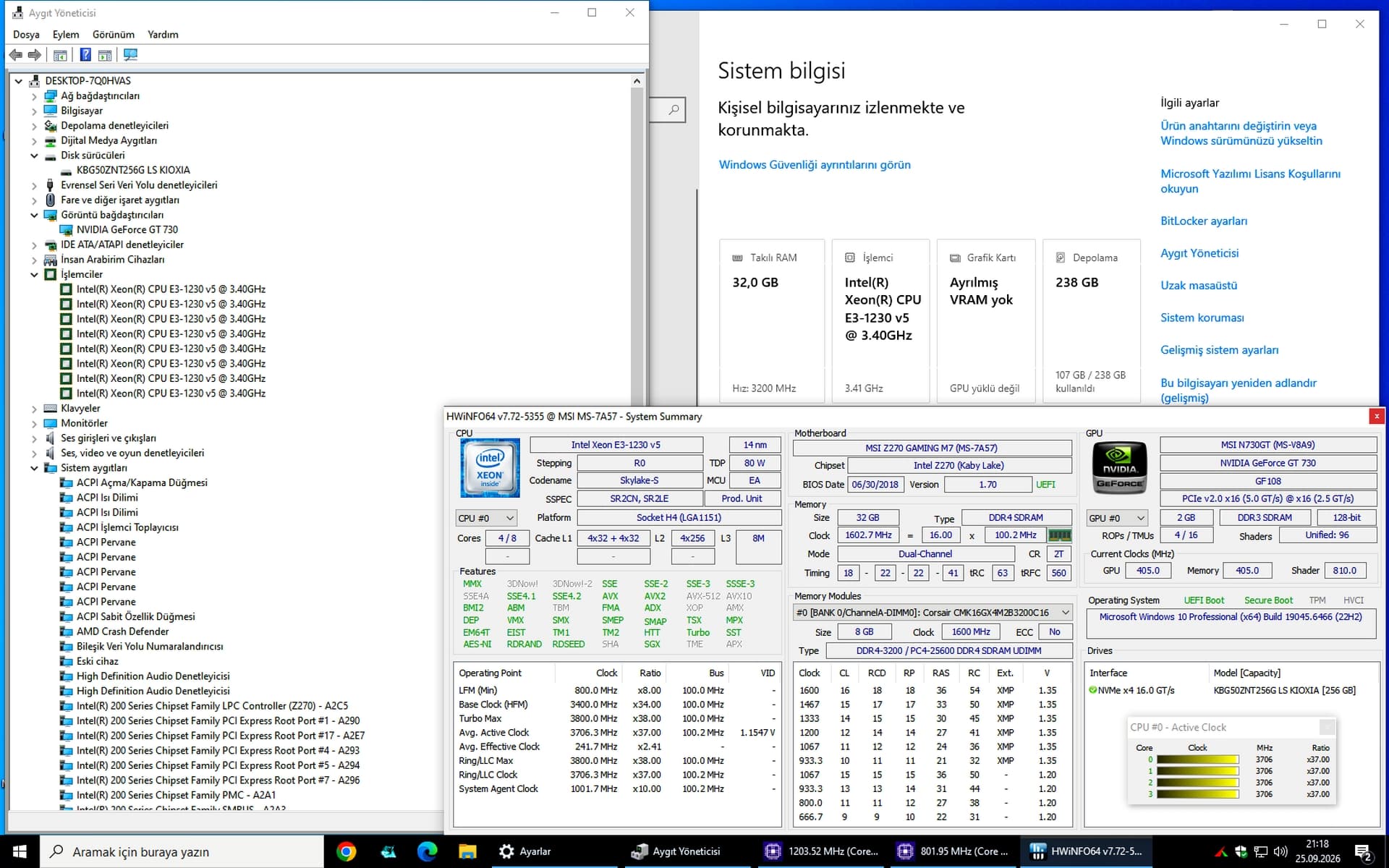
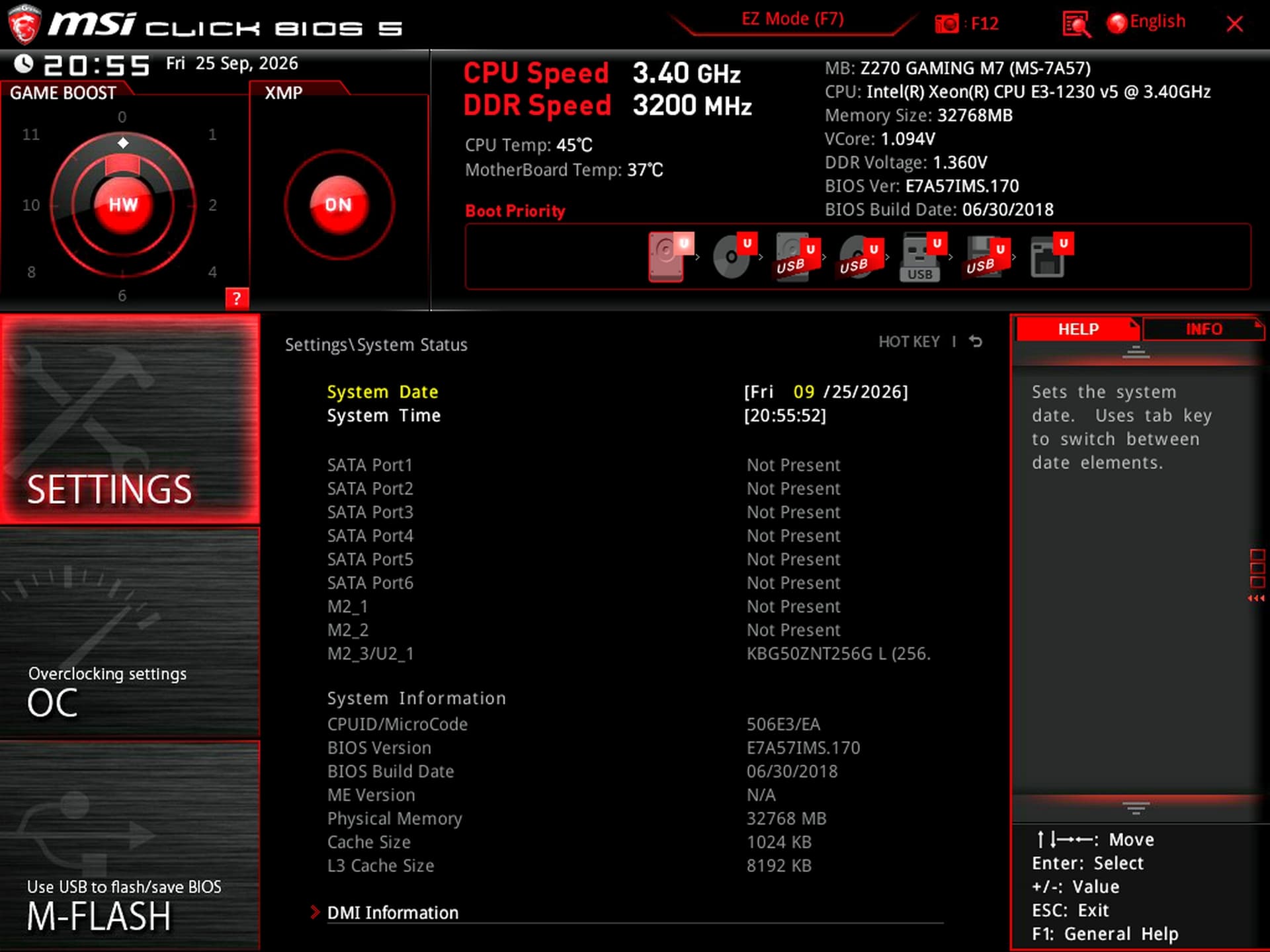
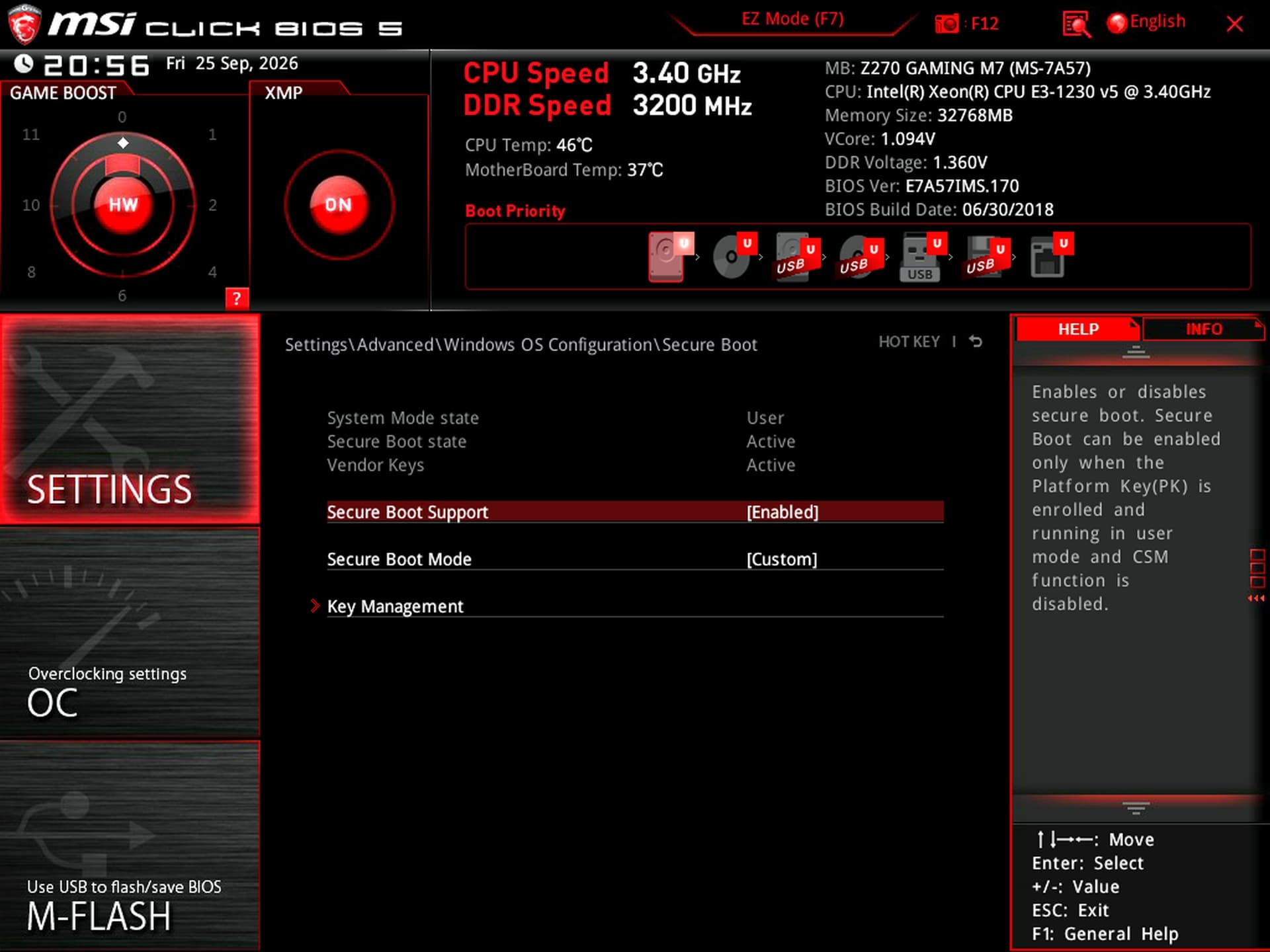
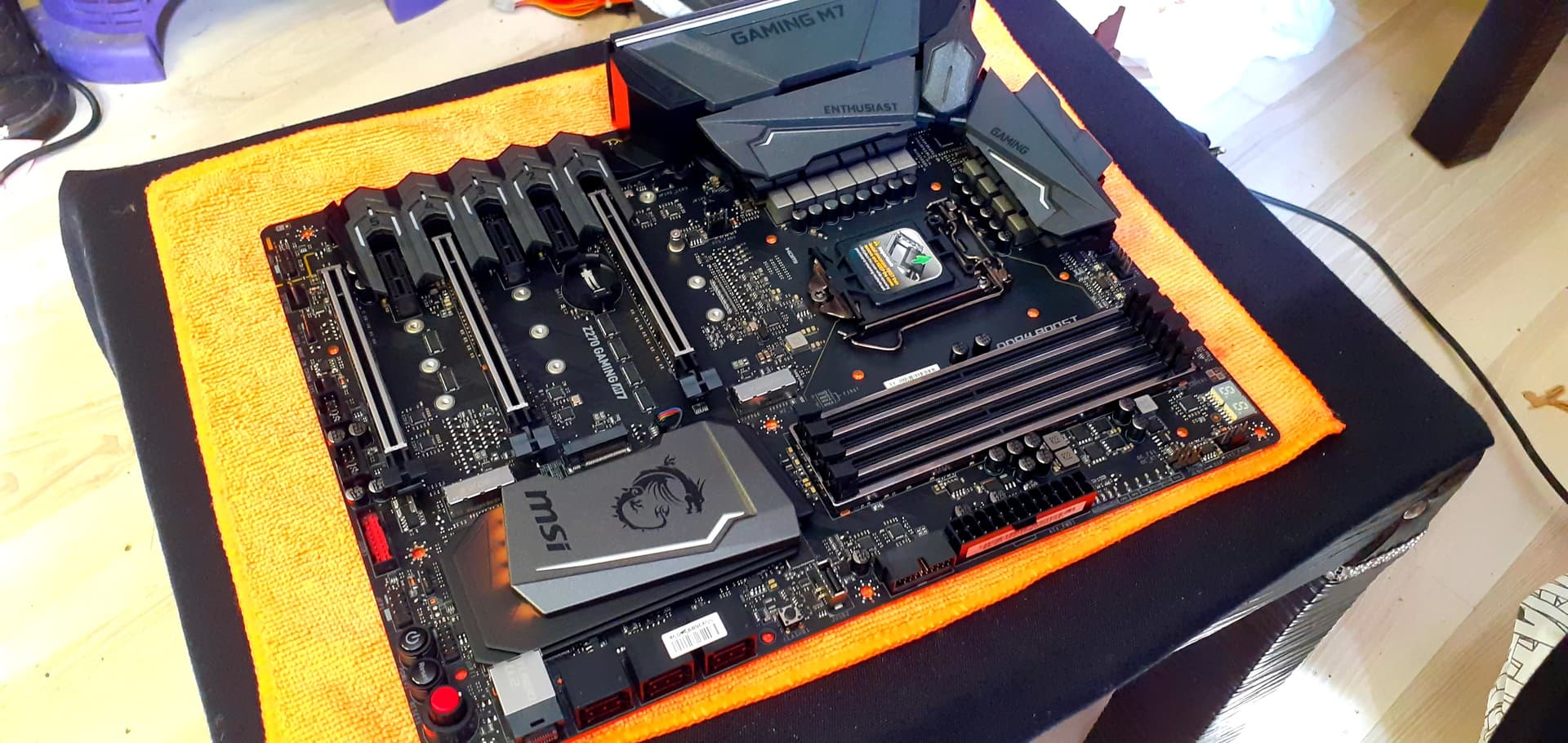
I had the opportunity to test one more motherboard that came into my possession. MSI Z270 GAMING M7 XEON BIOS MOD (TEST OK) MSI Z270 GAMING M7 Xeon v6 BIOS MOD Other Details Xeon E3-1230 v6, 3700 MHz CPU-Z Data Information:
Hello, Thanks for your hard work on this subject.
I have an ASUS H110M-A motherboard. Is your ASUS H110M-A/M.2 BIOS mod compatible with my board?
If not, may I request your assistance in modifying a bios to support the **Xeon E3-1230v6
**
Thank you
The XEON BIOS MOD file for the ASUS H110M-A motherboard is ready upon request.
Feel free to give it a try.
Afterward, please don’t hesitate to share the details and any images with us—your feedback would be very helpful. ASUS H110 Series: ASUS H110M-A XEON BIOS MOD
Hello!
How did you flash the modified BIOS on Gigabyte GA-B250-FinTech? Did you use Q-Flash, stock EFIFlash v0.74 under DOS, Intel FPT, or an external SPI programmer? Was the Intel ME region flashed successfully?
@vlasdasd Welcome—rest assured, you are in the right place.
Simply place the “autoexec.bat” file onto a FAT32-formatted USB flash drive, alongside the other required files.
That’s all there is to it.
Please note that if you attempt to use Gigabyte’s Q-Flash utility within the BIOS, you may encounter an error, and the update process will not work.

.gif)