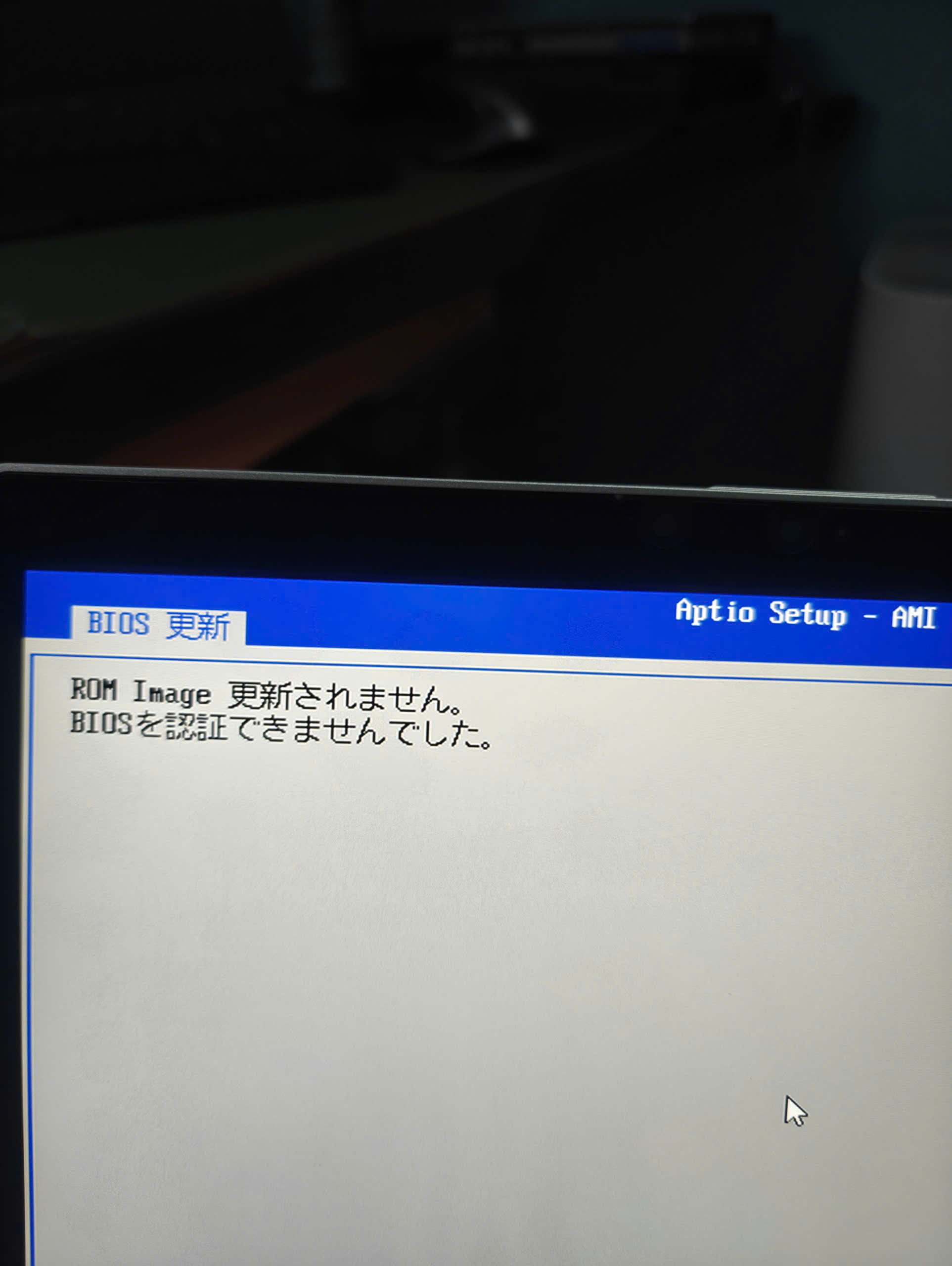
I have a Panasonic CF-QV1. After receiving and installing a firmware/BIOS update from the manufacturer, the machine restarted and now constantly displays the error message: ‘ROM Image is not loaded / ROM Image update denied’ every turn it on.
I have already tried clearing the CMOS (disconnecting the CMOS battery) and accessing the BIOS via Windows recovery to restore default settings, but without success.
Every time the laptop boots up, the screen still throws the ‘ROM Image is not loaded / ROM Image update denied’ prompt. I have to press ESC and manually select the SSD to boot into Windows.
I also attempted to re-run the BIOS update executable (.exe) in windows, but it did not resolve the issue.
Could someone please help me fix this? I have attached the BIOS backup dump from my machine.
Model: PanasonicCF-QV1RFAKS, S/N: 2JKSA29142
Thanks you so much.
Before running this utility, launch the PC Information Viewer (PC情報ビューアー) or reboot into your current BIOS setup layout (F2 during boot) to check your existing version. If your current BIOS version ends with an “Mxx” suffix (e.g., Vx.xxLxxMxx), this standard retail/corporate package cannot be applied, and you must use custom enterprise deployment paths provided to your organization. [1, 2]"
Corporate/Enterprise version Mxx, Consumer/Retail version Lxx
Since system still runs this is not a case for recover but a specific Panasonic update mechanism, ask them, that’s why even on Badcaps forum, you didn’t got any help also.
Hi, that BIOS update was released to address the INTEL-SA-01234 vulnerability.
Anyway, I noticed your initial request on Badcaps thanks to @MeatWar’s reply, and it has now been addressed. However, contact Panasonic support as suggested first, just to be safe…