Hello, I have a Gigabyte X870-I Ice and I am trying to change the red AMI triangle logo that appears above where it says
press del for setup" etc…
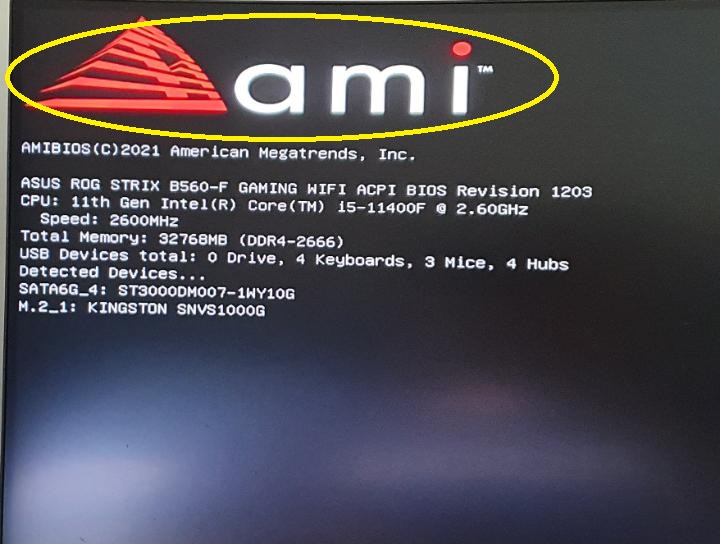
^^ This spot(not a pic of my board). I am somewhat familiar with BIOS modding and I know how to change the regular gigabyte logo with uefitool, but I cant find a way to locate and change the AMI logo itself. I tried running changelogo.exe on the bios but it only has selections for the gigabyte logo and the button labels. Is this somthing thats even possible? If so, how would I go about doing it? Ultimately I just want to replace it with the same image converted to greyscale to match my BIOS theme, I am trying this on the latest BIOS:
https://www.gigabyte.com/Motherboard/X870I-AORUS-PRO-ICE-rev-11/support
Thank you,