Hello Fernando,
Many thank for trying to help, however, it seems that the problem is different from what you think.
I am using a ready-made disk image (HomeAssistant Generc x86-x64) which is properly written to SATA and NVME disks (using balenaEtcher tool). As I have determined, the disks are formatted in GPT and contain, among others, UEFI boot partition. Besides, these disks connected to another computer (via SATA or M.2) start up properly.
The BIOS menu on Fujitsu S920 is very simple, not to say primitive, and has no settings to enable/disable UEFI support. There are only settings for CSM mode but in UEFI mode, CSM is not needed. The only option related to SATA is the operating mode (AHCI or normal).
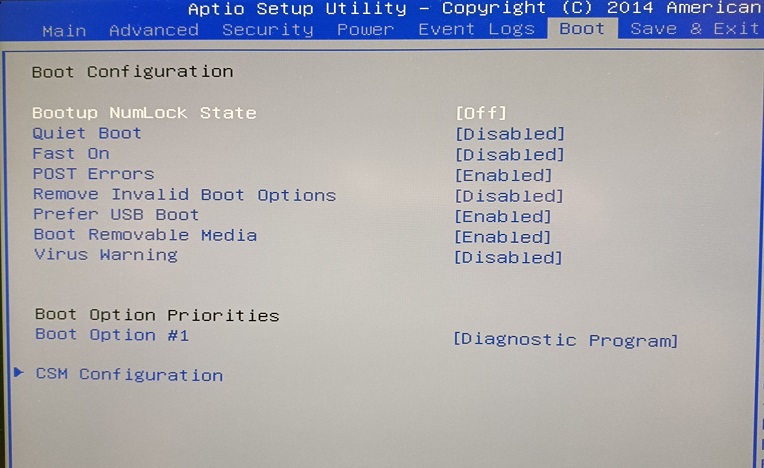
So, the disks and their contents are not the source of the problem. I still think that the problem is with an incompatible BIOS. Therefore, I asked about the possibility of its modification.
The situation looks like this:
1a. disk connected to SATA port:
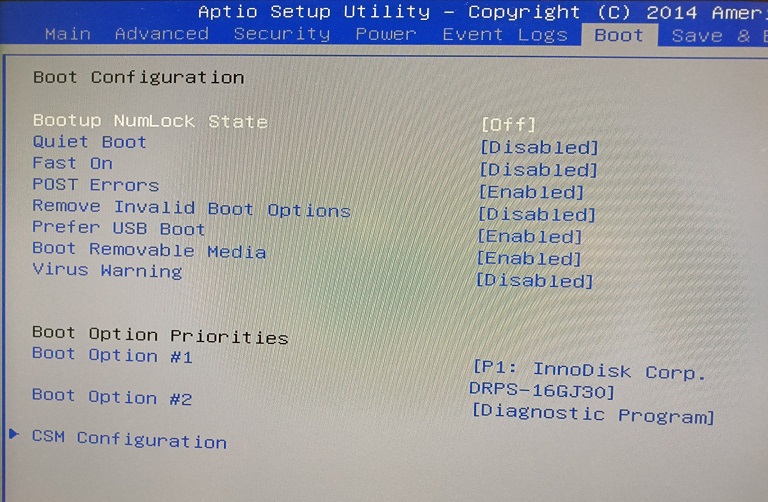
1b. the same disk connected via USB-SATA adapter
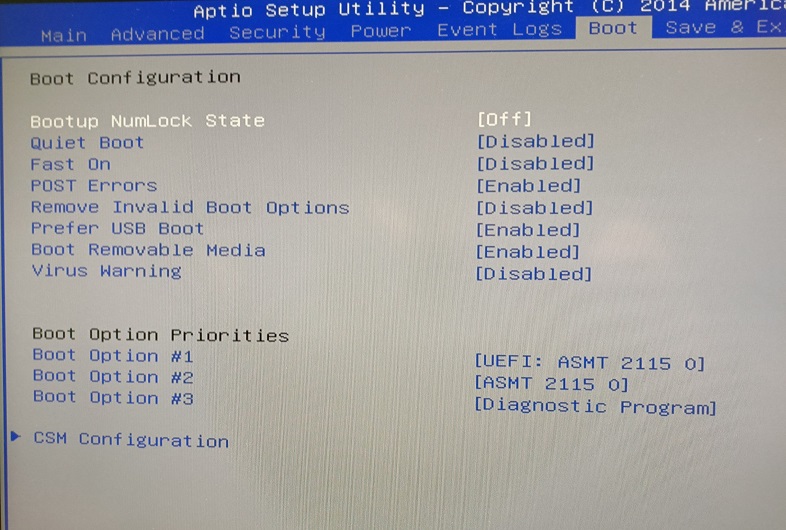
2a. NVME plugged directly to PCIx (with BIOS modified by me):
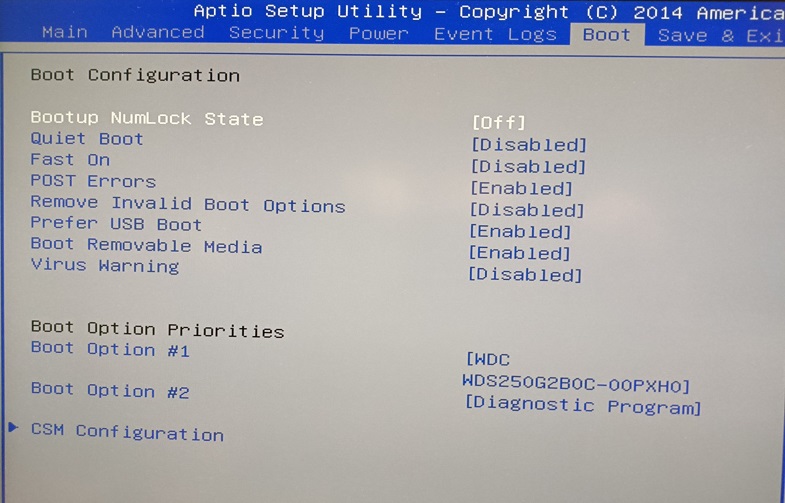
2b. the same disk connected via USB-M.2 adapter:
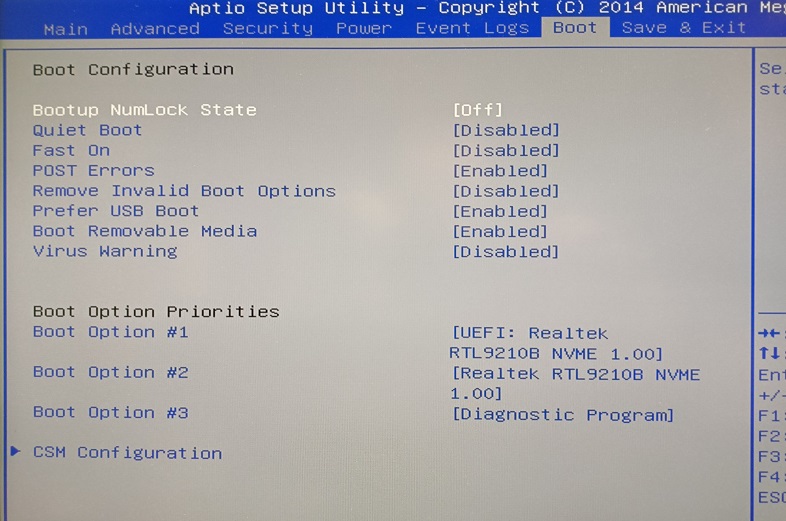
As you can see, UEFI is detected (and works!) only when the disks are connected via USB adapters.
Do you have any other ideas how to "force" UEFI via SATA (or NVME)?
Best Regards,
pswid