I dont see this issue addressed here on the forum, i think both of you should try your efforts in Lenovo helpdesk and their forums.
I even dont recall seeing this issue in other machines brands… but i cant see all.
Our member lfb6 already offer his help…he got no answer.
i had been recieved from customer Dell 3501 LA-K034P laptop.
i don’t have any backup bios of these laptop. i already returned this laptop. Sorry for improper information.
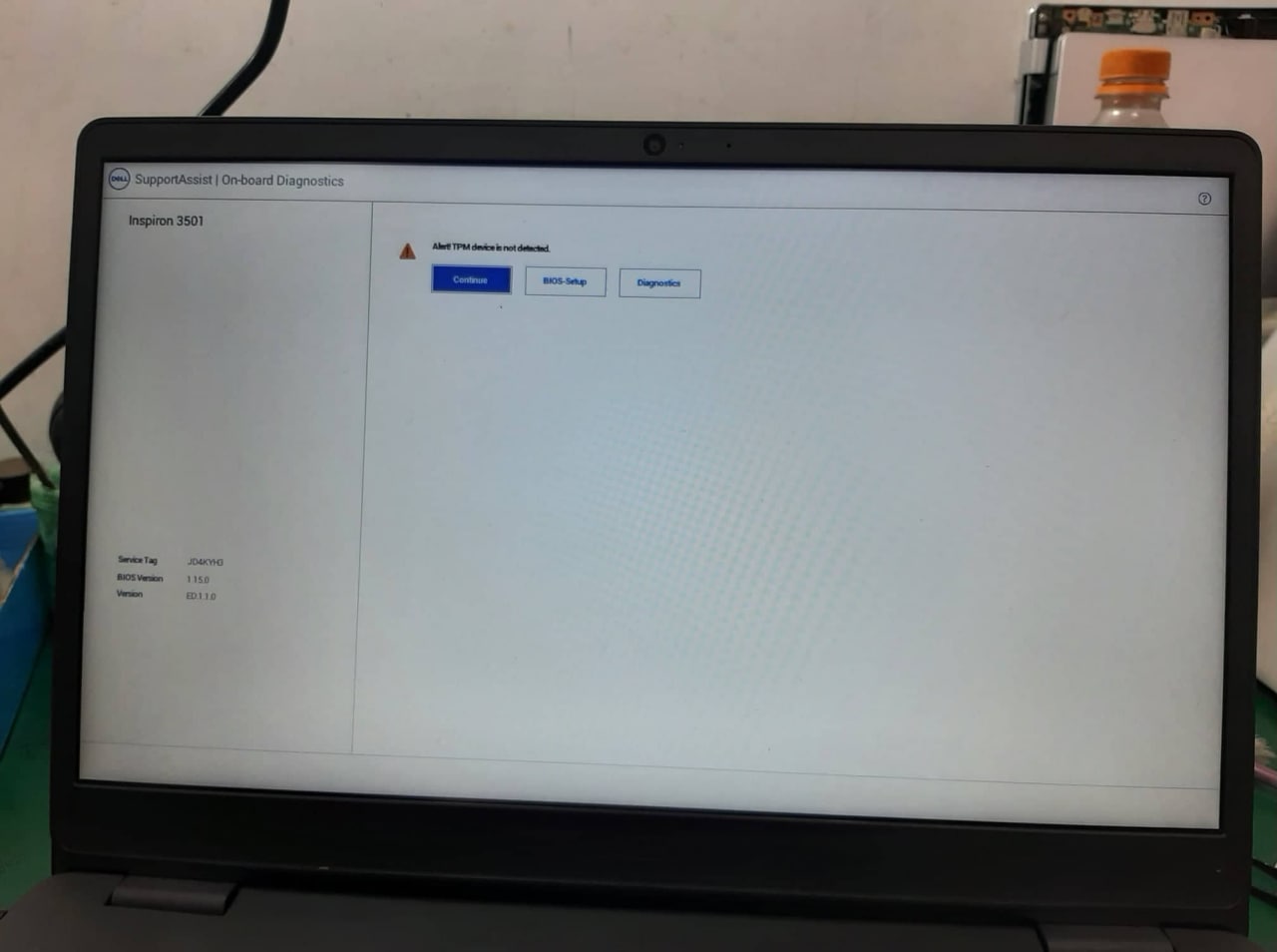
But Both laptop has same problem Alert TPM is not detected.
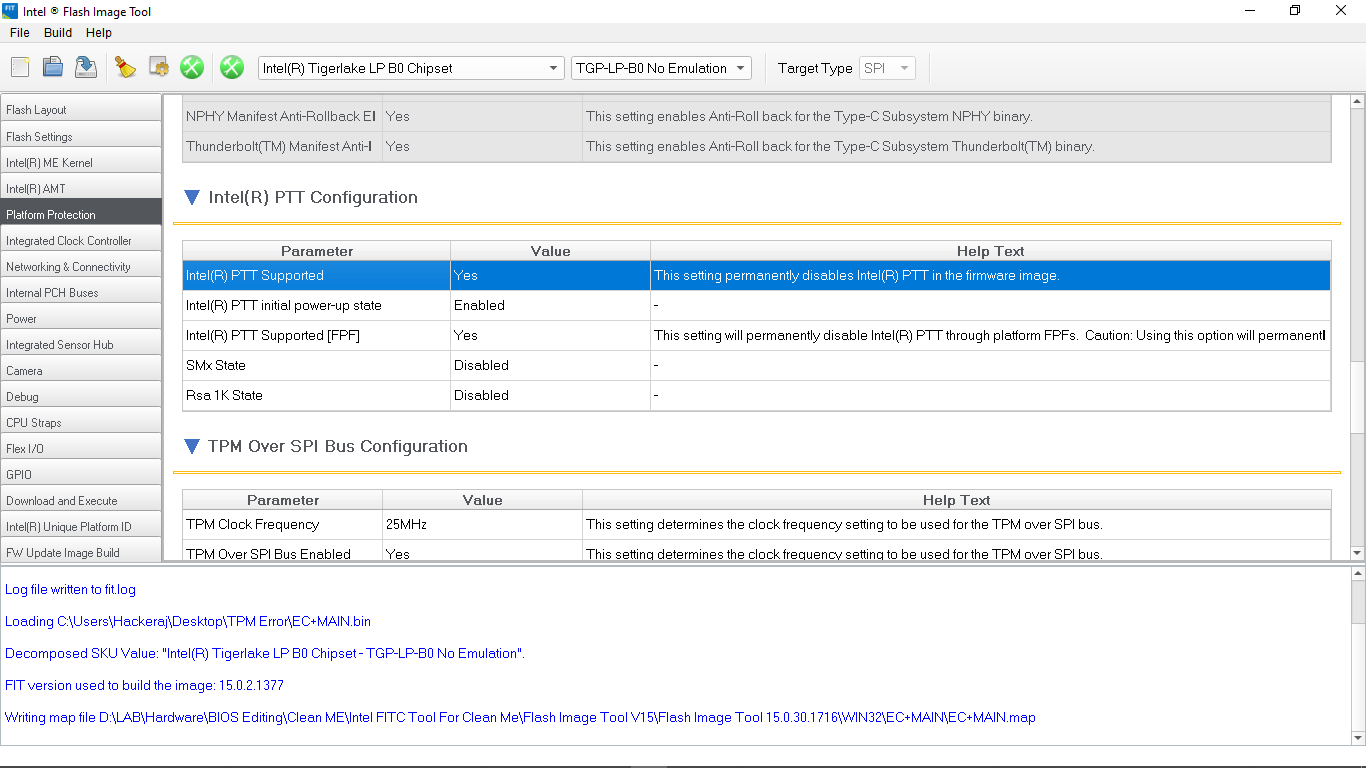
Dump complete firmware, open in FIT, check if Intel® Platform Trust Technology (Intel® PTT) isn’t disabled permanently (two methods, one disables PTT permanently since the setting is fused into PCH first boot)
Yes, This is what i want.
Thank You Much So Much.
How to make Empty NVRAM in BIOS Region ???
i mean, which part of BIOS Region have to be empty for make Empty NVRAM ?
Dell Bios update 1.15 includes ME fw 15.0.41.2158, but all other updates from 1.11 to at least 1.18 include ME 15.0.35.2039 so they downgraded again after update 1.15!
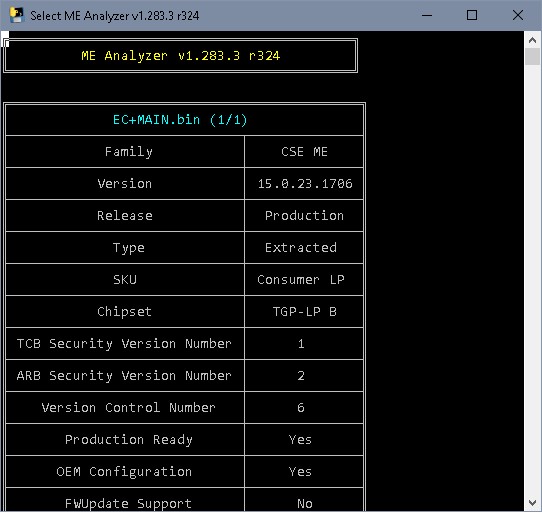
ME 15.0.23.1706 was last time included in update 1.10, so Intel ME got at least once not updated what raises suspicion that the ME firmware might be corrupted.
Regarding NVRAM- seems not to contain machine specific information, padding after NVRAM contains DVAR region which has serial, Windows code, service tag…
So it would be easiest to transfer the empty NVRAM EFI volume from an update to this bios region (your dump on the left, update bios region on the right)