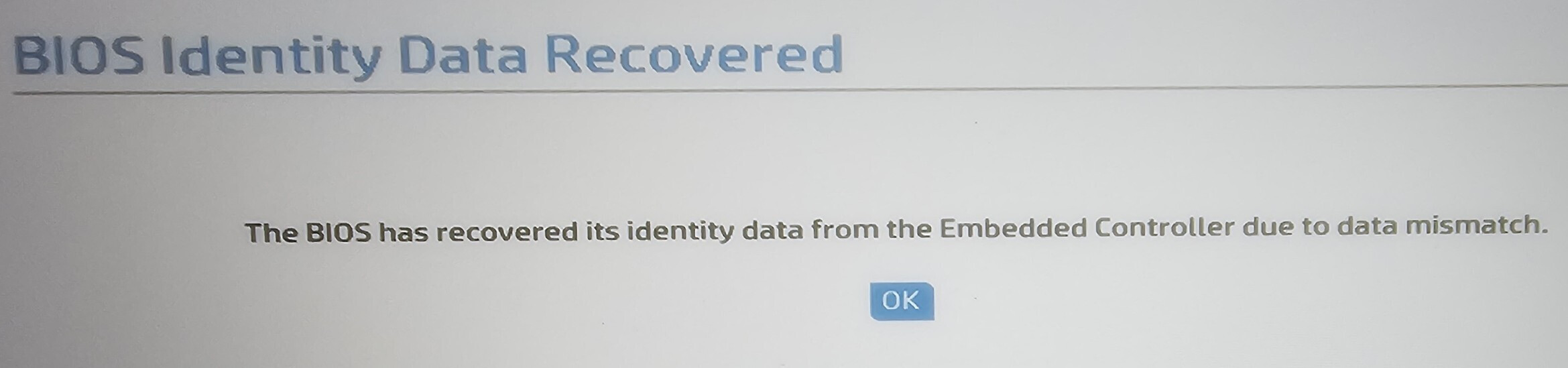
I have a HP Elitebook 840 G5 which boots into HP Sure Start Recovery, but when I press OK, it restarts and goes back to HP Sure Start Recovery. I can press Esc or F10, it shows that it would enter Setup menu, but it just boot loops.
This happened after Windows update, and I think it is related to Microsoft certificate update from 2011 to 2023.
I don`t know how to get around this. I tried different BIOS and it did not even POST.
I can give my PoV about an issue of an 850 G6 from a client, that went kaboom today after regular WU packages and self-updated bios release from May and another from August.
The system was in a January release that did not have the new MS certificates, did not had any loop like yours but no longer a valid Windows to boot from…had to recover the system with MS account credentials and the owner BitLocker of the system.
The one from May had new certificates/changes:
" ENHANCEMENTS: - Adds a new ownership state for 2023 Secure Boot certificates to track whether certificate settings use Microsoft defaults or have been modified by the user. If certificates are modified (added, disabled, or cleared), HP BIOS claims ownership of the policies to prevent Secure Boot changes when the system restarts. - Updates the system with the latest 2023 UEFI security certificates. - Adds support for Windows driver installation using DIRID 13."
My suspicious goes on MS WU security packages…that may interfere with HP security on HPSureStart/TPM credentials.