Hello everyone! I need some help with modding vbios.
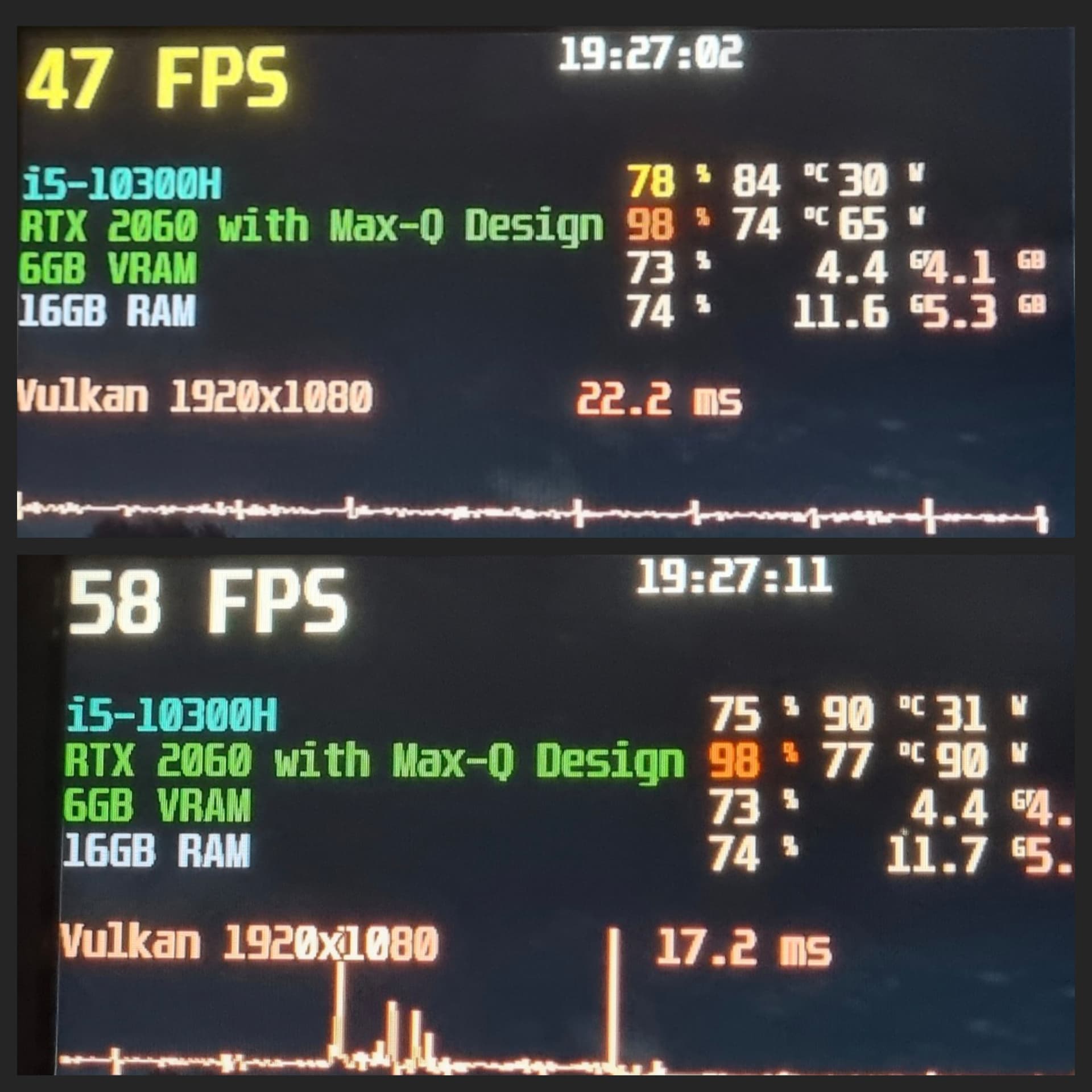
I successfully flashed the vBIOS on my HP Pavilion Gaming Laptop 16 with RTX 2060 MAX-Q using vBIOS files from other manufacturers (Lenovo, Asus) via OMGVflash, achieving a max power limit of 90W (the stock limit was 65W). After installing driver 528.24, which has a bug allowing power limit adjustments on laptops, I was able to set an enforced power limit of 90W.
I wanted to ask: Is it possible to modify my original firmware to unlock the default power limit to 115W (or higher/lower) and possibly other tweaks, voltage limit, so that this limit works on newer drivers? As I understand, replicating the unlocked power limit from driver 528.24 on newer drivers isn’t feasible. I also heard about tdp mobile tweaker, but didn’t tried it by now.
I’ve attached my original firmware extracted via GPU-Z and screens before/after activating afterburner and power limit,+212core, +515memory). Any help or advice would be greatly appreciated!
I read your post with great interest. I have the exact same setup—an HP Pavilion Gaming 16 with the RTX 2060 Max-Q. Like you, I’ve been struggling with the 60W-65W “power wall” which really bottlenecks the TU106 core.
I noticed you successfully achieved a 90W limit using Lenovo/Asus vBIOS files and the 528.24 driver bug. I’ve attempted a few flashes myself, but I keep running into issues with the HDMI output being disabled or the power limit remaining stuck despite the flash.
Since we are using the same hardware, could you please share:The specific vBIOS files (.rom) from Lenovo or Asus that worked for you without breaking the system?
Hi! Sorry, I hadn’t checked my email for a while, so I missed your message. If this is still relevant, HDMI also doesn’t work on my setup, and I couldn’t get any image on the second monitor. Have you had any progress with this issue?