Hi guys, a newbie here. I have a GA-H61M-DS2 rev 3.0, I have the latest f4d bios from the GA website. Can I use this bios with my MB? Appreciate the response.
This is F7 bios for the 5.0 revision, not for the 3.0 revision motherboard, its is not recommended to use it.
EDIT: It would but why don’t you try it, the guide is very well elaborated, all here on this thread applies to any revision.
EDIT: You can post it here, ill modify the thread tittle to the 2 revisions.
Got it, thank you for the response. Would it be appropriate to submit a request for the rev 3.0 model? I’d really like to have my MB running NVME “natively” (well, almost) through bios.
Yeah, tried it  Can I post the file here to verify or use another topic?
ga-h61m-ds2_v3.x_f4d_nvme_mod.zip (2.8 MB) (BAD)
Uploaded, thank you.
The module seems correctly inserted, you may check for missing original/added pads according the guide, if so don’t flash it and try alternative method also in the guide.
God luck.
Hi, thank you for checking. This is where it gets complicated. My BIOS looks totally different from the one in the example, but I think I did manage to find the difference, and the Pad file
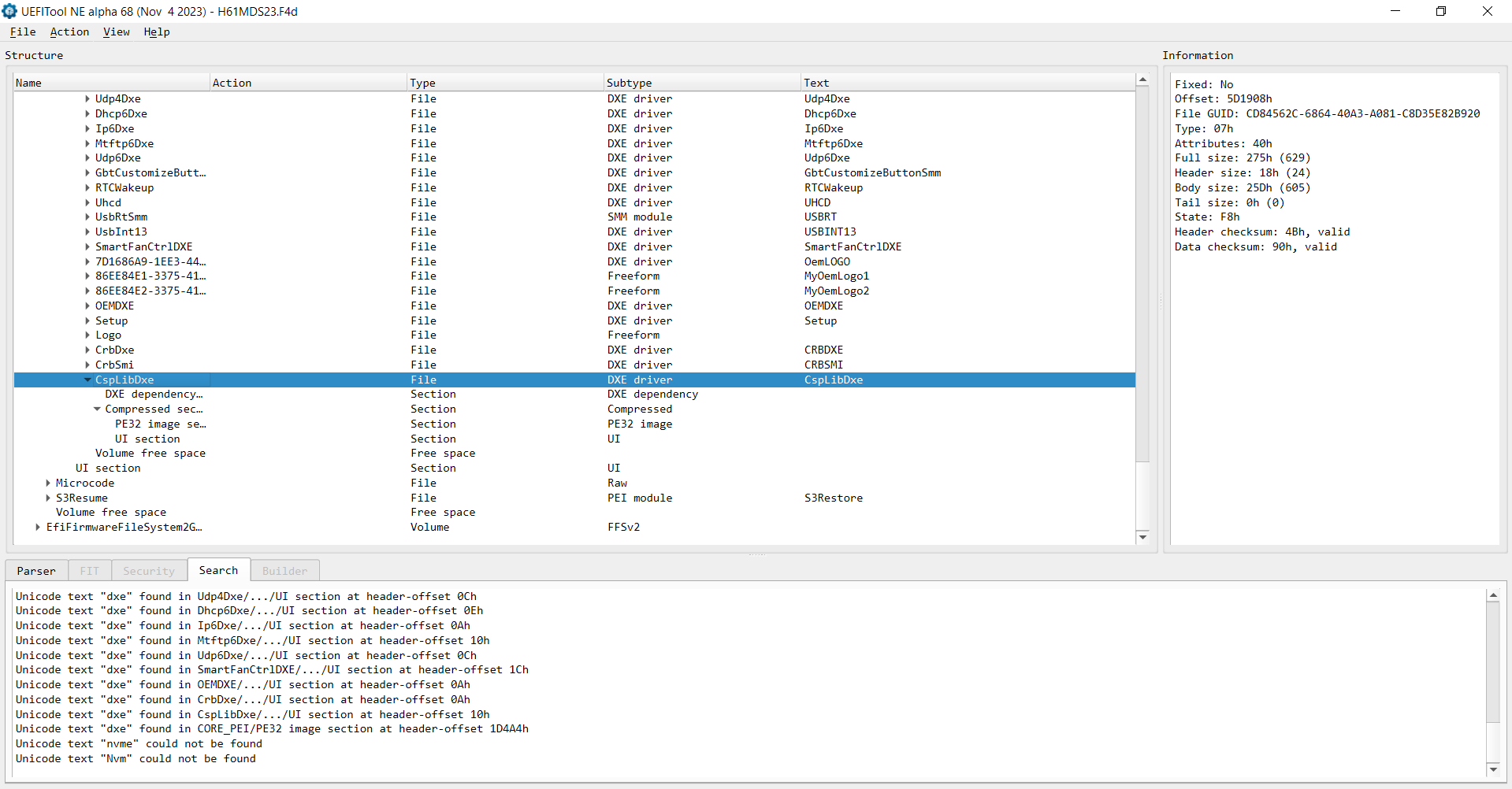
1st screen is the original BIOS
2nd screen is the modded BIOS
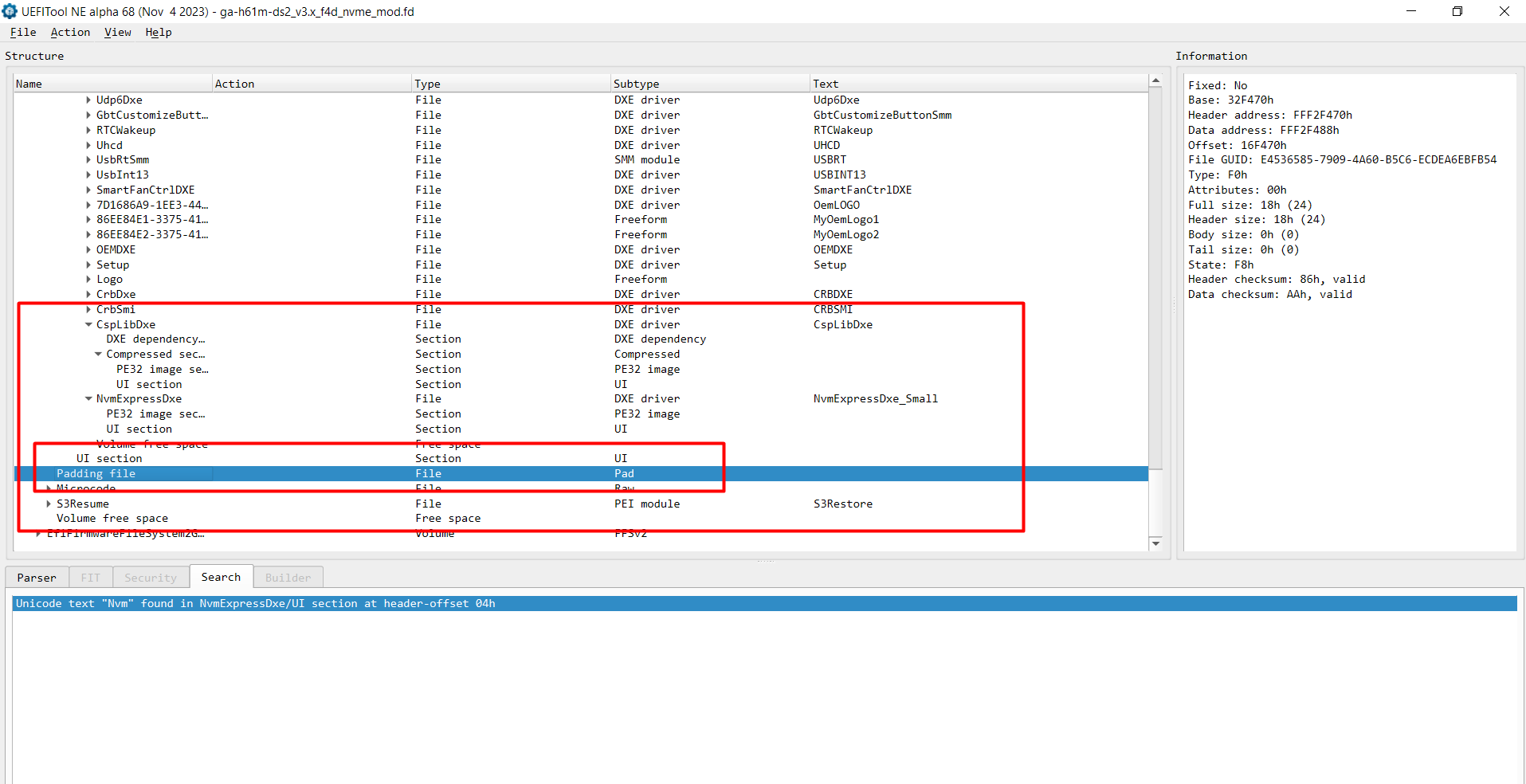
Am I looking at the correct block? Can I just remove the PAD somehow?
I can’t follow the second method, I tried. My BIOS file looks very different from what I see on the screenshots, so I would appreciate the assistance.
I tried with UEFI tool again, but I don’t have the option to insert files
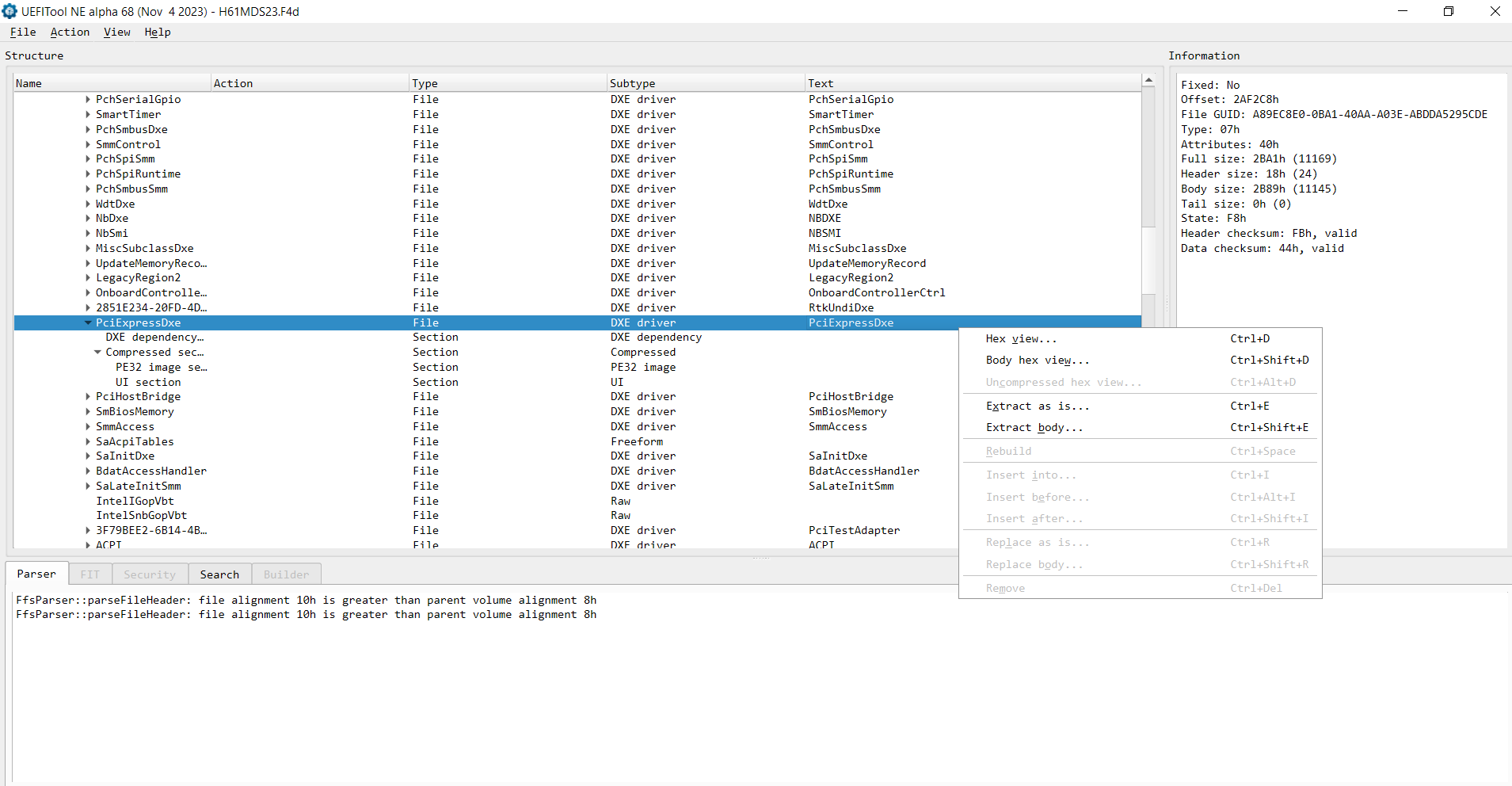
Or here
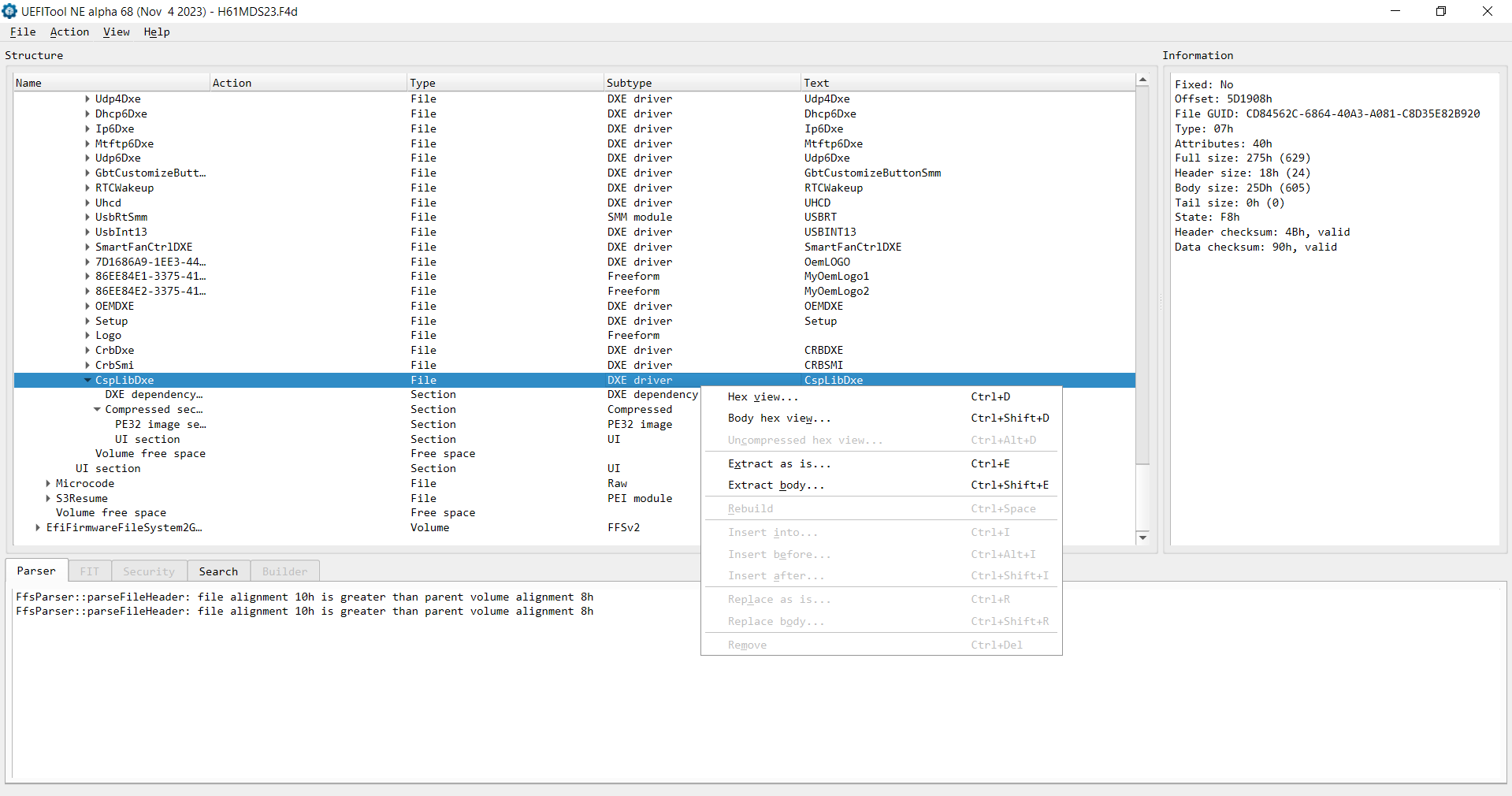
Indeed a new PAD non-original was generated, no can do.
You shouldn’t remove PADs manually.
The UEFI tools has 2 versions, the “regular” 0.25/0.28 and the “NE” alpha xx
The first variation for insertion and the second for extracting/deep analysis.
I got it, can you please validate it now? I have used the the other version as you suggested and inserted it in the same place where it was inserted by the mmtool, after the CspLibDxe section.
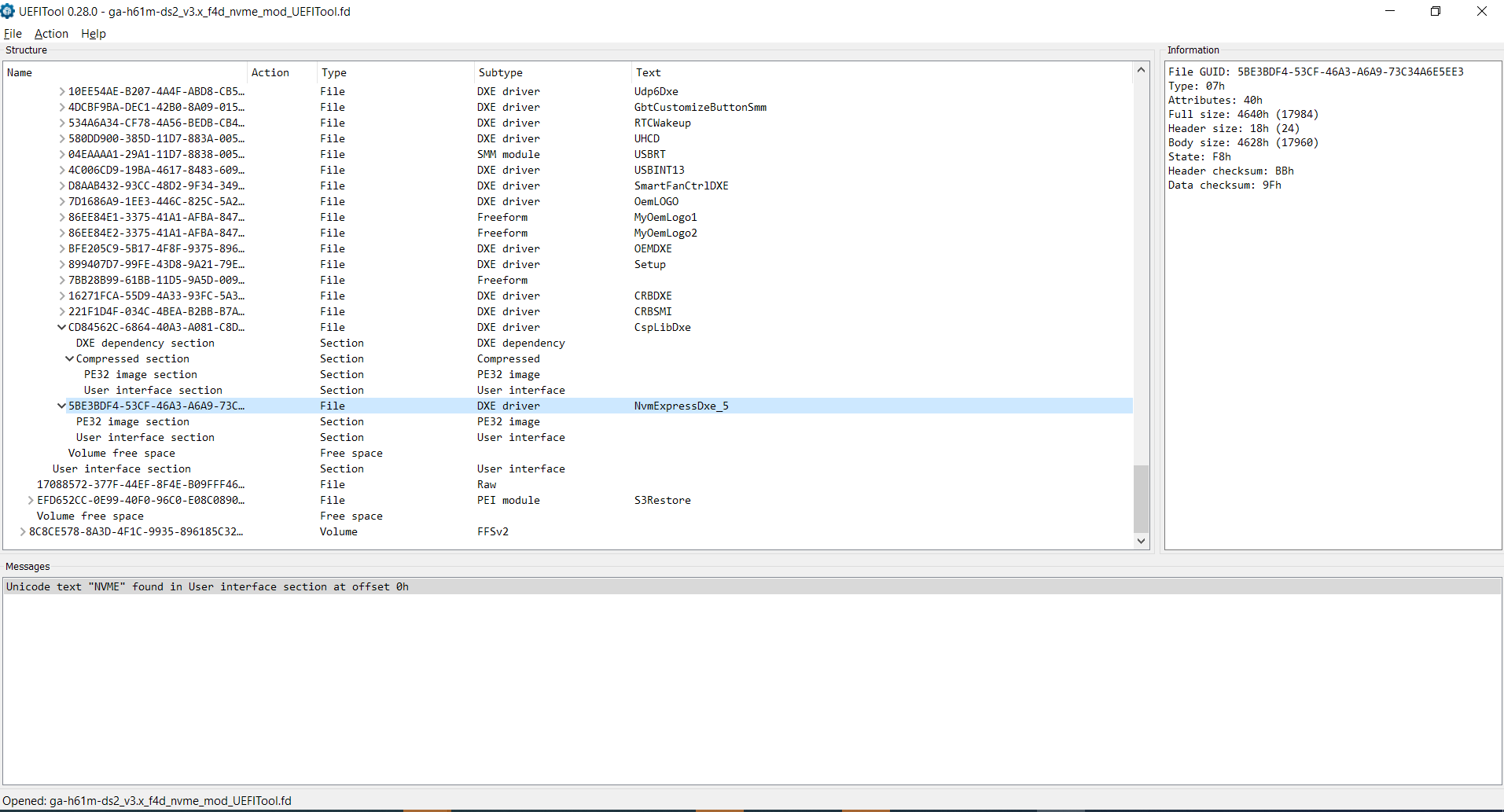
and the BIOS file
ga-h61m-ds2_v3.x_f4d_nvme_mod_UEFITool.zip (2.8 MB)
There’s no “Validation” here on mod files… you take as it is, as we all do.
You already know the correct module insert location and how to check for pad files, that’s it, other than that, no one here will vouch for any rate success of any mod operations.
This is mod world and in modding everyone takes their own risks or NOT, simple as that.
Good luck, over_n_out.
PS: Report back for future user guidance/reference, thank you.
EDIT: Enjoy it and thank you for the feedback, all the best.
Got it, thank you. Now I can report back that it is a success! After flashing the new bios, the system booted up from the SSD and it runs perfectly. I already had Windows installed. Thanks for the assistance. I think it’s “safe” to update the topic to include two versions of the BIOS in case anyone needs v3 or v5. Cheers!
P.S. I’m super thankful that such communities exist! 
Hello bro I have this motherboard GA-H61M-DS2 (rev. 3.0) this is thesame bios to update NVME support? if yes help me how to update bios thnks in advance Im very new
@MaDGyrus
Welcome to the Win-Raid Forum!
If you are sure, that the modded BIOS matches your specific mainboard model and Revision, you can flash it at own risk.
>Here< is the related Guide (look into the chapter “Guide for Gigabyte mainboards”).
Good luck!
can I use the file uploaded for the user with same motherboard? 3.0
If it’s same revision and was made from original file, yes you can.
At least the user reported success, the rest is up to you.
If you want to be sure of the work done and made ONLY by you, follow the guide and Fernando’s link provided.
Simple as that.
means 3.0 have more diferenty revisions?  is posible to fix if the file is not the correct?
Sir… you can only access the web to get in a forum or do you do Google also…do even know how to use a search engine… unbelievable.
GA-H61M-DS2 (rev. 1.0)
GA-H61M-DS2 (rev. 1.2)
GA-H61M-DS2 (rev. 2.0)
GA-H61M-DS2 (rev. 2.2)
GA-H61M-DS2 (rev. 3.0)
GA-H61M-DS2 (rev. 4.0)
GA-H61M-DS2 (rev. 5.0)
GA-H61M-DS2 (rev. 6.0)
So… if you have PCB 3.0…the bios F4d is for your model…“ring a bell”
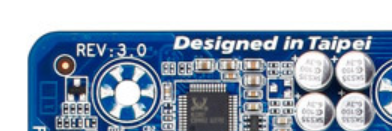
Is this clear ENOUGH for your understanding now or did GOKU “fried” your brains too much???
ok thnks you clear now