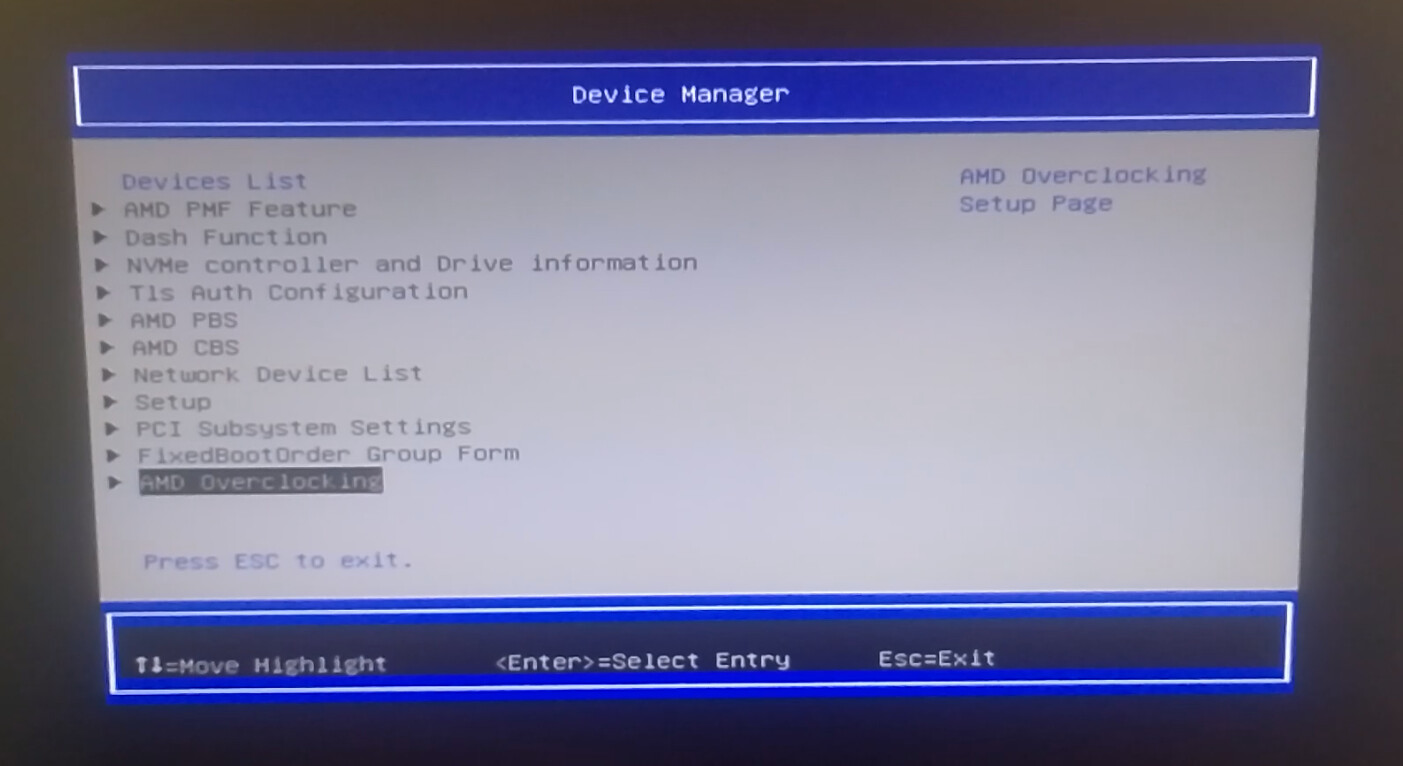
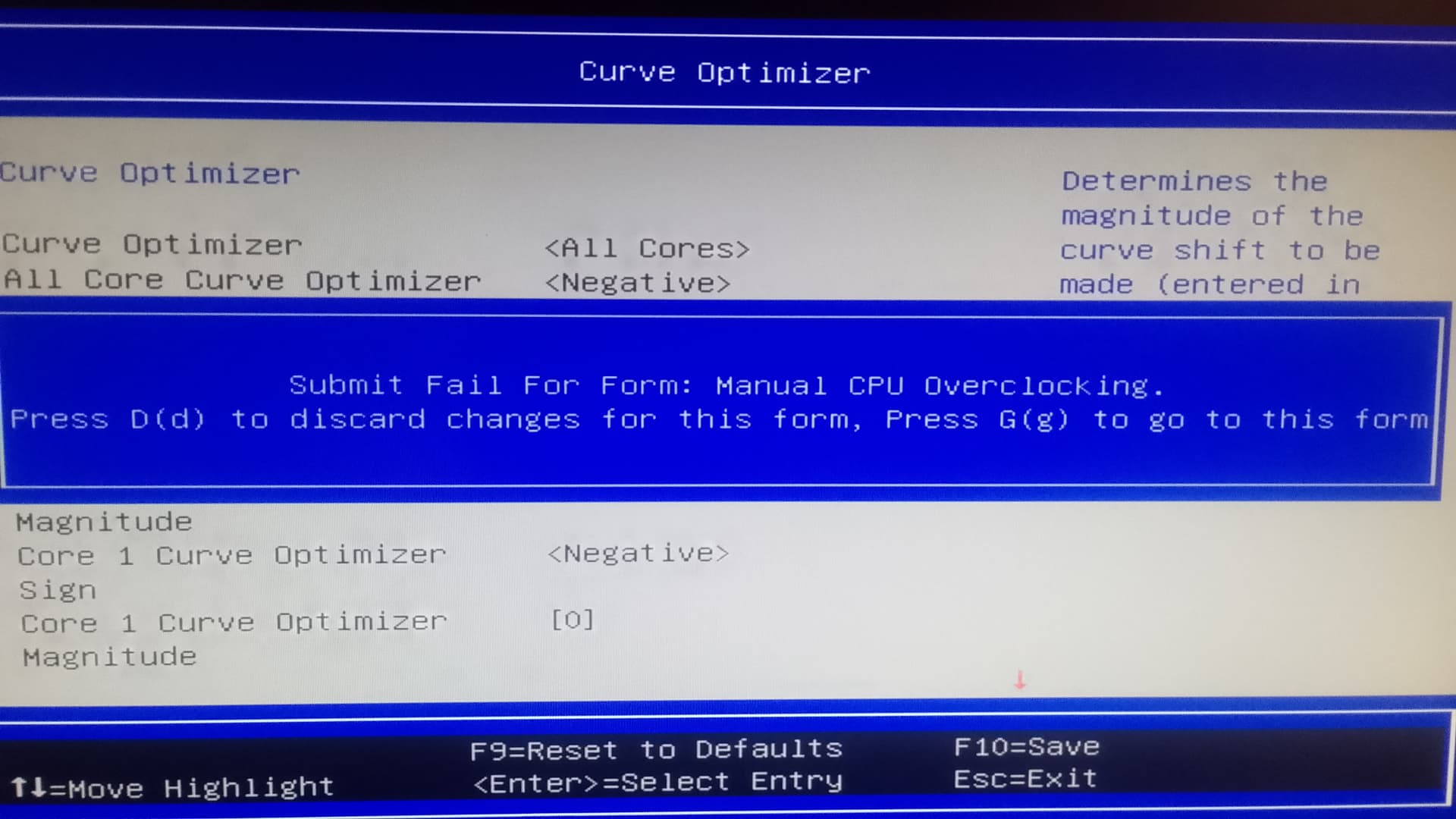
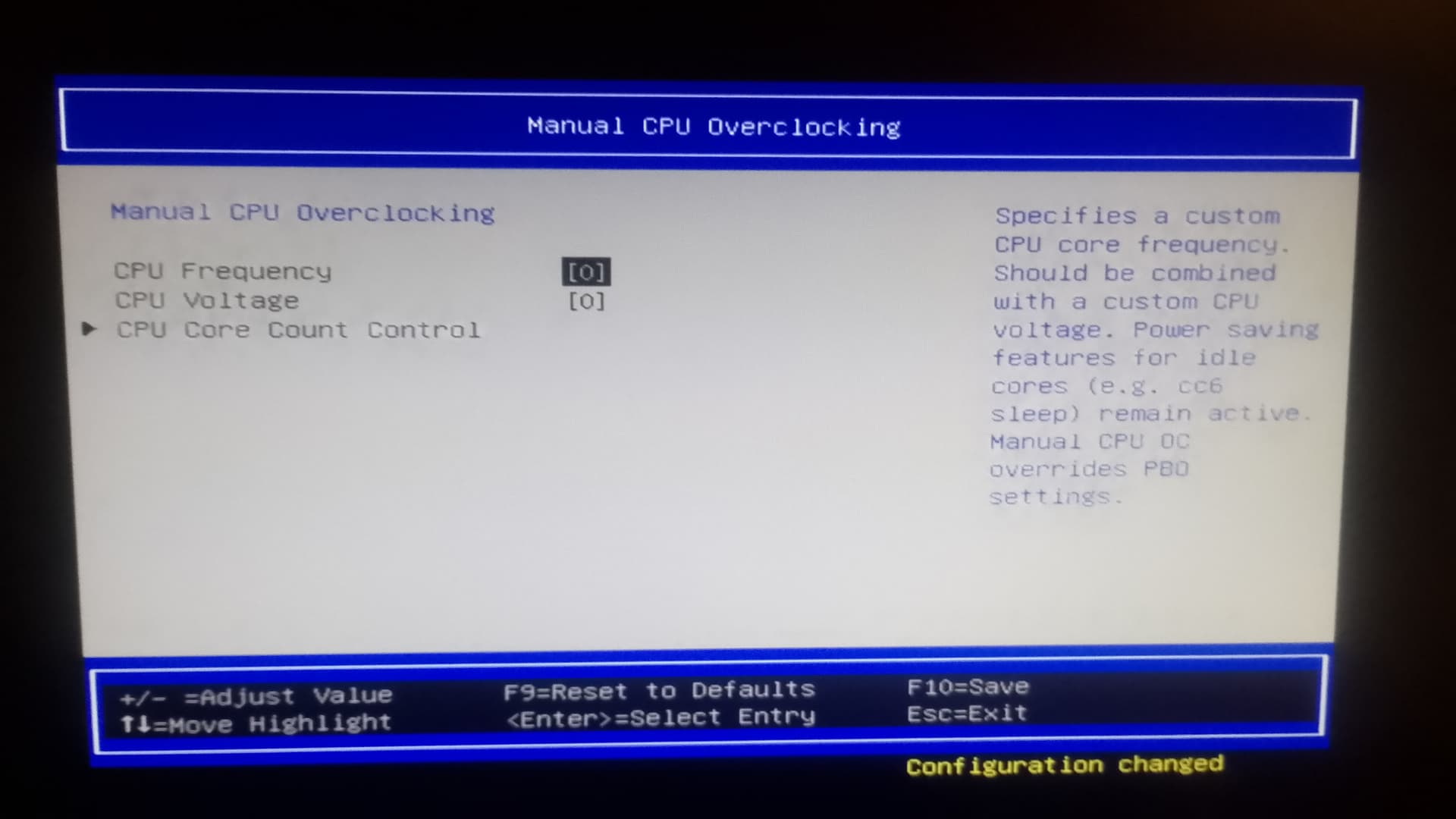
Afer some challenging days I was able to build my own SREP config file with some patches. Only one worked so far and that was an GUID Swap to visualize “AMD Overclocking” Tab in Main Menu.
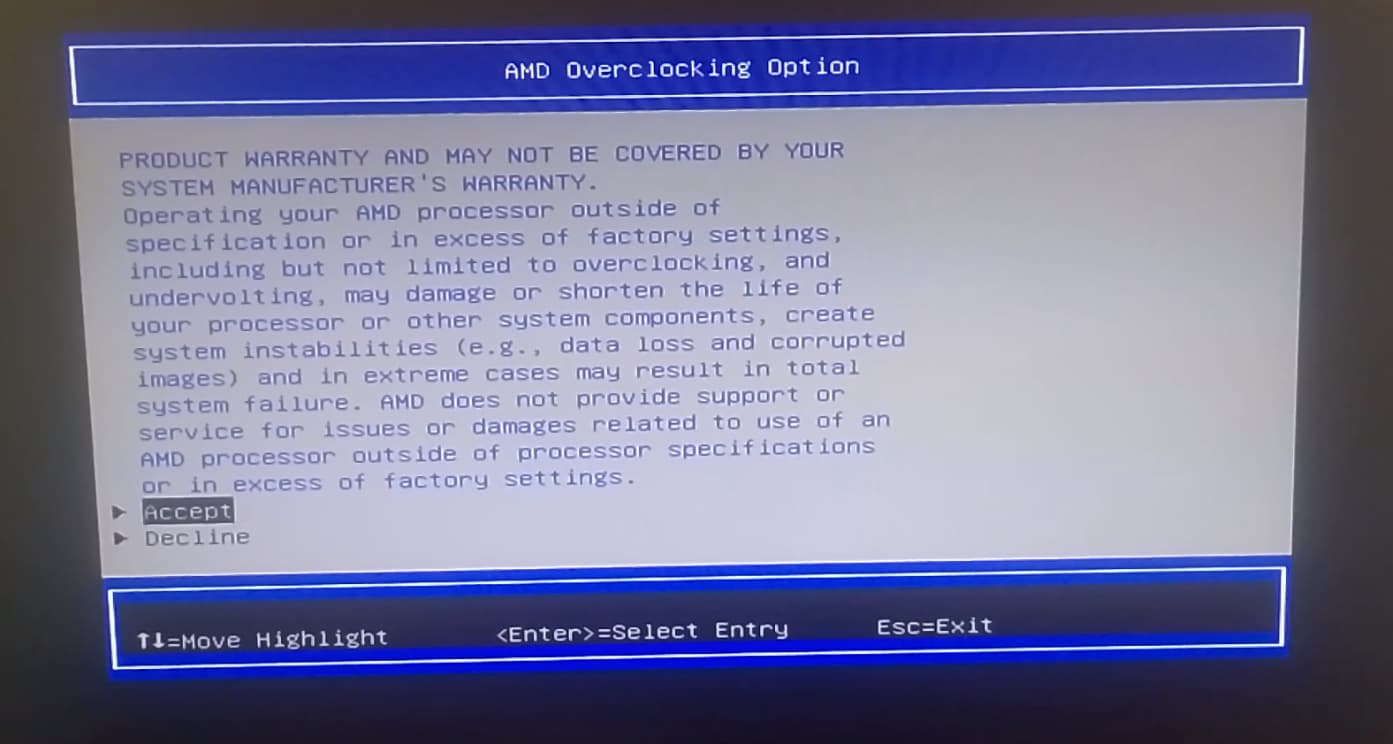
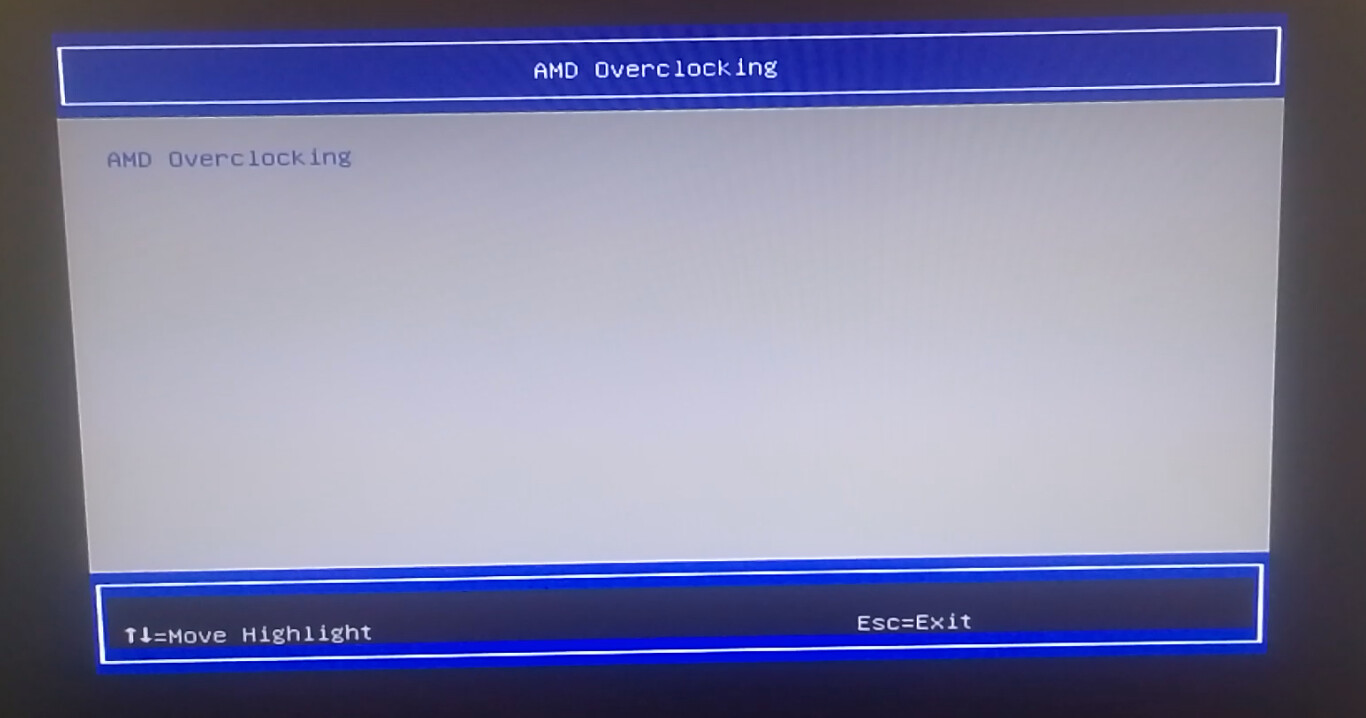
You can see the “warning” and click “accept”, but then a blank Menu shows up, no further listings.
I found out RU.efi only finds one GUID entry. set_var and dmpstore -l in UEFI-Shell are not working (not able to set, etc) Maybe the NVRAM is some kind of locked? In the NVRAM dump is a lot more listed.
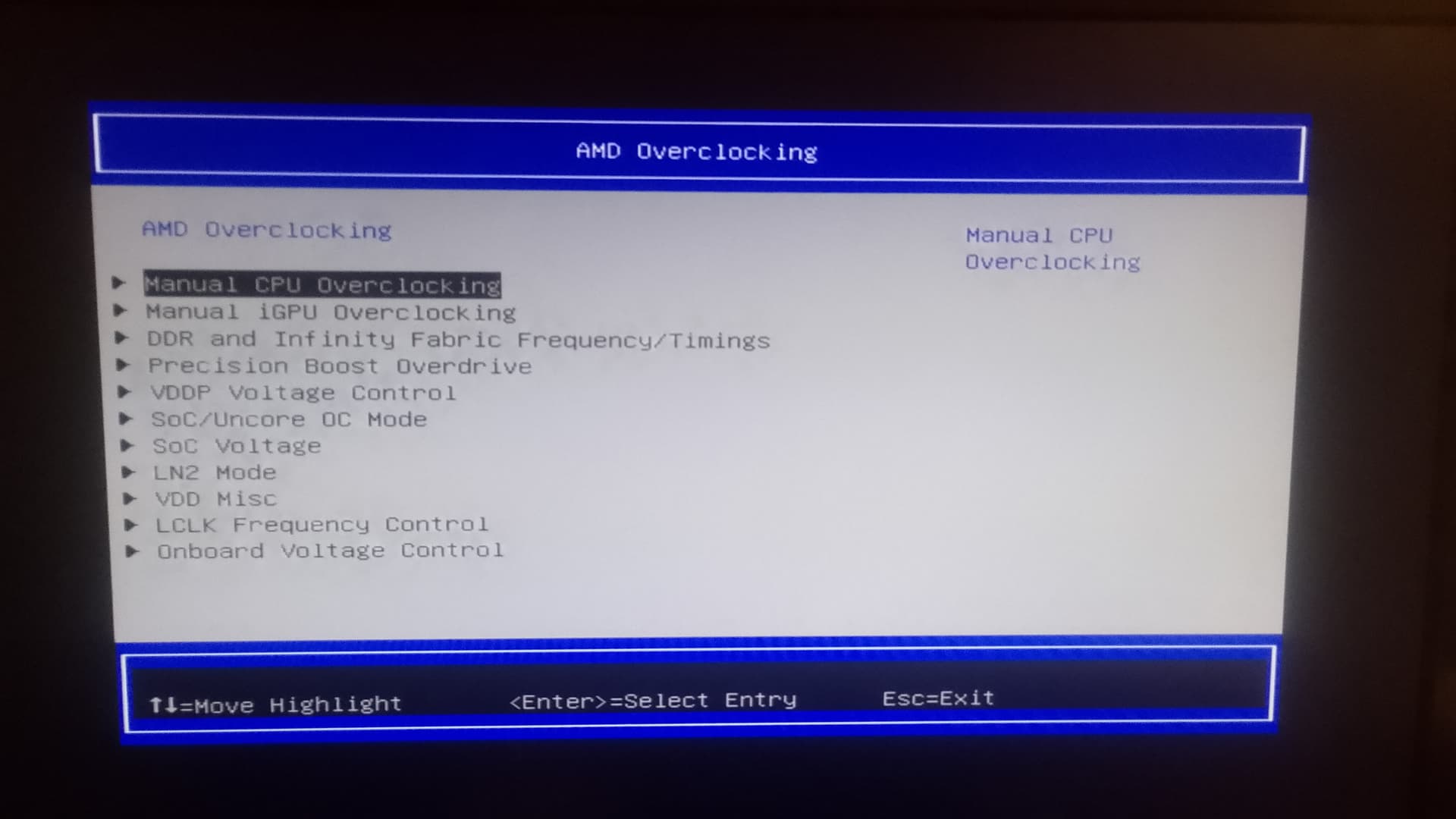
Patching through the AodDxe is though I don’t know where to begin. Supressifs and Disableifs… I’m not a coder myself so I tried my best. AI (grok) helped me out in a lot of things. So far no way to get that OC Setups to show up! The last time AI also found some flags in AodDxe with “jump bytes”,… frustrating
SREP_Config.cfg that’s the GUID Swap to show AMD Overclocking Tab
Op LoadFromFV
AodDxe
Op Exec
Op End
Op Loaded
AodDxe
Op Patch
Pattern
5EB46BA7FA89AAECADEE66AC922E6F7D
E33545B0043046499EB7149428983053
Op End
Op LoadFromFS
loader.efi
Op Exec
Op End
SREP_Config.cfg some more suppressif patches.
Op LoadFromFV
AodDxe
Op Exec
Op End
Op Loaded
AodDxe
Op Patch
Pattern
5EB46BA7FA89AAECADEE66AC922E6F7D
E33545B0043046499EB7149428983053
Op End
1. Manual CPU (A6 / A5)
Op Loaded
AodDxe
Op Patch
Pattern
0A821286A600010017021206A500010017021502
0A821286A600020017021206A500020017021502
Op End
2. Manual iGPU (AA / A3)
Op Loaded
AodDxe
Op Patch
Pattern
0A821286AA00010017021206A300030017021602
0A821286AA00020017021206A300030017021602
Op End
3. DDR / Infinity Fabric / A7-Varianten
Op Loaded
AodDxe
Op Patch
Pattern
0A821286A700010017021206A300020017021206A3000400170215021602
0A821286A700020017021206A300020017021206A3000400170215021602
Op End
4. Precision Boost Overdrive (AB)
Op Loaded
AodDxe
Op Patch
Pattern
0A821286AB0001001702
0A821286AB0002001702
Op End
5. LN2 Mode (A9)
Op Loaded
AodDxe
Op Patch
Pattern
0A821286A900010017021206A300FF0017021602
0A821286A900020017021206A300FF0017021602
Op End
6. LCLK (A8)
Op Loaded
AodDxe
Op Patch
Pattern
0A821286A80001001702
0A821286A80002001702
Op End
7. Weitere A7-Variante
Op Loaded
AodDxe
Op Patch
Pattern
0A821286A700010017021206A300FF0017021602
0A821286A700020017021206A300FF0017021602
Op End
Op LoadFromFS
loader.efi
Op Exec
Op End
Photos