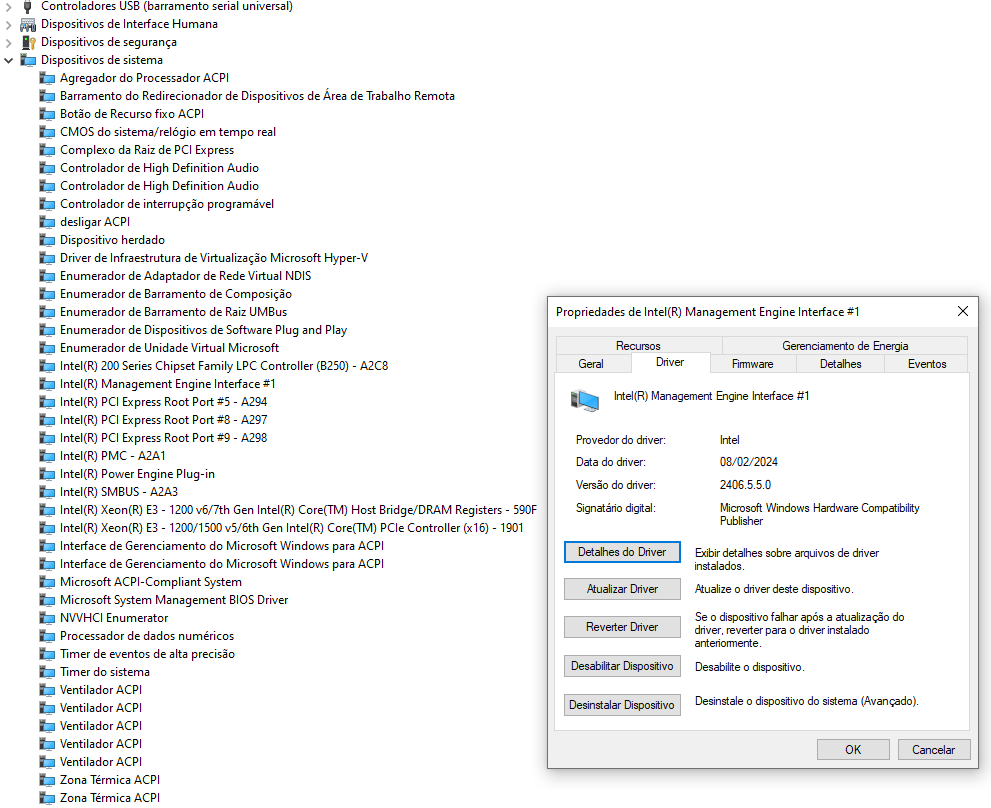
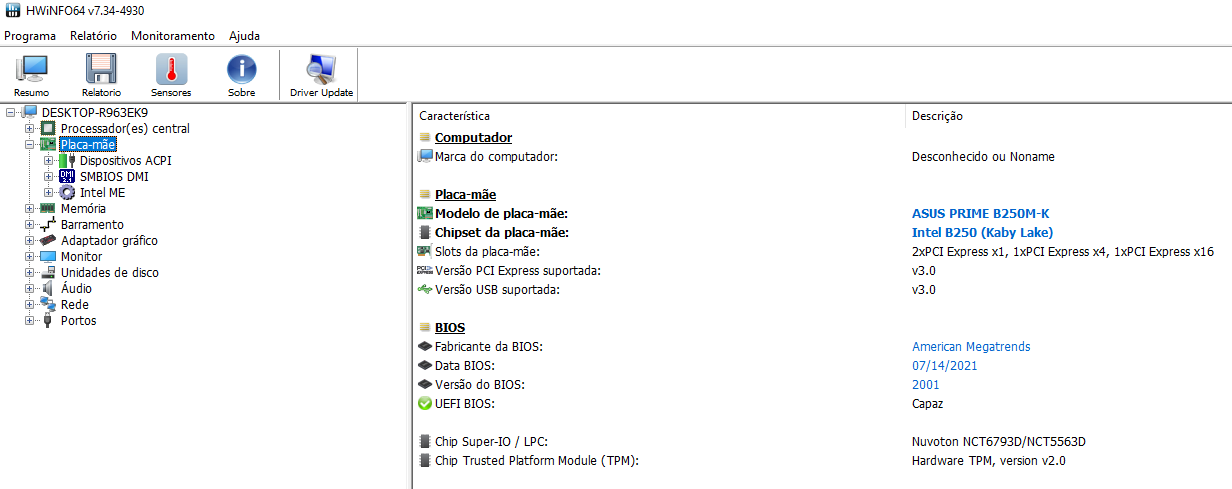
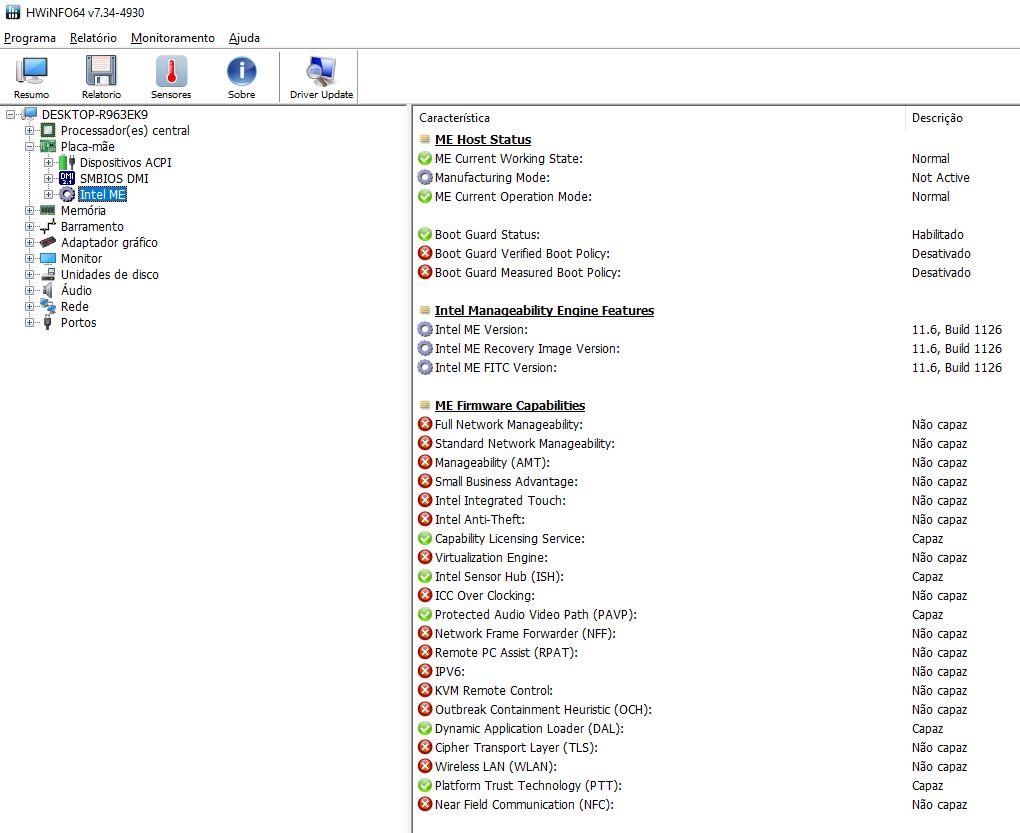
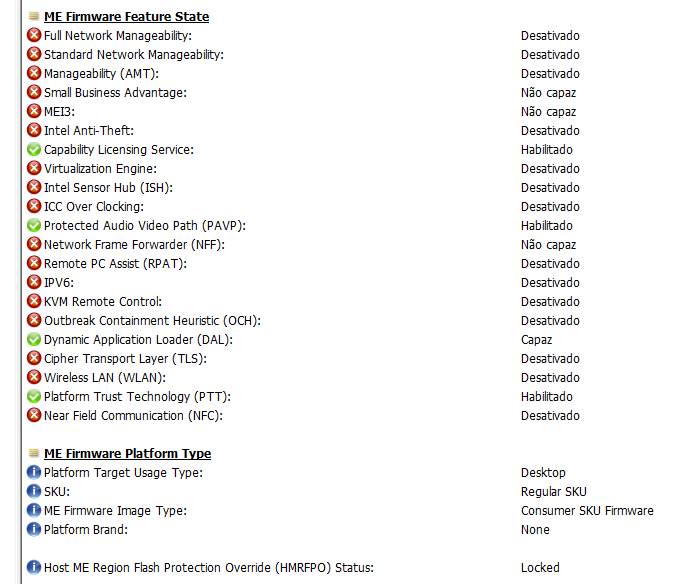
Buddies, I have an Asus prime B250m-k working with a stock i3 7350k and managed to get a Xeon E3-1270 v6 some months ago, since them, I’m struggling to make an BIOS mod that works with the Xeon.
I tried many tutorials I found on the internet, mostly them for the h100 series and Xeon v5, but even the ones focused on the 200 chipsets series (but the working examples givens were Xeons v5) do not worked for me. I noticed that even the coffee time when running in my machine do not give me permission to change some sets that it allows in others PCs. Furthermore, I found a guy that successfully modded an Asus ex B250m-v, (which is almost the same motherboard as mine) BIOS for v5 Xeons and he tried to help me, but even when he modded the BIOS for me does it not worked. The modded BIOS just start and immediately shoot down with the Xeon and works well with the i3, I’m using AFUDOS to flash the BIOS and apparently does it well. I will try to supply this post with as much information as possible about my system if it aids someone who tries to help me.
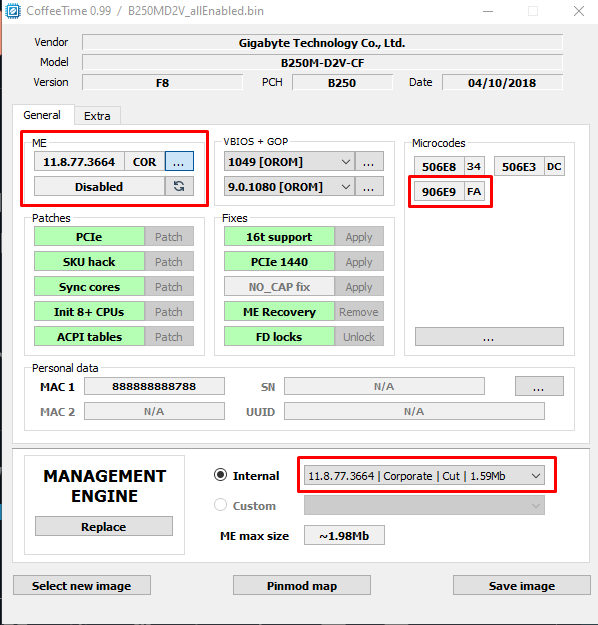
Went in coffeetime v0.99 and changed everything to green (because why not).
Followed @karfel advice and changed to corporate ME with the same coffeetime v0.99 and set ME status disabled.
Hi buddy, do you have the BIOS for the EX-b250m-v motherboard? I have exactly the same motherboard as the guy you mentioned, and I want to run it with a Xeon E3 1260l v5.
I have an ASUS PRIME B250-PLUS and would like to mod it for a Xeon E3-1270 v6 CPU. Does anyone have a ready-made BIOS that I could try, or at least a more or less complete guide that I could use?
@Leather_Rebel@SheperdShiromoto@apiotr0
This BIOS modding request thread has been designed specificly for Asus Prime B250M-K mainboards, not for any other B250 Series ones.
To avoid problems while trying to flash a not matching modded BIOS there are 2 options:
a) You start a new request thread for your specific mainboard BIOS.
b) The opener of this thread (or any Forum Mod/Admin) customizes the title of this thread.