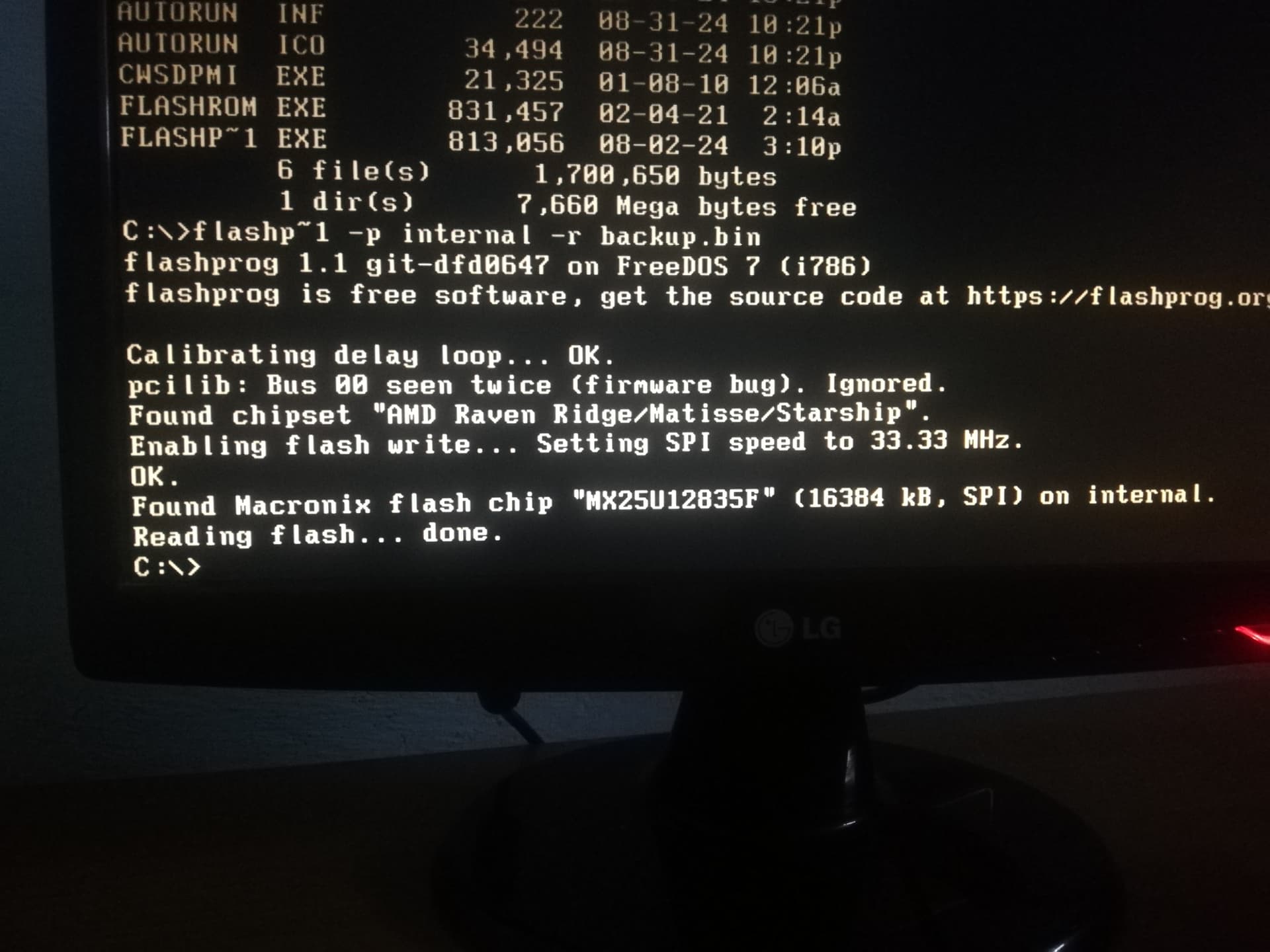
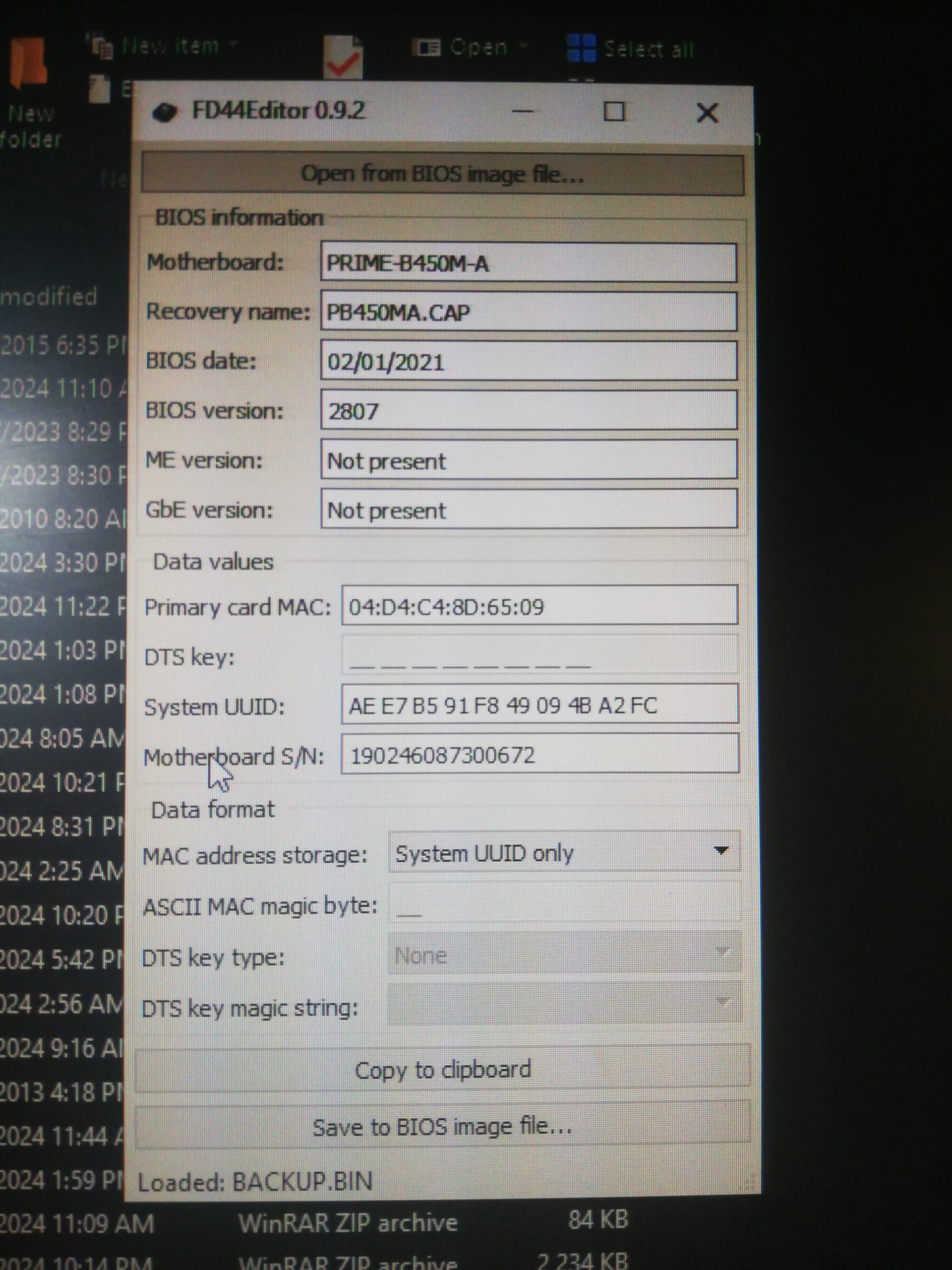
Here’s a compiled version of flashprog and flashrom for DOS usage (with internal function), since [Tool] Flashrom v1.2 [DOS] has not been updated.
Both natively support Promontory AM4, and probably AM5 system is supported (not tested yet). Could be used on MS-DOS and FreeDOS. Just drag and drop the .exe included in the file into your DOS bootable drive (just use either flashrom or flashprog, both are separate program and aren’t dependent one each other, only CWSDPMI that are needed for either flashrom or flashprog to run, which is included in the package).
If you’re on AM4 system with agesa 1.2.x.x and above, and AM5 system, you need to dump your bios using programmer if it’s locked by AmdSpiRomProtect DXE module since that module protect the bios from this tool usage. Remove the module from your bios dump using MMTool or UEFI Tool, flash the bios with removed module with any programmer, and you’re good to go to use this tool.
EDIT: Some motherboard might not allow writing even with AmdSpiRomProtect DXE driver is removed from the bios, this is due to AMD Rom Armor/Rom Armor 2 is present in the bios and not disabled/doesn’t have the option to be disabled. Some might not even allow the bios to be dumped at all. User @nanzito has experienced this just to test if it’s working or not (his own bios dump used to write using flashprog), and it didn’t work:

(image credit to @nanzito)
To make a bios dump, use flashrom -p internal -r <filename>.ROM, and to write the bios use flashrom -p internal -w <filename>.ROM
Here is the tool: Flashprog 1.1 + Flashrom 1.5.rar
UPDATE: Flashprog v1.5 DOS.rar (226.4 KB)