ALL BIOS MOD UPDATE TOOL MULTI-LANGUAGE SUPPORT
This BIOS Update Tool Updates BIOS of Almost All UEFI Supported Motherboards.
Which Chipset and LGA Socket Class Motherboards Can This Tool Be Used On?
- LGA 1155 Socket
- LGA 1150 Socket
- LGA 1151 Socket
- LGA 2011 Socket
This software can be used on motherboards with AMI UEFI-based BIOS.
However, problems may occur with AMI Aptio V Series BIOSes.
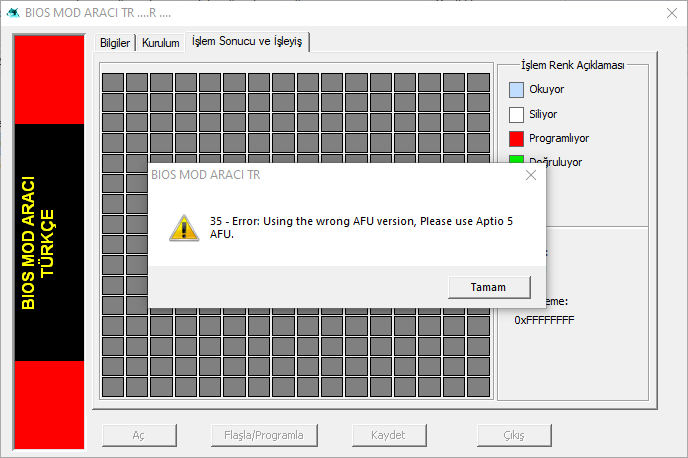
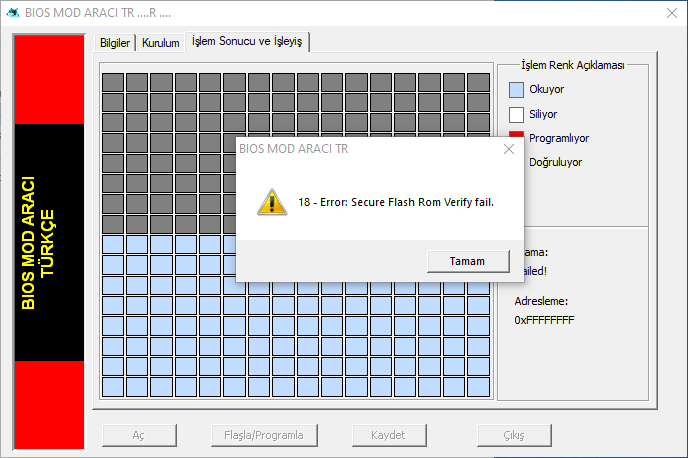
Note: It has also been observed that it works on some AMI Aptio V Series UEFI BIOS motherboards. If you want to take the risk, continue without paying attention to these warnings.
Attention!!!..You have been warned!!!..It is your responsibility.
There are MODIFIED BIOS Update Security Obstacles on ASUS and Some Special Motherboards with UEFI BIOS Support and these must be overcome.
When You Update BIOS MOD with ASUS EZ Flash
" BIOS update failed! "
“Security verification failed.”
“Selected file is not a proper BIOS!”
You will get such an error on your screen.

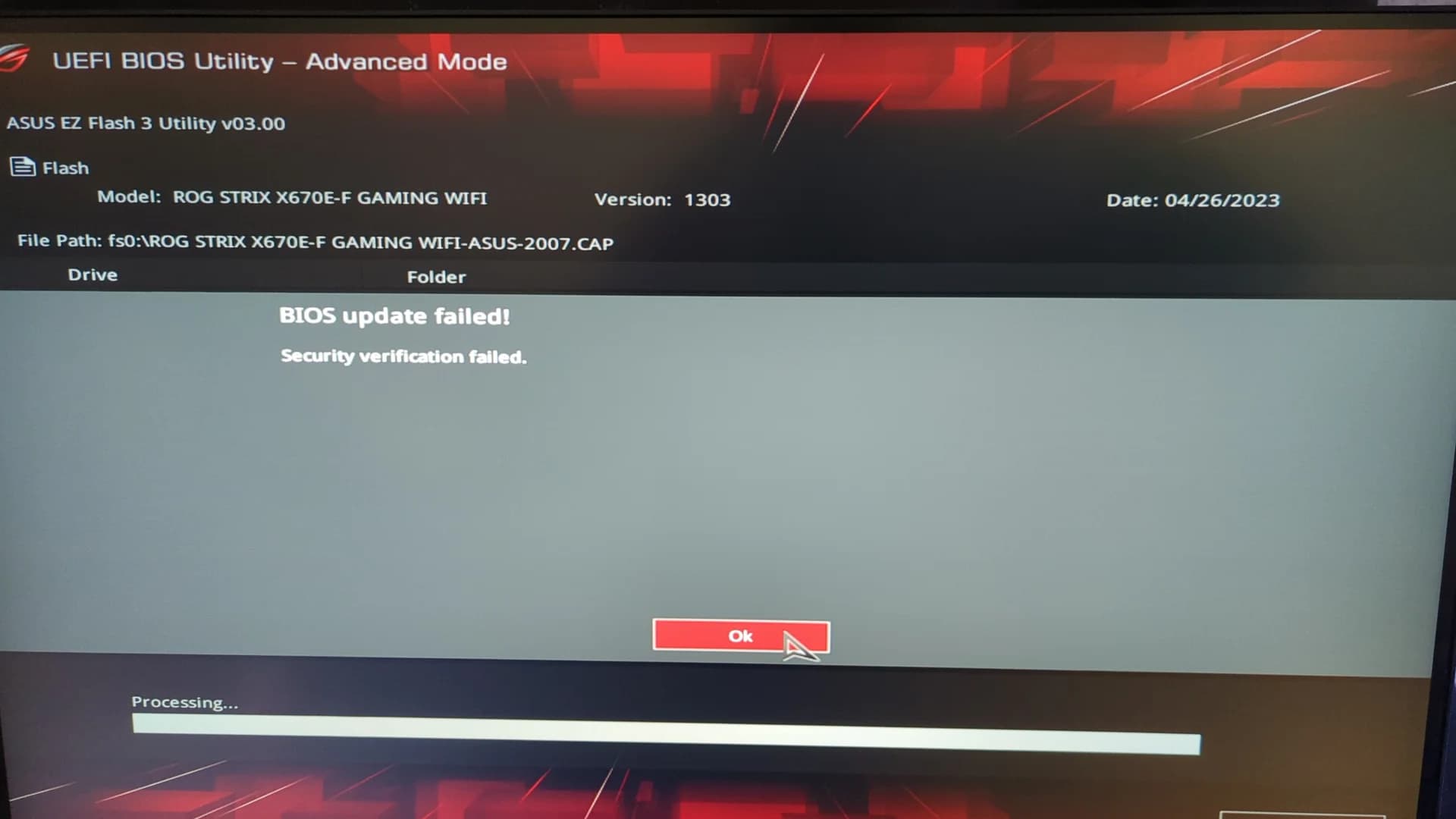
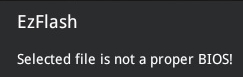
Thanks to this application, obstacles such as “Security Verification” are now eliminated as in the images above.
It’s important to give credit to the motherboard manufacturers here,
as installing an unofficial BIOS file on a motherboard can cause problems and even damage the motherboard.
How to use the Full BIOS MOD Update Tool Application for ASUS Motherboards?
When You Download The Whole BIOS MOD Update Tool Application, The KEY Is Included In The Compressed File.
When you open the application, you will be presented with a window where you will enter your Username and KEY. After entering the necessary information, you can now use the software.
Important Rules:
1- First, in case a problem arises or you are not satisfied with the Xeon BIOS MOD, you must create a backup to revert your motherboard to the official BIOS.
This is because your current motherboard contains specific Serial, MAC address, and UUID identification data.
2- You must have the official BIOS file (with the .CAP extension) for your specific motherboard, obtained from the ASUS website.
3- Assuming you have backed up your current BIOS, load the official BIOS file into the application I provided and wait for the update process to complete—just as you would during a standard BIOS update—but NEVER CLOSE the application!!!
(This step temporarily unlocks the BIOS security protection, allowing us to flash our custom BIOS file.)
4- Next, load your custom BIOS file into the application and wait for the update process to complete, again just as you would for a standard BIOS update.
You can now restart your computer.
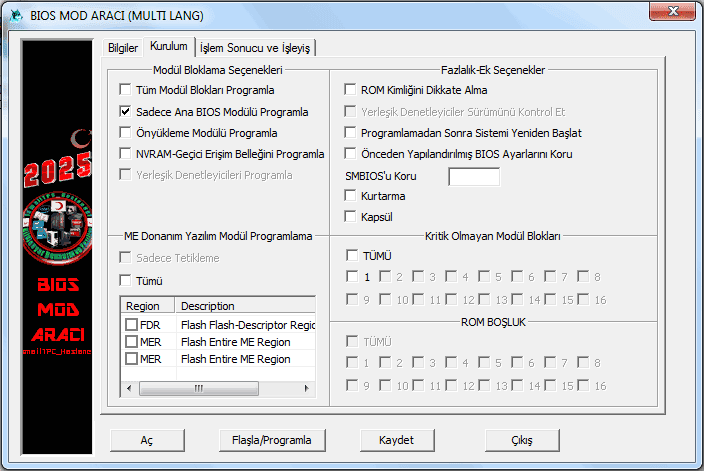
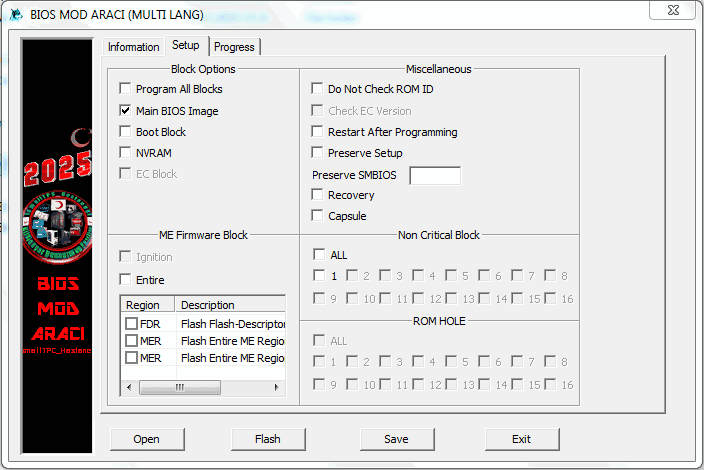
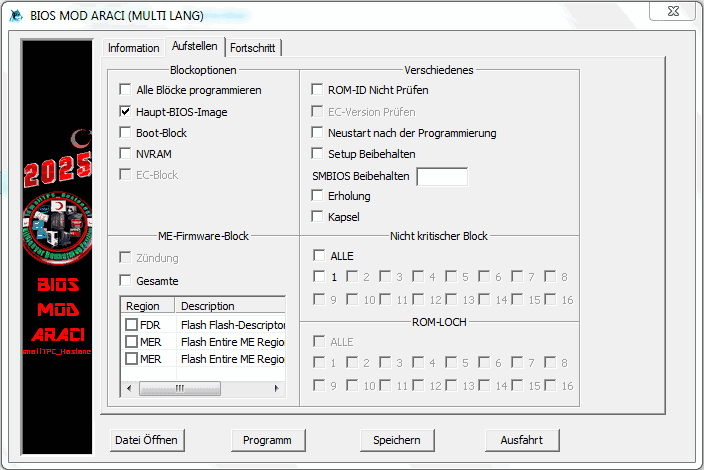
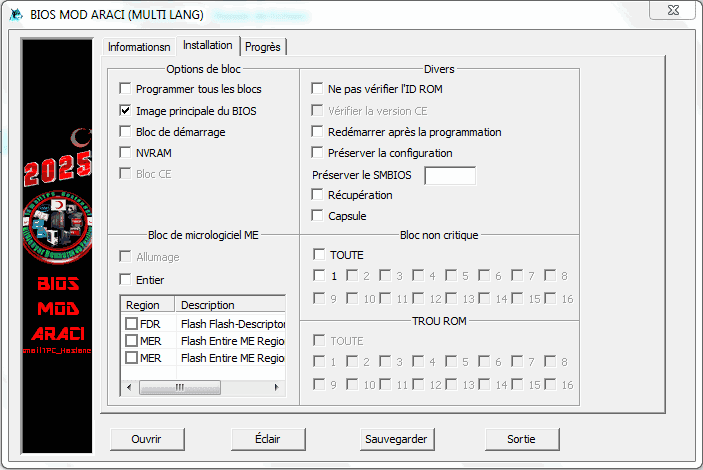
If you receive a warning, go to the 2nd tab as shown in the picture below and check the " Do Not Check ROM ID " box and try again.
Attention!!!.. You have been warned!!!.. Responsibility is yours.

The entire BIOS MOD Update Tool Application is generally designed to be used in NVMe M.2 SSD BIOS MOD operations.
However, it can also be easily used in standard UEFI BIOS update operations that do not require any obstacles such as security certification or security verification.
This application can be expanded, improved and is open to all kinds of suggestions and ideas.
All BIOS MOD Update Tool Application Is Free And All Community Can Use And Distribute It Without Permission.
This App Required Me To Work And Put In A Long Time And Effort.
If you want to see more of this and similar interesting projects, subscribe to my YouTube channel and support me.
Subscribe to My YouTube Channel and Support Me
Don’t worry. I’m not forcing anyone. Don’t get me wrong.
All Users of the BIOS MOD Update Tool Application are deemed to have accepted the following terms:
1- Users who download the application and use it on their computers accept all responsibility when they download or use the file.
2- After using the application, your motherboard may not display an image again and may not turn on. It may be completely damaged. For this reason, we will not accept any responsibility.
3- All Responsibility Belongs to the Individual Who Downloads the Application and Uses it on His/her Computer or Motherboard.
4- Since this application is free, can be distributed without restrictions and permission, and can be published on different social media, forum sites and all other internet sites, the institutions on the platform where it is published, the admin and site owners cannot be held responsible.
5- ismailTPC_Hastanesi cannot be held responsible for any negative and irreversible problems that may occur to the user after these operations.
6- After Reading and Confirming All the Text Written Above, You Can Download and Use the Complete BIOS MOD Update Tool Application.
ALL BIOS MOD UPDATE TOOL WITH MULTI-LANGUAGE SUPPORT
Download All BIOS MOD Update Tool App:(Free)
DOWNLOAD/I AGREE/I Accept
Rar Pass:ismailTPC_Hastanesi
WARNING!!! Very important note:
You must run the BIOS MOD TOOL application from a folder with a short directory path.
For example: “C:\BIOS MOD TOOL”
The shorter the directory path, the fewer errors will occur during the BIOS update process.
Common errors:
For instance, if the folder directory path is too long, the software will close itself without any warning.
If you encounter such an issue, change the folder directory path to something like “C:\BIOS MOD TOOL” (without restarting the motherboard) and ensure the BIOS files are located in that folder.
In fact, it will be more efficient if you extract both BIOS files to the same location where the BIOS MOD TOOL application is stored.

How to Use All BIOS MOD Update Tool App?
Watch Youtube Video:
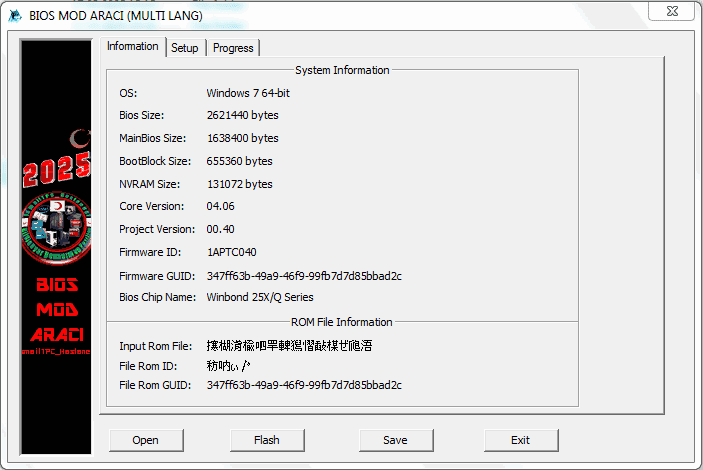
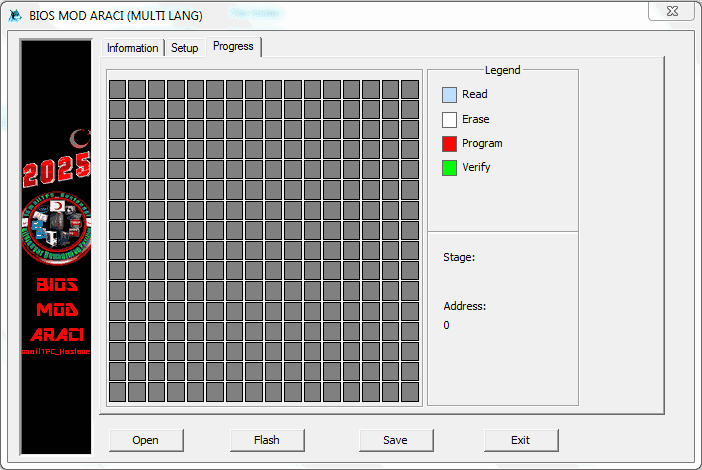
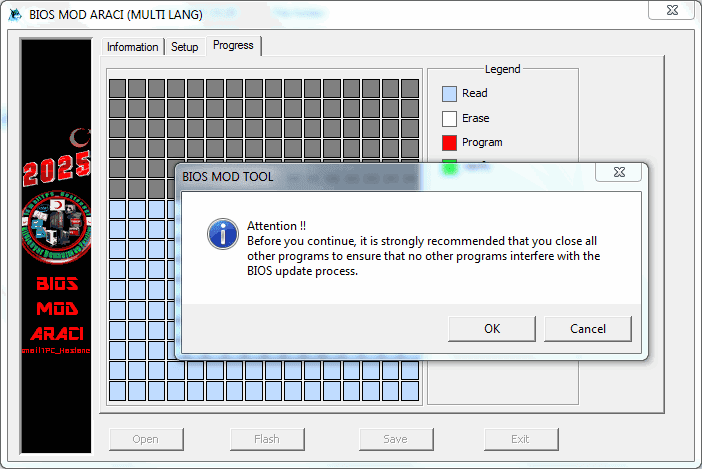
Multi-Language Support Added to All BIOS MOD Update Tool Application.
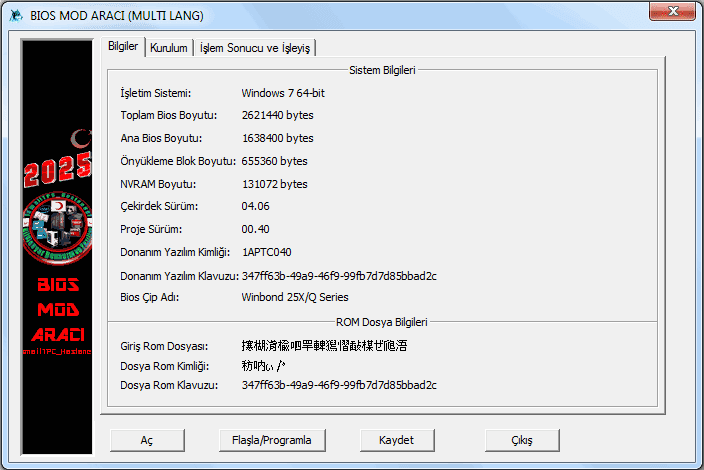
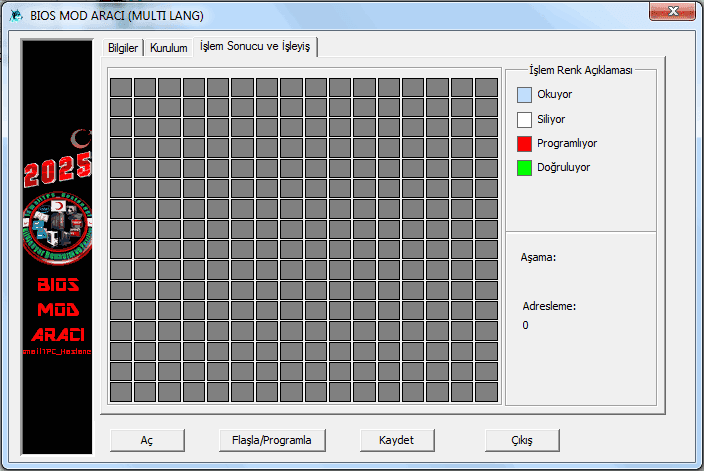
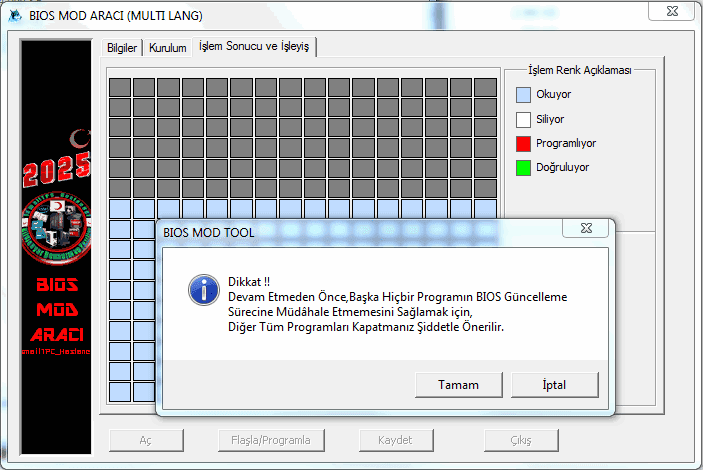
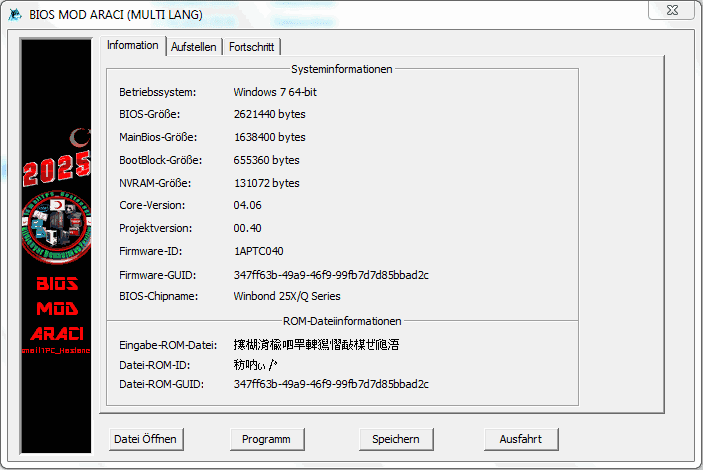
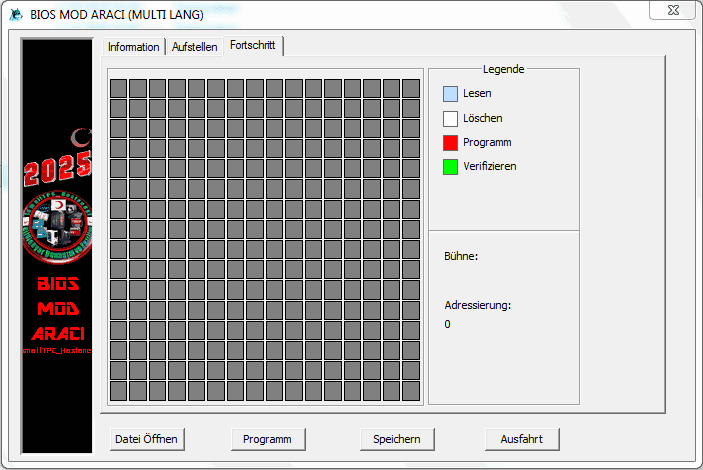
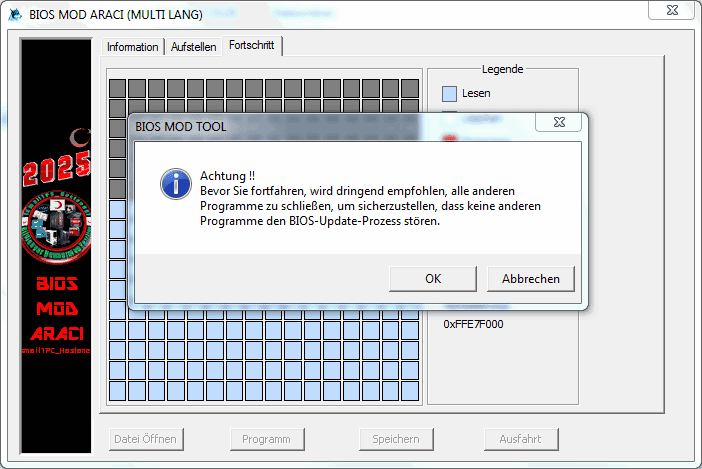
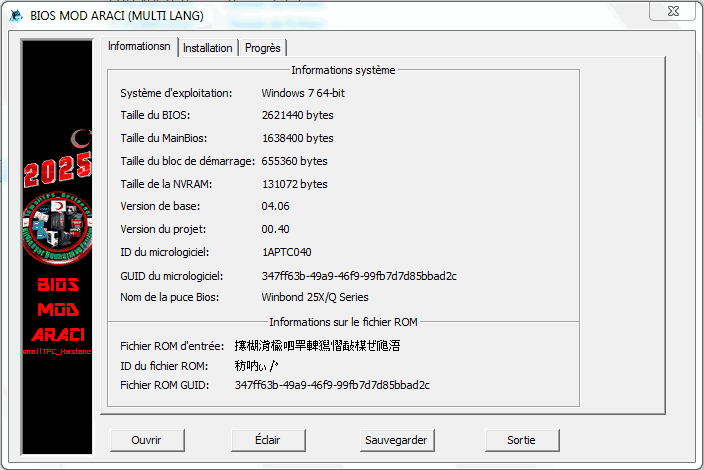
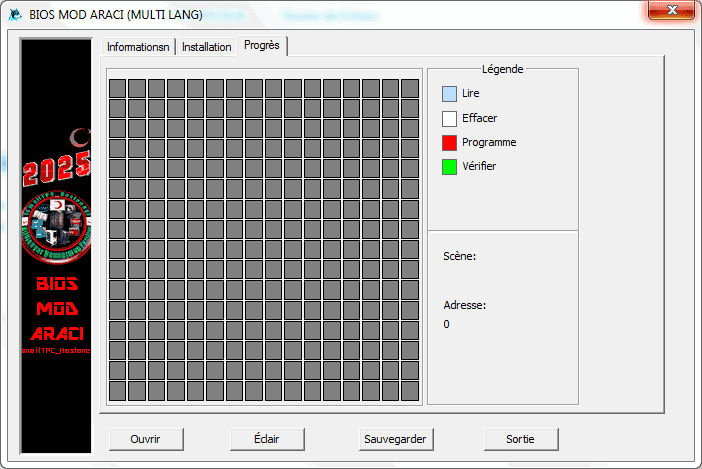
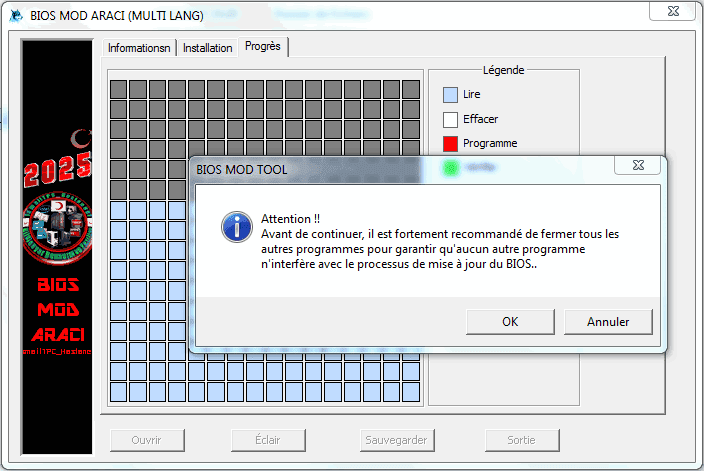
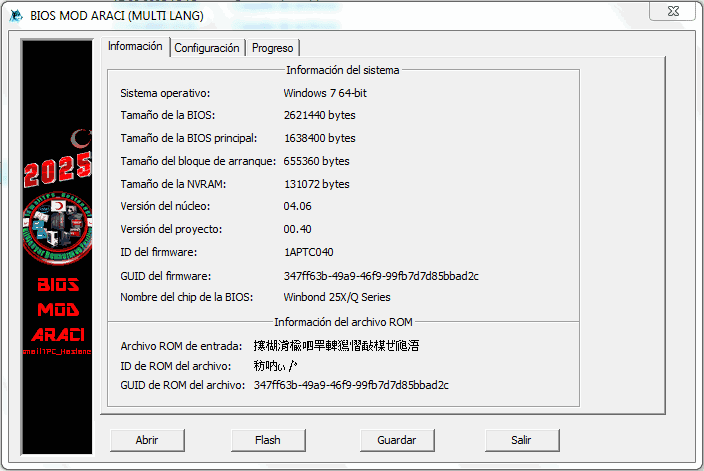
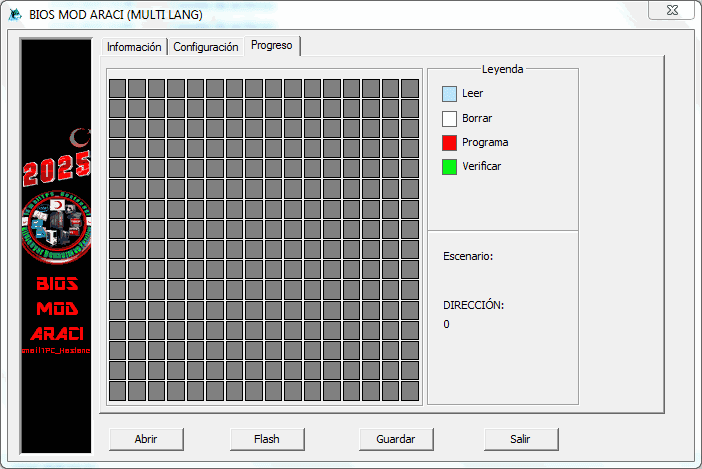
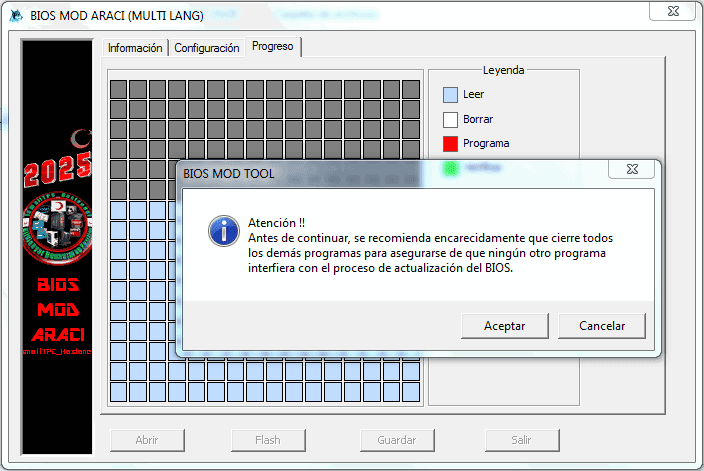
As you can see in the images below, Turkish, English, German, French, Spanish and Italian Language Support has been added.
Turkish

English

German

French

Spanish


Italian
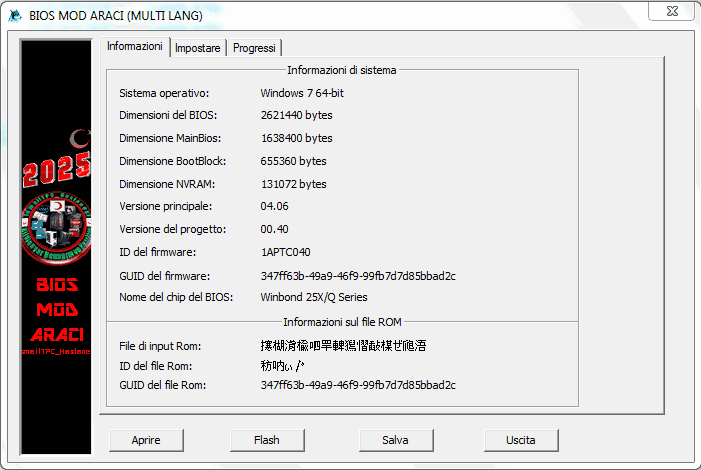
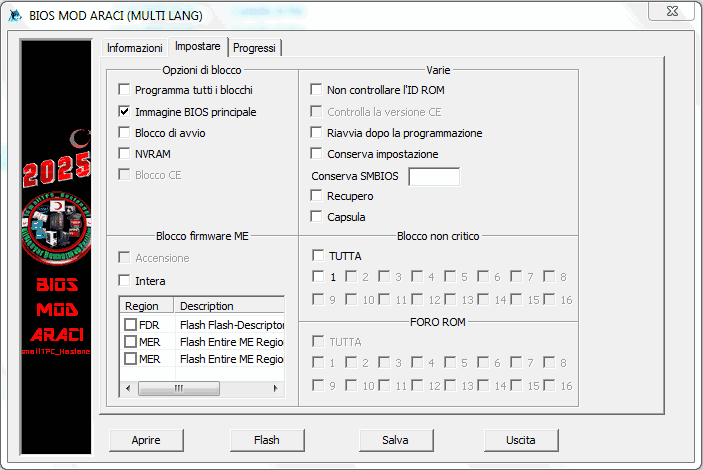
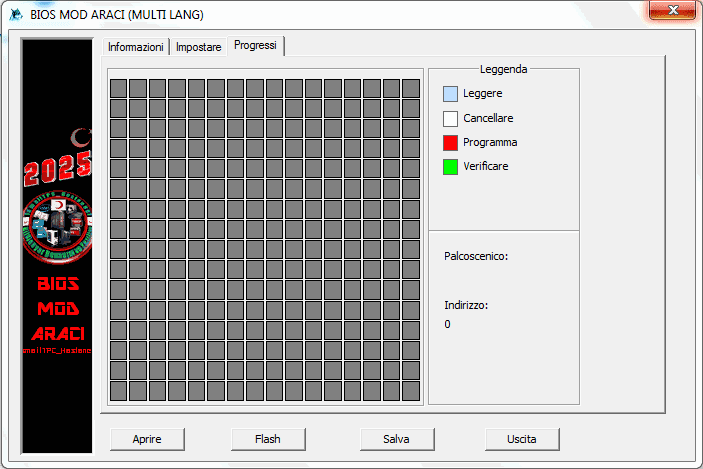
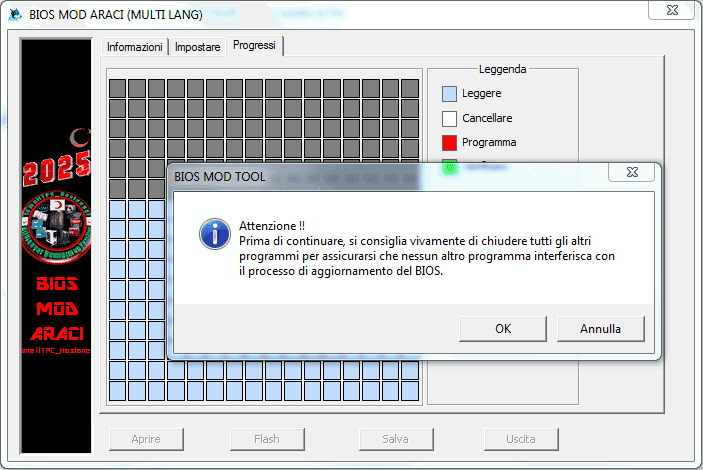

When you open this software application on desktop operating systems, it will automatically detect and open in accordance with the language options mentioned above, regardless of the country you live in.
Google Translate was used when adding language options and there may be some errors.
It was prepared in the most understandable language possible and aimed to provide convenience to the user in his own language.
Note: Other language options can be added upon request.