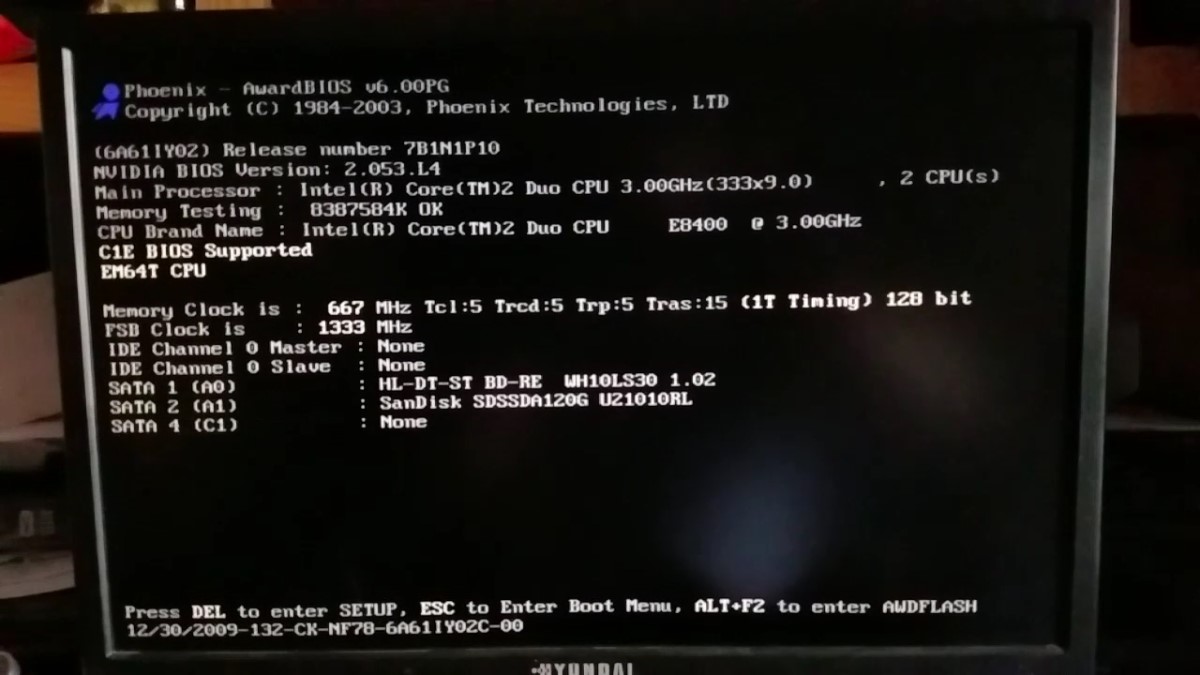
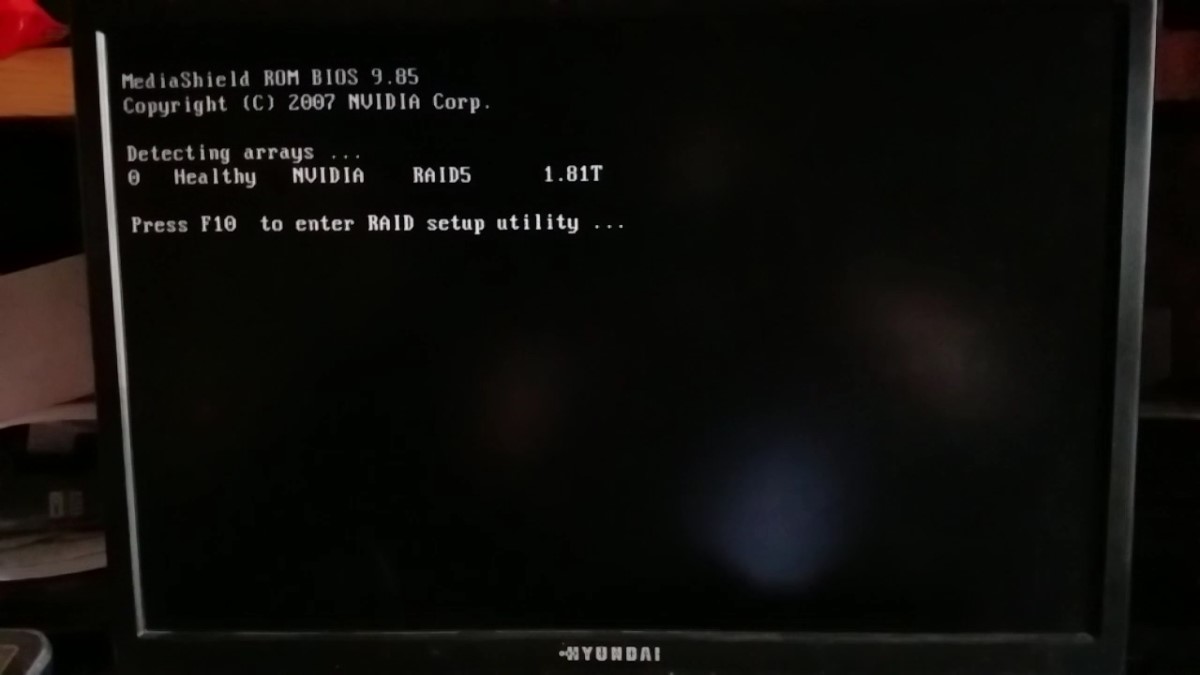
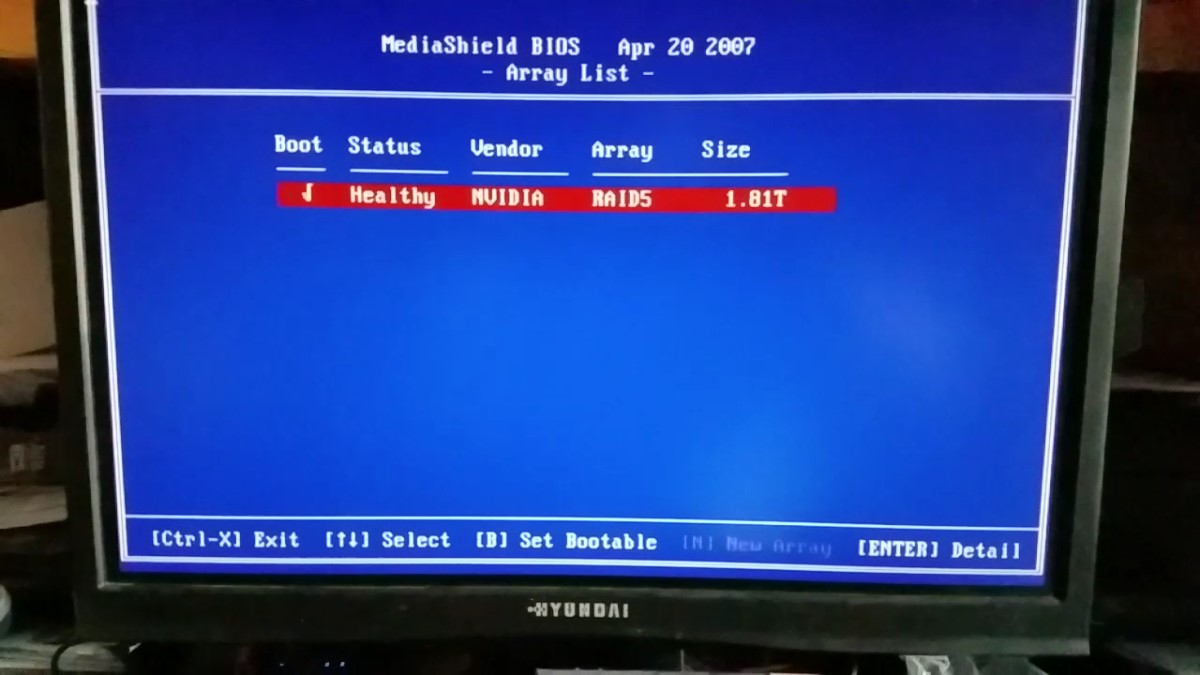
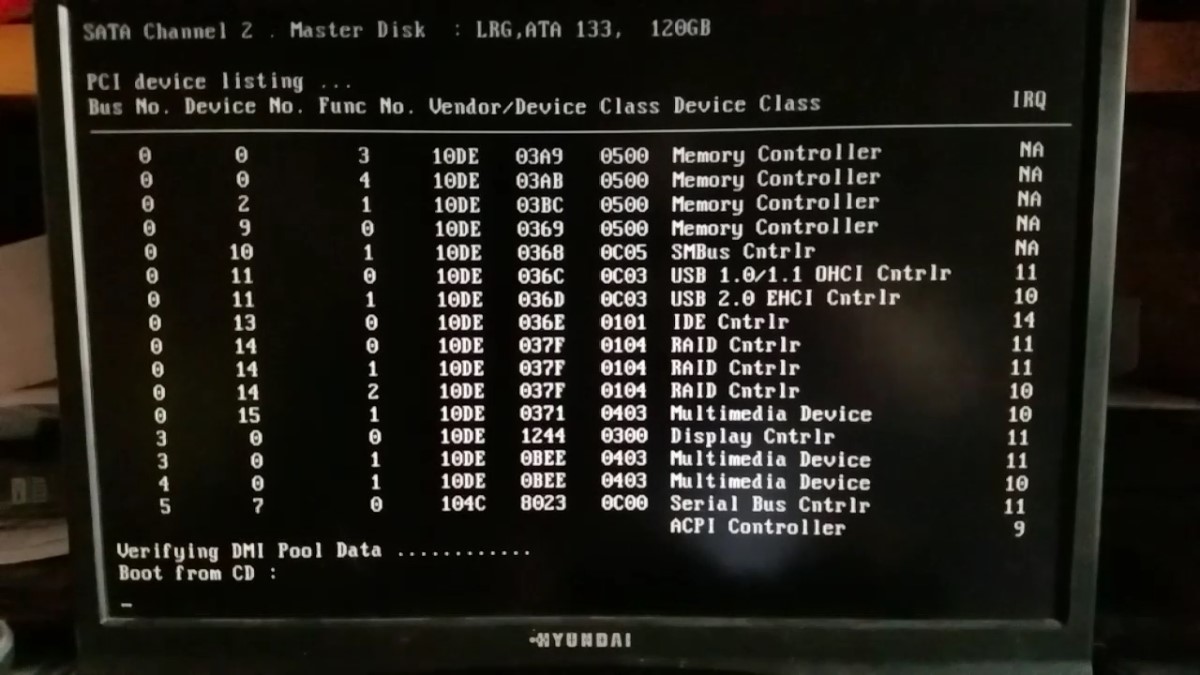
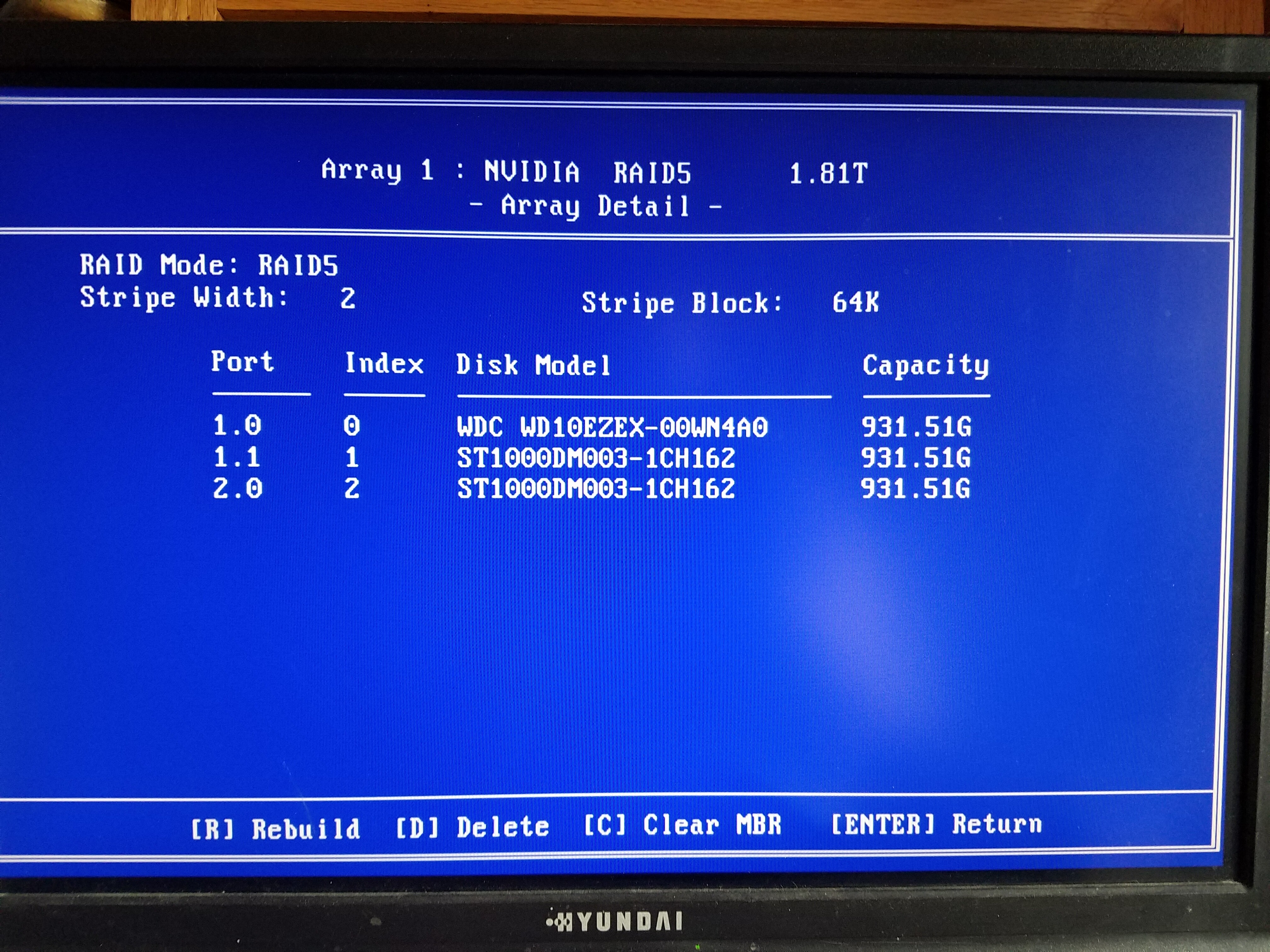
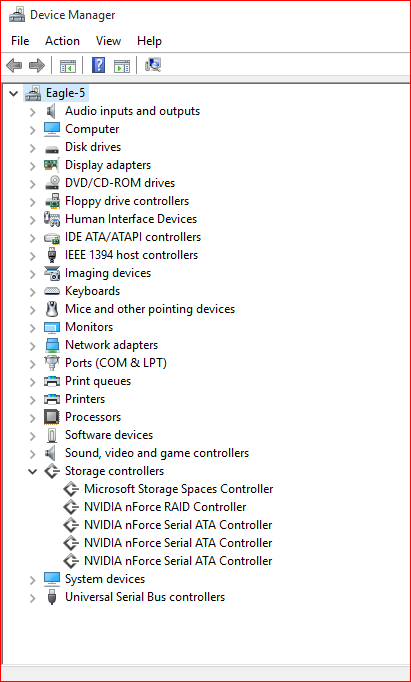
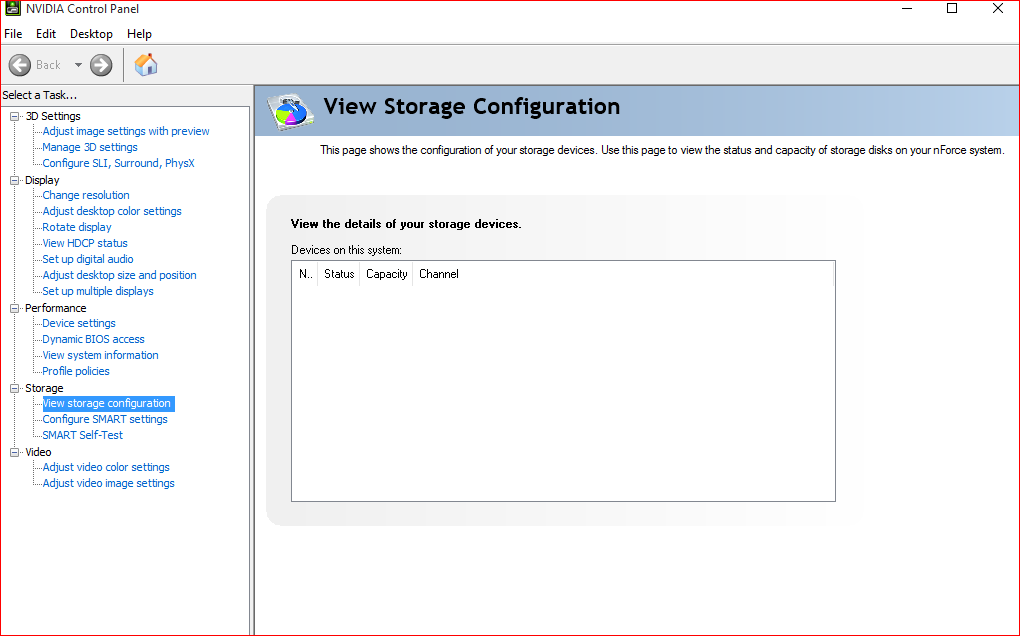
I have tried to read through the entire 32 pages to find my issue but i went cross-eyed half way through…lol. Here is my issue. I have a Nvidia 780i motherboard running Windows 10 64-bit on a SSD and 3-1TB HDD running in a RAID 5. One of my drives in my RAID 5 failed. Before the failure the drive was visible and I was able to use it and no since the failure Win10 no longer sees it. I have purchased and installed a new drive and installed it, went through the steps to rebuild the RAID in the BIOS; however, it is telling me that I have to boot into the OS in order to rebuild. When I do reboot Win10 still does not see the RAID configuration. When I go to the Nvidia control panel no drives show up under the storage option. I have tried to uninstall and reinstall your drivers and the Nvidia control panel but nothing is working. I have included some screenshots of various things previously stated.
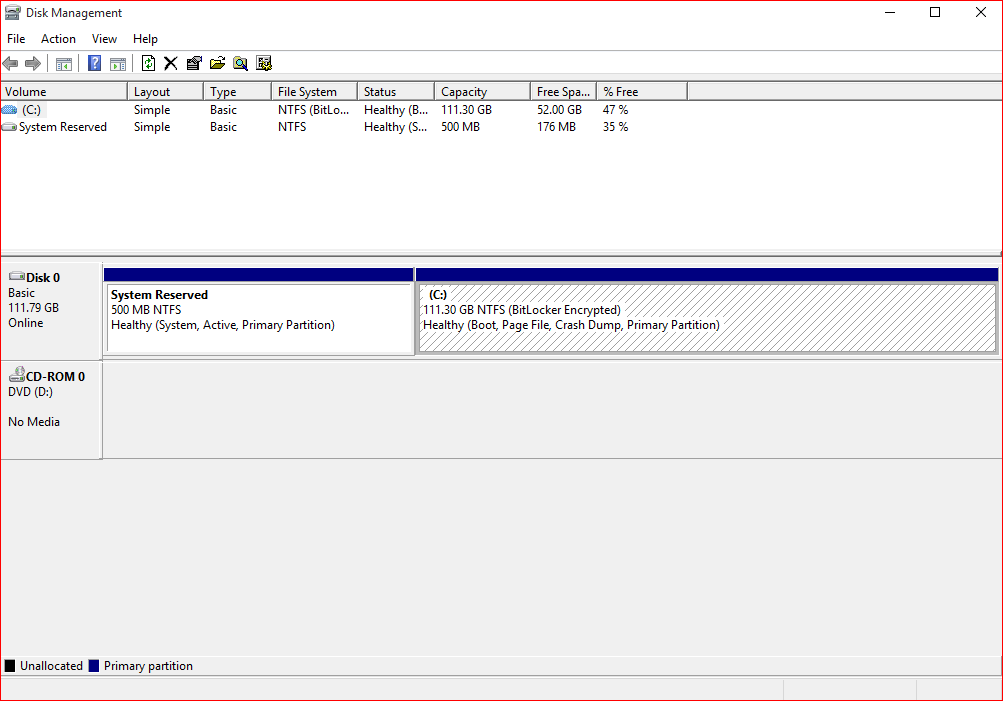
Yes, well as I stated there is no option to do that in the Nvidia control panel, that is why I included the pictures. The storage option is there but it does not show anything. Windows Disk Management does not even see it. I can see it in the RAID config in the BIOS just not anywhere in Windows.
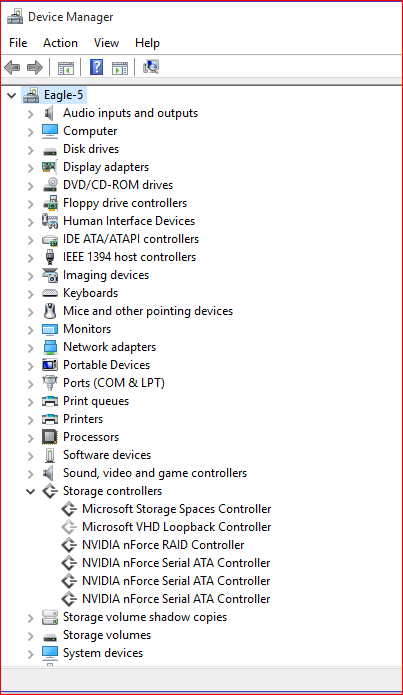
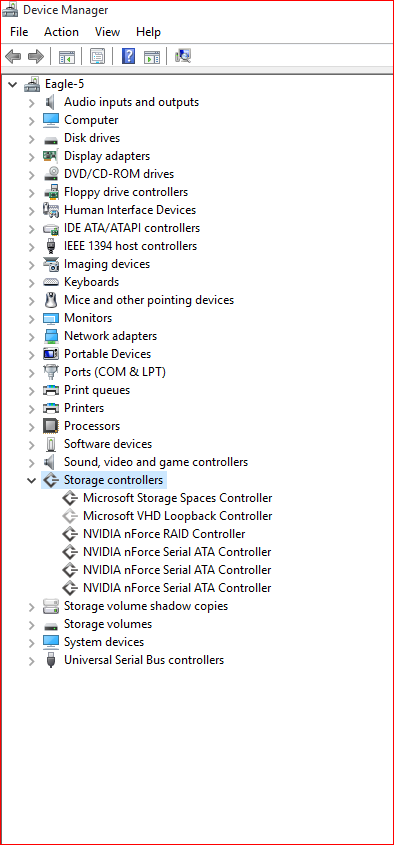
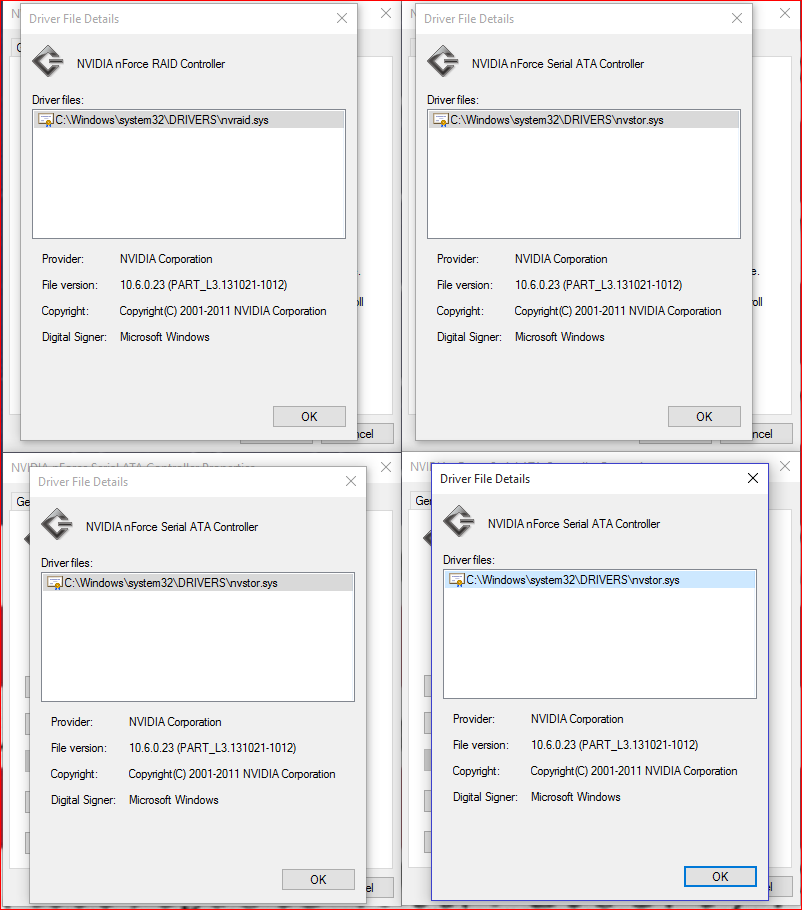
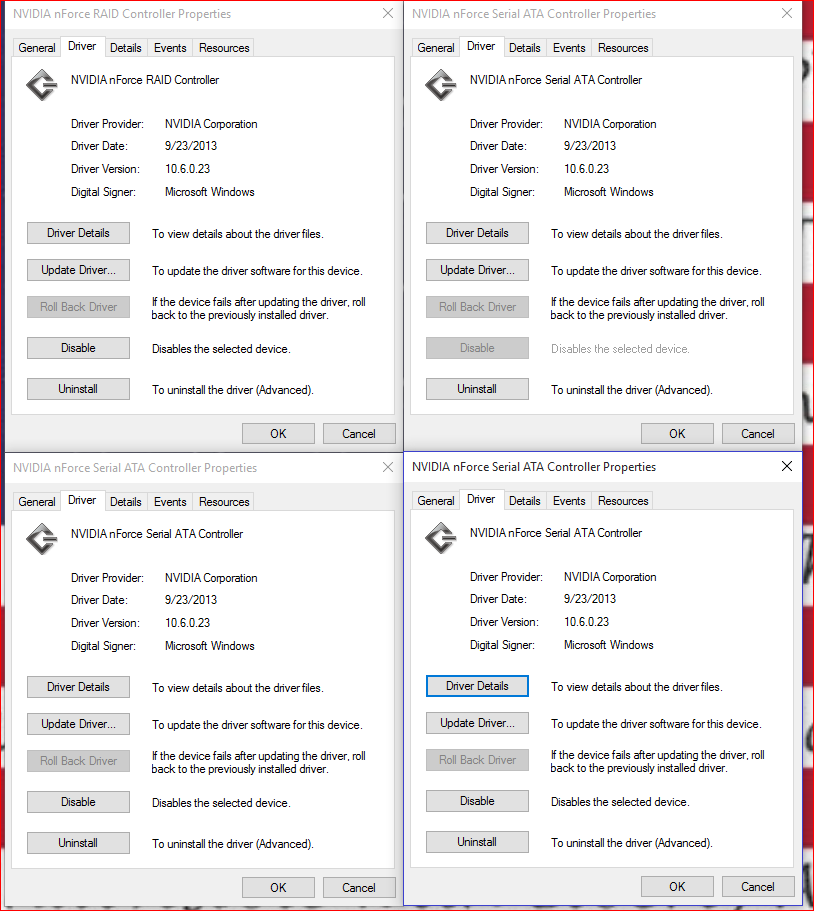
Maybe the NVIDIA nForce RAID Devices (your HDDs, which are members of the RAID array) did not get the correct driver. Please run the Device Manager, hit the Menu point "View" and check "Show hidden devices". Then expand the "Storage Controllers" section and make a screenshot of what you see. Furthermore you should check the exact driver version of the followng devices: 1. all listed NVIDIA nForce Serial ATA Controllers 2. NVIDIA nForce Serial RAID Controller 3. NVIDIA nForce RAID devices
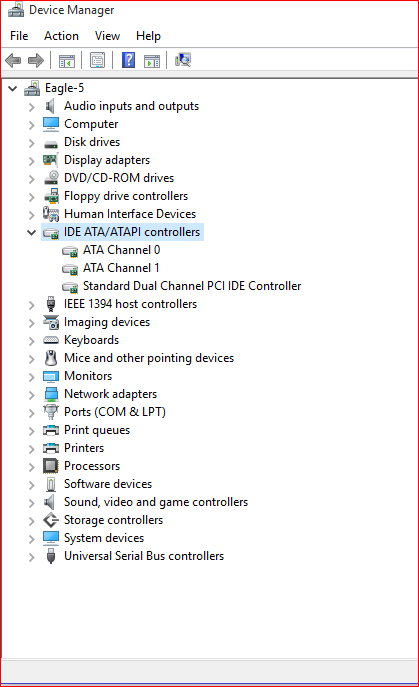
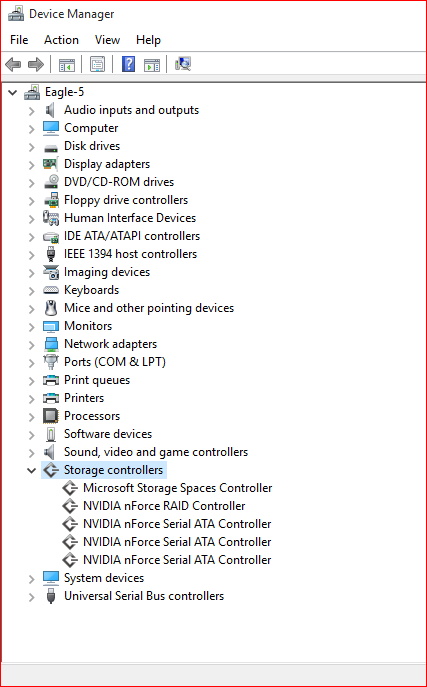
Here are the screenshots. I tried to condense them a little bit. There is only 1 RAID controller and 3 SATA controllers. I didn’t see any RAID devices (#3).
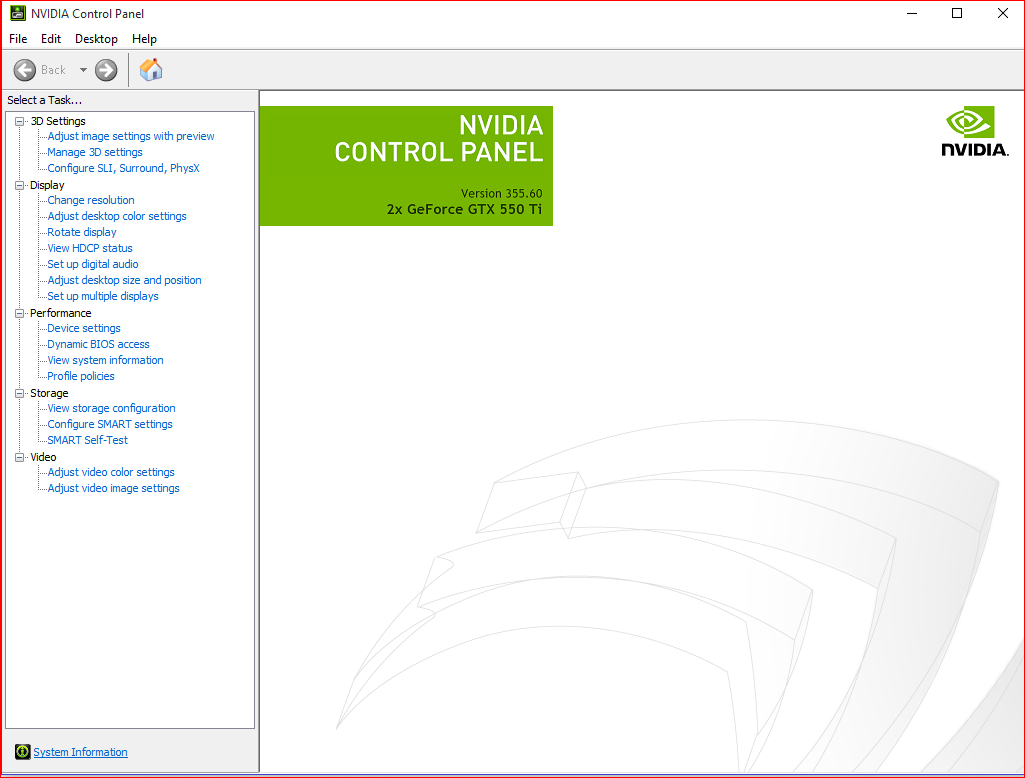
by MediaShield I am assuming you mean the storage option in the Nvidia control panel. It show nothing. Here is a screen
. This makes absolutely ZERO sense, I think I am overlooking some stupid little thing. Even when Windows could see the RAID config. there was still nothing in the storage option.
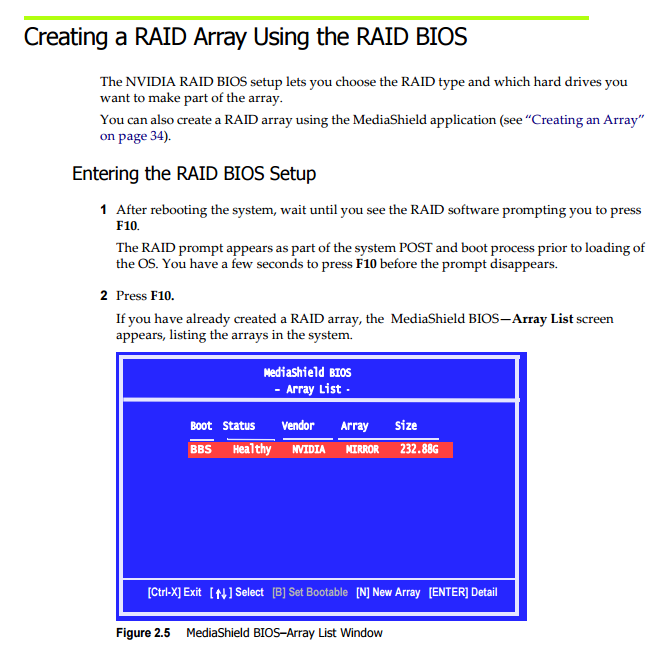
@pepsidave48653 : You can see and use the MediaShield RAID Utility after having pressed a special Key (usually F10) or 2 Keys at the same time (e.g. CTRL+N) at the beginning of the boot process. It looks like this:
For details look into the manual of your mainboard.
Well smack me upside the back of the head…I thought it was something in Windows, I apologize for sounding like a complete moron. I believe it says “healthy nvidia raid5”; however, I am off to work and will double check and post a follow-up this evening.
@pepsidave48653 : Thanks for the picture, which verifies, that according to the MediaShield RAID ROM everything seems to be fine. To be honest I have no idea why the OS doesn’t even detect the RAID array. Even when the appropriate driver is missing, there should be an “Unknown Device” listed within the Device Manager.
Please post a screenshot of your Device Manager after haven chosen the “Show hidden devices” option and expanded the “Storage Controllers” section.
@pepsidave48653 : Thanks for the screenshots. Other idea: Is it possible, that you have disabled the NVIDIA nForce RAID Controller or the related SATA ports within the BIOS?
Not really, if I would have done that then it would not have shown up in MediaShield. I was playing around with that a little bit. If I disabled one hard drive from the raid in the BIOS before MediaShield then MediaShield would flash red and say Degraded and then Windows would see the individual disk. I did that for all 3 separately I would remove them then add them back in and reboot MediaShield would say Healthy, and Windows would NOT see the RAID.
 I believe it says “healthy nvidia raid5”; however, I am off to work and will double check and post a follow-up this evening.