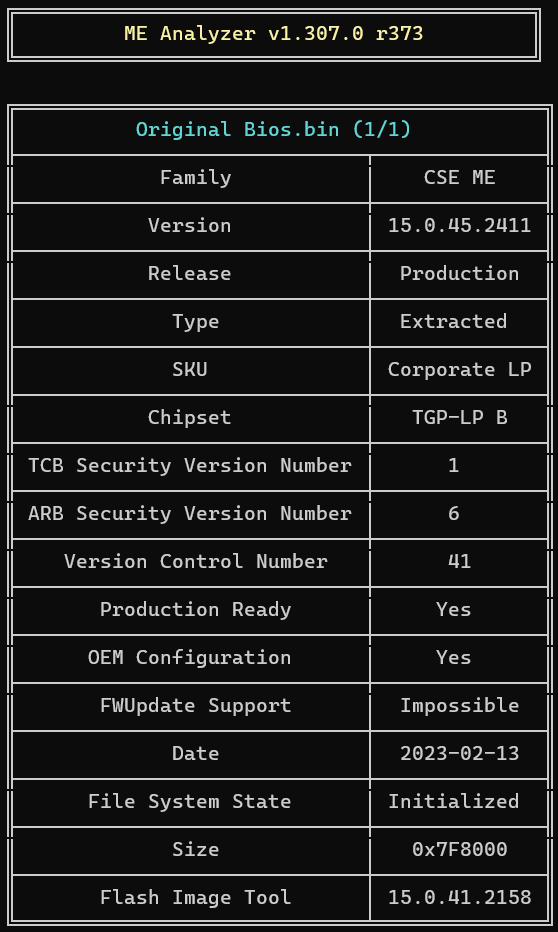
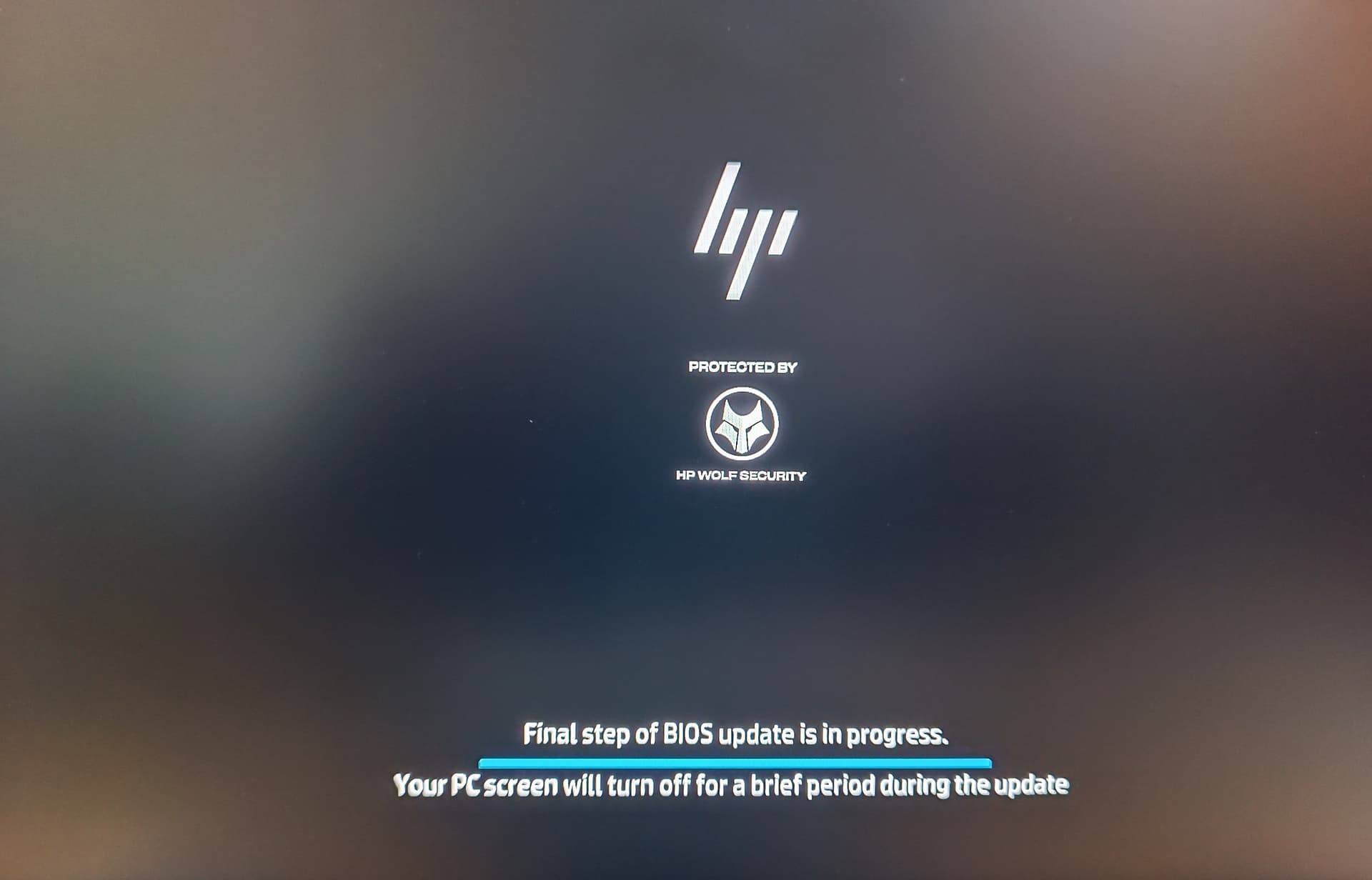
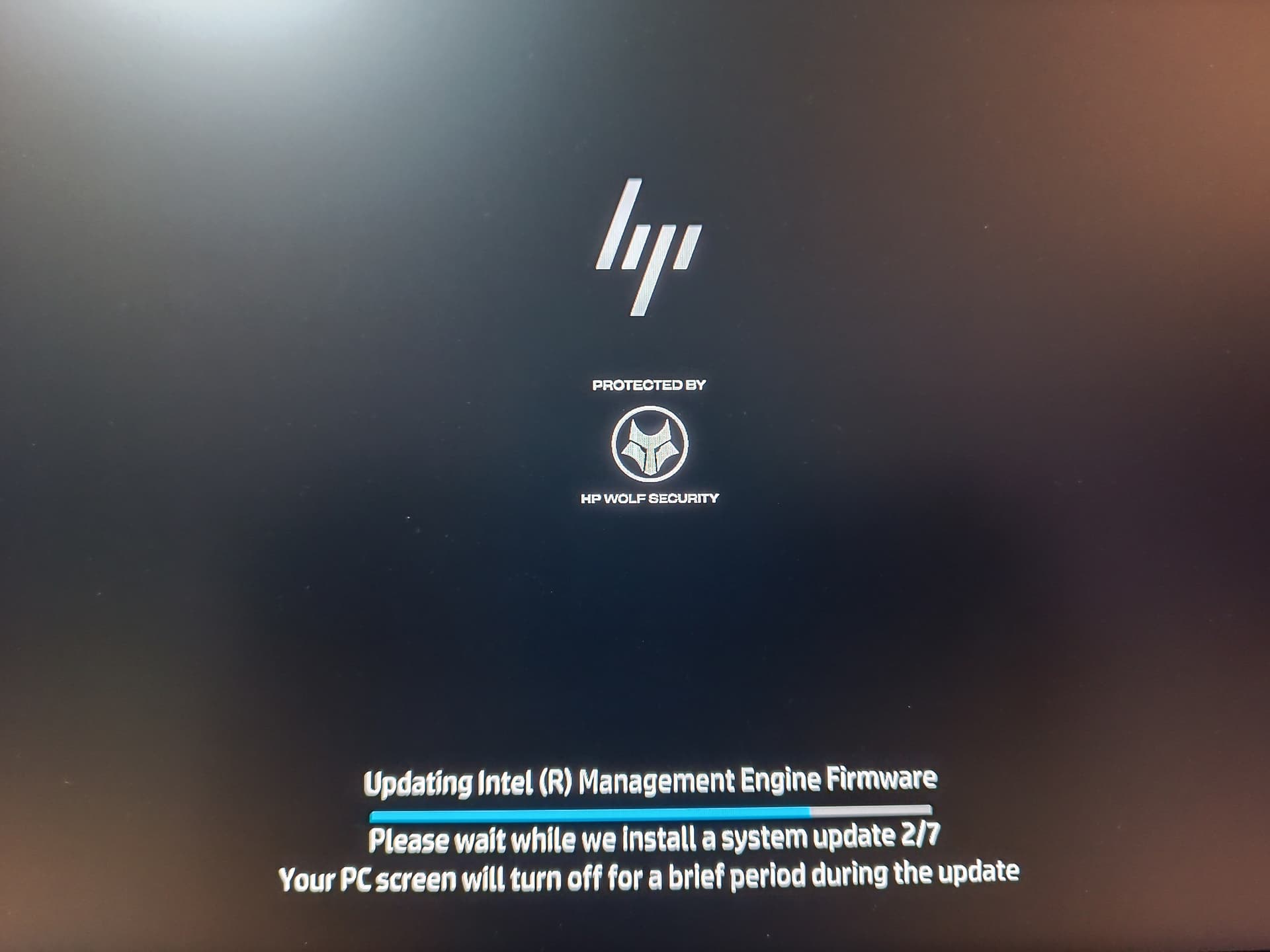
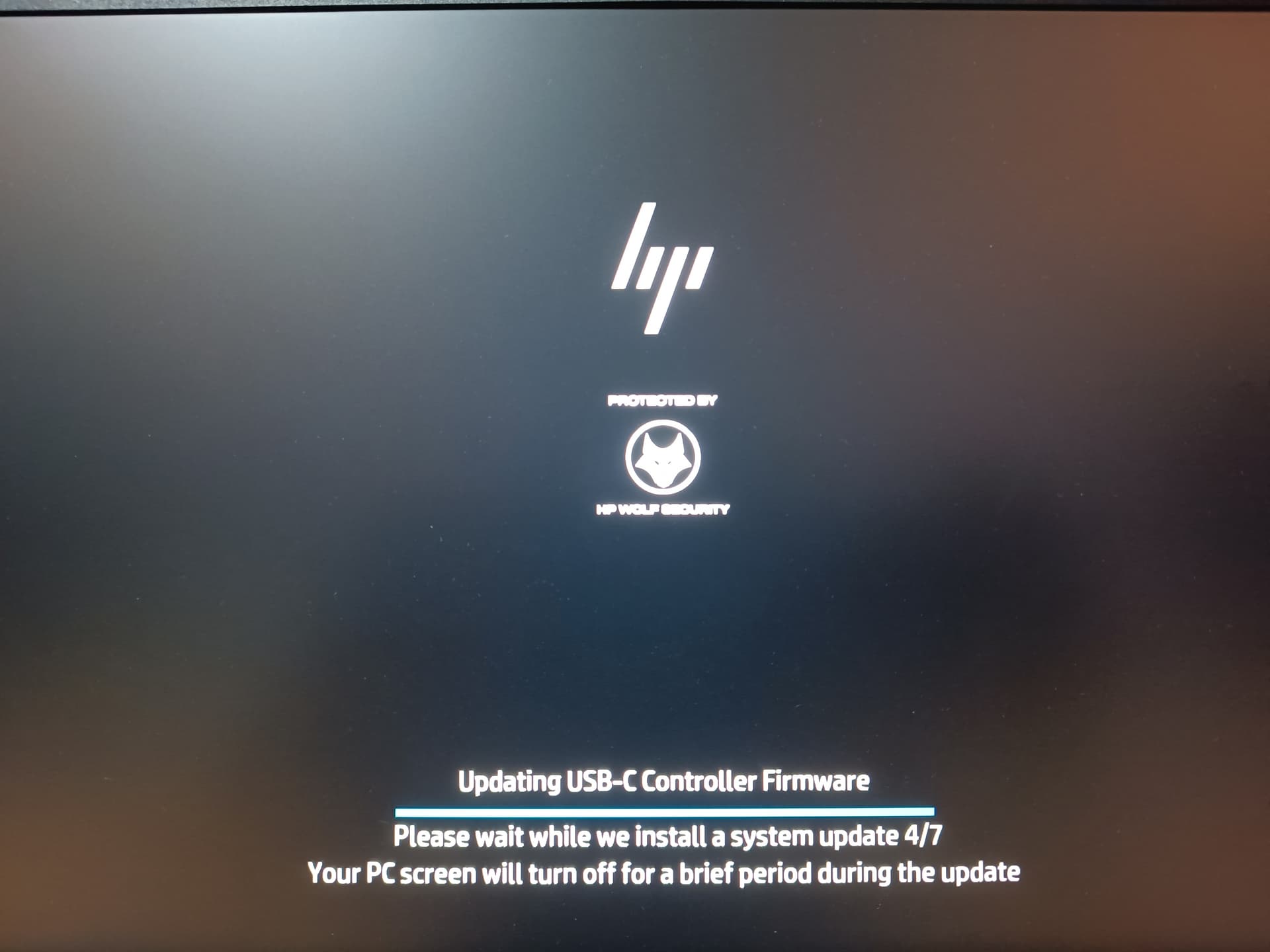
My Hp elitebook 840 G8 i5-1145G7 laptop run into a problems after bios update. My current bios is T39 Ver. 01.15.02 - 11/15/2023 (which is not present on official hp website even in older version) and i try to update to latest bios which is T39 Ver. 01.25.00 Rev.A - 8/6/2026. It show successfully update and need to restart so i restart my laptop. Unfortunately… nothing appeared and it stuck at HP wolf security so i force shutdown and restart again. Now it take 3-4 times bootloop and slow booting before every successful boot. Sometime fan run full speed during failed boot process. Cannot access mic. Power manager no longer working to stop charging at 80% and now it full charging however setting i choose. Battery drain fast and over heated. Even bios update and firmware recovery through HP official bios stuck at HP wolf security logo. So can someone please help me built a clean bios.
HP EliteBook 840 G8 Notebook i5-1145G7
SN: 5CG2471VLS
PN: 3X9P5UC#B1L
Board ID: 8AB3
Current BIOS: T39 Ver. 01.15.02 - 11/15/2023
Thank for your reply… Indeed i already downloaded many difference FiTool and tried to clean ME region using FiTool. But none of FiTool v15.0 can read my bios file and failed to decompose. And i cannot find exact same version either. Please guide me if there any other ways.
You gave a really great help. I successfully updated through programmer and now my bios turned toV01.16.00. But it still taking 2-3 times and slow boot before successful booting. May be all other errors still exist. After flashing bios and truning on, it show bios updating process and it restart after update is done. Then it show HP sure start detected corruption in ME Engine firmware and performing recovery process. I found out my laptop have two bios chips. Main bios and EC bios. Do i need to flash both main and EC too?
After flashing your bios, now my bios changed to v.01.16.00. V01.15.02 package is no longer available on HP official website as well. I can only run official same bios package v.01.16.00 and it restart then start updating ME engine firmware and other updates too. But after updateing all 7 updates, it restart and show HP sure start detected corruption in intel management engine firmware and it automatically recovery.
If i update using difference bios version, it restart and stuck at HP Wolf Security. Only same bios version v.01.16.00 package can run but still failed to update ME firmware.
Did you write both the EC and (new) Main BIOS? It should work unless you knocked off a small component near one of the two chips you flashed. You might want to inspect the area carefully.
Yes. I wrote both chips. Main bios is totally fine. May be EC bios problem. Now EC bios is totally damage because of several heating process. I am ordering new chip and will try again when the chip arrive.
Description: Recovered from a failed BIOS update (Corrupted PEI/DXE). The downloaded “working” base file had a wiped Flash Descriptor (0x0 to 0xFFF) which was surgically repaired using the original dump to ensure BootGuard and PCH initialization.
Versions Included:
FIXED_WORKING_BIOS.bin (With Original DMI): Fully repaired 32MB file. Contains the repaired Flash Descriptor and the structurally transplanted NVRAM (Serial Number, UUID, MAC Address) dedicated to your current device.
Virgin_ClearME_G8_32M.bin (Virgin / Factory): 100% clean 32MB base file with the repaired Flash Descriptor, but WITHOUT personalized DMI. Keep this as a “Clear ME / Factory” image for repairing other identical motherboards.
Hi, if you’re offering help, unfortunately, the file you posted won’t work on his machine because it belongs to a different BIOS family. If you’re looking for help, I’d be glad to assist you.